


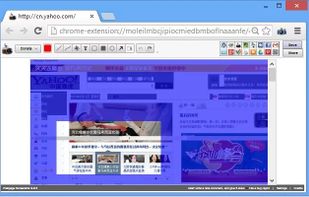
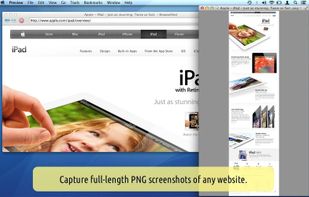
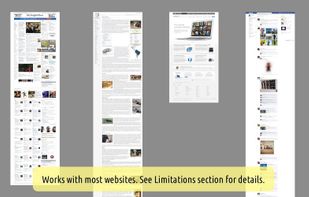
This extension is able to capture 100% of both the vertical and horizontal content appearing on any webpage on the Internet.
Cost / License
- Free
- Proprietary
Application type
Platforms
- Online
- Google Chrome
- Chromium


+1
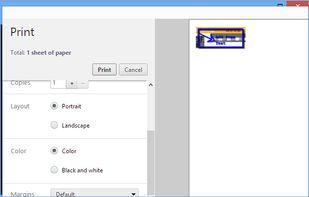


Apps similar to Web Clipper: Easy Screenshot include ShareX, which is free and open source. Other options are Greenshot, PicPick, FastStone Capture and Snagit. You're spoiled for choice with Screenshot Capture Tools like Web Clipper: Easy Screenshot: we list more than 50 alternatives for Windows, the web, Mac, Linux and Chrome OS.
This extension is able to capture 100% of both the vertical and horizontal content appearing on any webpage on the Internet.

Cropper is a screen capture utility written in C#. It makes it fast and easy to grab parts of your screen. Use it to easily crop out sections of vector graphic files such as Fireworks without having to flatten the files or open in a new editor.

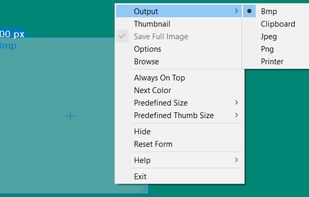


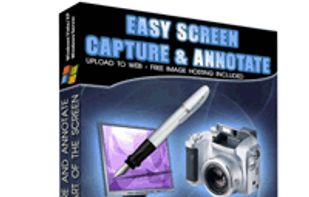
Easy Screen Capture and Annotation lets you capture and annotate any part of the screen. The main goal of the product is to speed up the capture and editing process saving you valuable time by automating repetitive tasks.
 United States


 Germany
 EU
EU
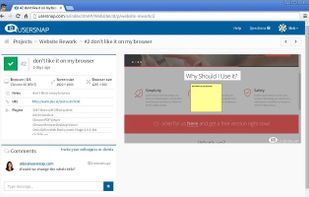
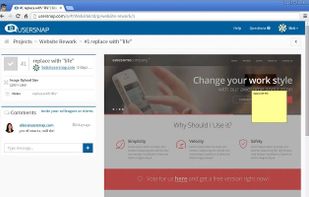
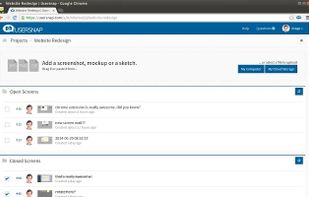


WebSnapperPro (formerly known as Red Snapper) lets you capture web pages - exactly as they appear in your browser. You can send them to a file, as images or vector-based, multi-page PDFs. It captures the whole web page - eliminating the need to cut, paste and crop multiple...
United States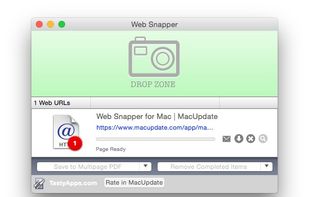


Capture the web page, either part of it or full page. Edit your screenshots in a very user-friendly interface.
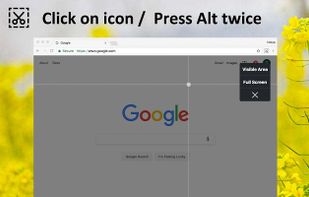


Every annoying feature is consistently excluded. Make a screenshot with a click on the button or by pushing the "Print Screen" key and it will be directly saved as an image - thats it!
GermanyEU
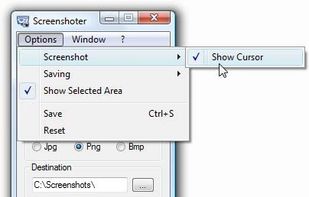
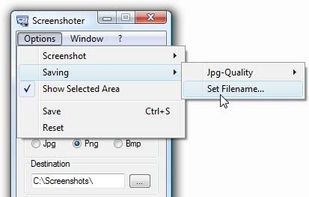


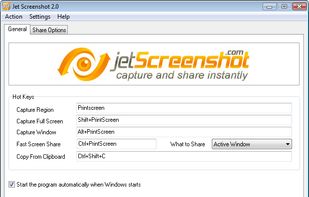
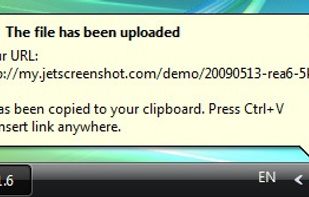
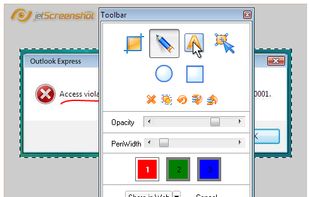
Jet Screenshot is a freeware utility enabling you to share screenshot via the internet in seconds. It allows you to take a screen snap, edit it and send it to the Web, so that you can immediately provide anyone with a link to the image.
 Ukraine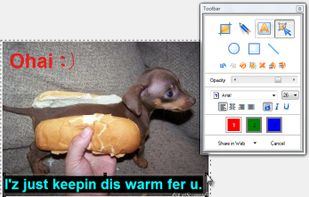


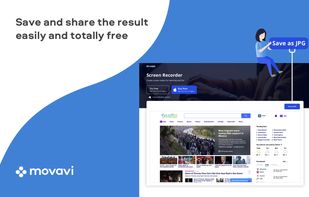
Movavi ScreenShot is a screenshot extension for Chrome and Firefox that lets you grab full and partial screen captures as well as save screenshots in multiple formats.
 CyprusEU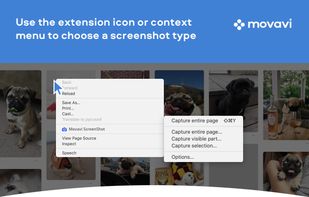



A macOS app for capturing, annotating and sharing screenshots. Quickly add comments, highlight what matters or blur any sensitive content. Upload screenshots to Google Drive or Dropbox. Copy screenshots to the clipboard and paste them directly into Slack, Skype, Jira, Trello and...






 Russia


