Record your computer screen with audio input from Mic or Speakers. Also shows mouse clicks in addition to the regular cursor. Simple interface with ability to record in AVI or export as swf.
Platforms
- Windows
- PortableApps.com
 United States


Apps similar to VSDC Free Screen Recorder include OBS Studio, which is free and open source. Other options are OpenScreen, Recordly, GPU Screen Recorder and SimpleScreenRecorder. You're spoiled for choice with Screen Recorders like VSDC Free Screen Recorder: we list more than 100 alternatives for Windows, Mac, Linux, the web and Android.
Record your computer screen with audio input from Mic or Speakers. Also shows mouse clicks in addition to the regular cursor. Simple interface with ability to record in AVI or export as swf.
United States
Free, open-source screen recorder for macOS with native menu bar integration, ProRes 422/4444, HEVC, H.264 codecs, alpha channel and HDR support, flexible audio including system and mic, content filtering, privacy features with no tracking, and local file storage.
 Germany
 EU
EU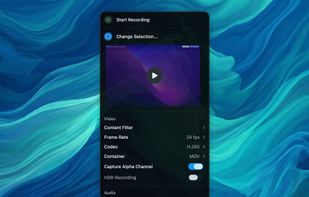


Record macOS screens with smoothed mouse movement, zoomed click highlights, cinematic motion blur, and customizable backgrounds while integrating webcam, microphone, system sound, and easy video editing. Output in HD for instructional and promotional videos.
 PolandEU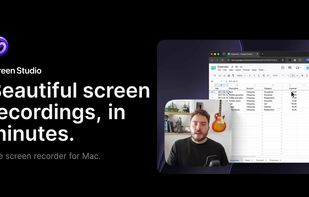
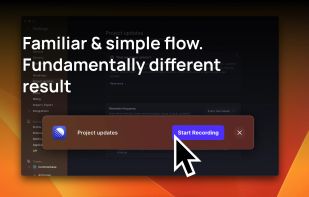
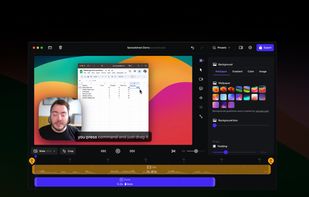
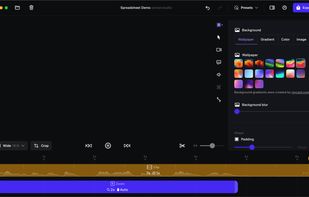


Screen recording app providing native Windows and macOS support, adds AI-driven auto-zoom following actions, motion blur, 3D effects, animated backgrounds, captions, keystroke and click highlights, webcam overlays, and fast 4K or GIF exporting without watermark.
 Bangladesh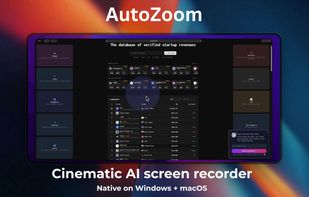


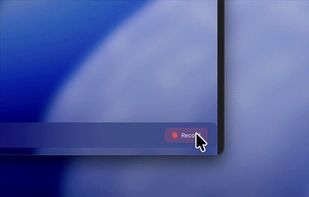
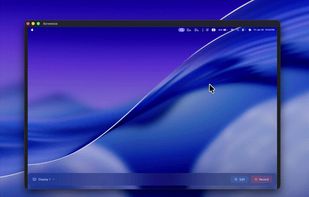
Open-source macOS screen recording app with auto-zoom, cursor effects, and timeline editing — Screen Studio alternative.
 South Korea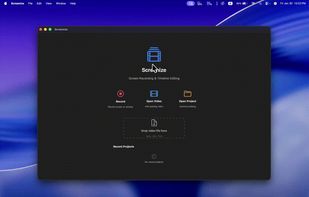
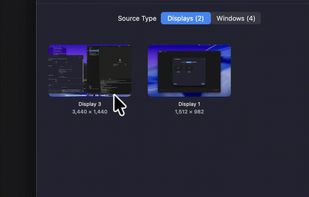


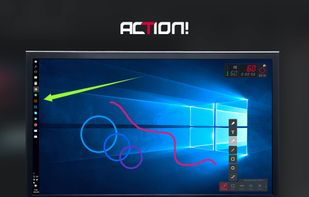
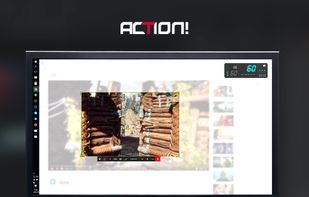
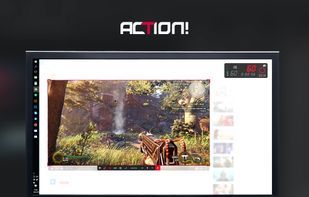
Action! enables HD, 4K, HDR10, and 8K streaming and recording, integrates fps displays, webcams, and live audio commentary. With overlays, monitoring tools, and benchmarking features, it offers a multifaceted solution for gaming capture.
PolandEU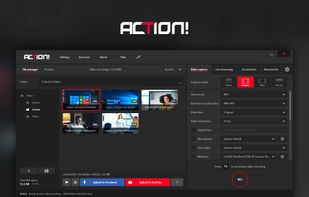


Easy and free screen recorder for Mac, Windows, and Chromebooks. Record your camera and screen with audio directly from your Chrome browser and share the video with your team, friends, and family.
United States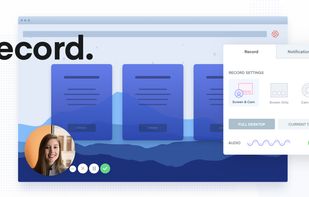


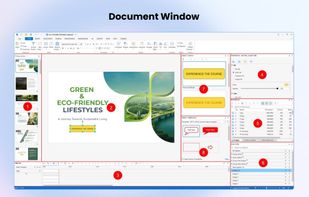
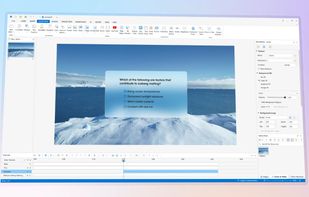
Authoring solution enabling interactive eLearning course creation, flexible project layouts, advanced screen recording, video editing tools with annotation, timeline-based adjustments, and export to video, image, HTML5, SCORM, xAPI, office, or PDF formats.
 Vietnam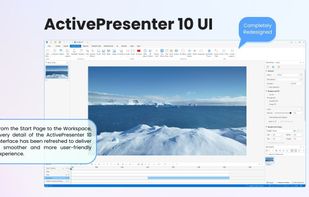


 China
China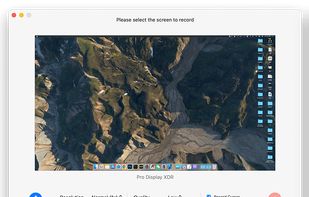
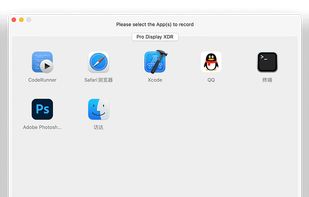
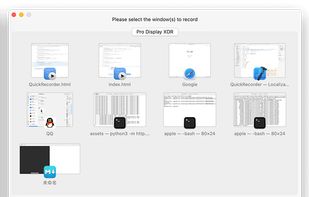
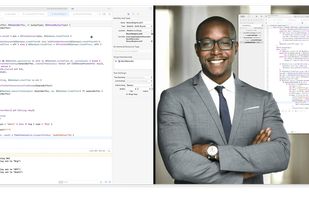


Record your screen, trim the clips and export single video file with result. No nonsense screen capture and recording to make quick videos. Zero dependencies. No build system.
United States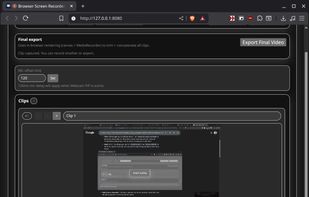


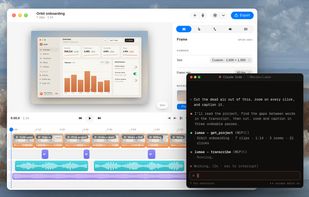
A free native Mac studio for recording displays, windows or areas, then editing with automatic click-based zooms, a redrawn cursor and motion blur. It also creates editable annotated screenshots, transcribes captions locally, records voiceovers, and stitches takes.
 Canada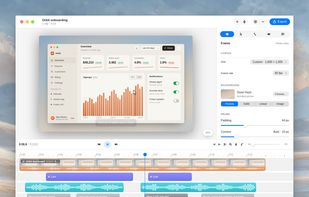
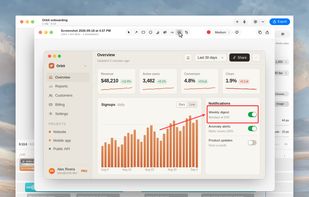


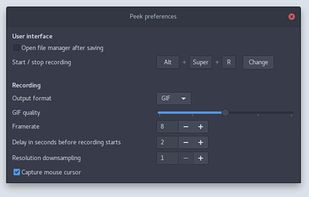
Peek makes it easy to create short screencasts of a screen area. It was built for the specific use case of recording screen areas, e.g. for easily showing UI features of your own apps or for showing a bug in bug reports.
GermanyEU