

Cost / License
- Freemium
- Proprietary
Application typeApplication types
Platforms
- Google Chrome
- Mozilla Firefox
- Microsoft Edge
 France
 EU
EU
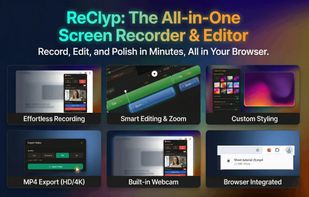

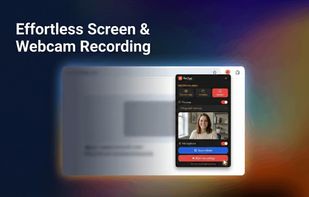

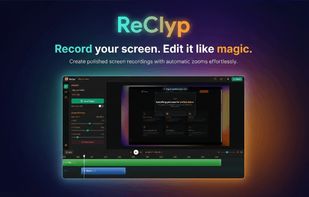

+3


Apps similar to VSDC Free Screen Recorder include OBS Studio, which is free and open source. Other options are OpenScreen, Recordly, GPU Screen Recorder and SimpleScreenRecorder. You're spoiled for choice with Screen Recorders like VSDC Free Screen Recorder: we list more than 100 alternatives for Windows, Mac, Linux, the web and Android.
FranceEU


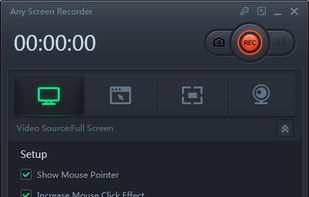
Any Screen Recorder can complete all the video and audio recording work for you, including gameplay, webcam, online video conference, Video lectures, online video tutorial, web seminar, online teaching, online video, online music, desktop activities, microphone, audio and any...




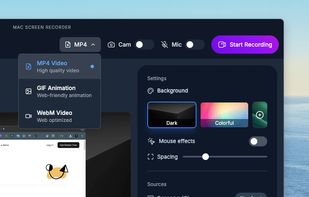
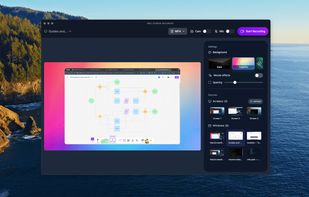
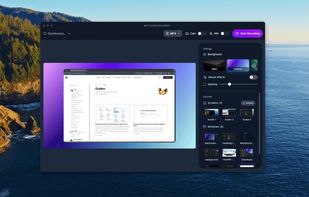
Effortless macOS screen recording with a streamlined interface, cursor trails, click animations, MP4, WebM, or GIF export, no watermarks, no account signups, lifetime access for a one-time fee, instant effect toggling, and features tailored for tutorials and demo creation.


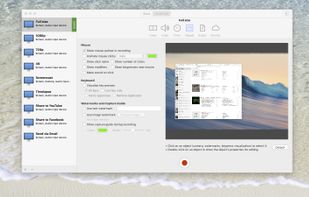
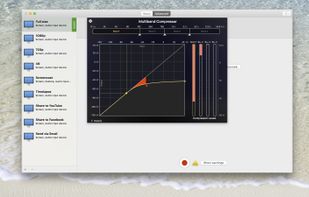
Realtime screen recording like you've never seen before! iShowU Instant is the fastest, most feature filled realtime screen capture tool from shinywhitebox yet. It takes key features from both "Classic" and HD Pro, and merges them into a single product, making...
 United Kingdom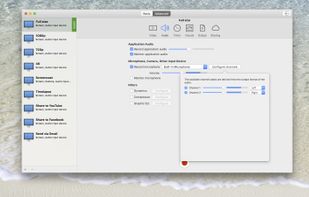
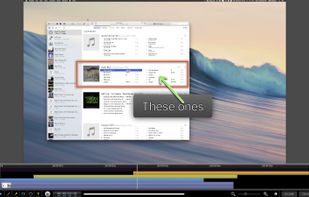


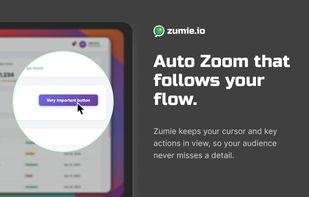
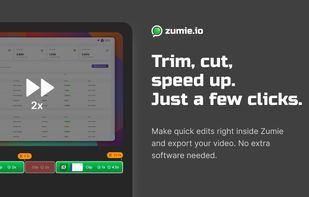
Zumie is a user-friendly platform for creating dynamic, clean videos with automatic zooming into key areas. It allows you to capture screen, webcam, and voice recordings, which can be edited and shared in minutes.
 HungaryEU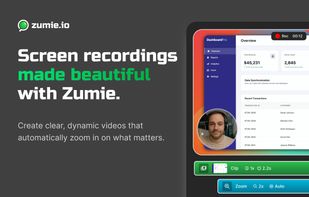



 United States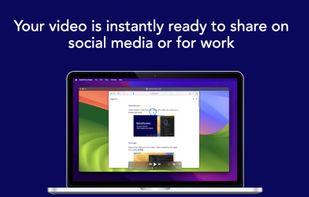
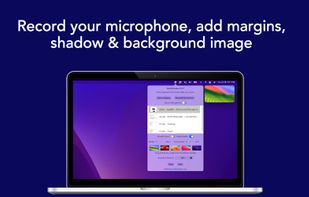
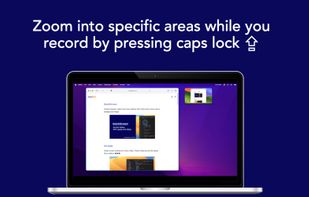
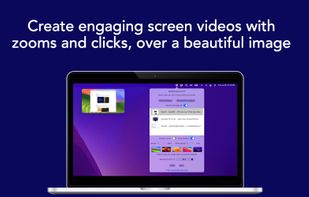


SurFlex is the ultimate screen recording solution for both PC and Mac, providing a seamless experience to effortlessly capture top-notch video and audio from your screen, applications, windows, webcam, and microphone, all without the inconvenience of watermarks.


Tipard Screen Capture is able to capture any video/audio. This software allows you to record any video like webcam video, streaming video or other video tutorials on PC. Besides, it allows you to adjust the size of your screen.
 Hong Kong
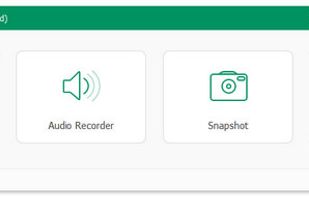


Video capture, screen recording, in-video questions, call to actions, video management, sharing, LMS integrations, hosting, analytics, and closed captioning inside one app.

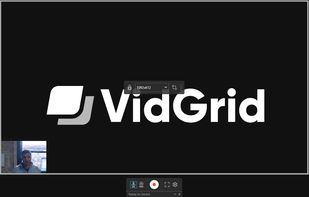


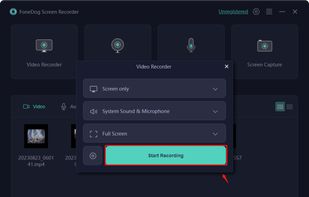
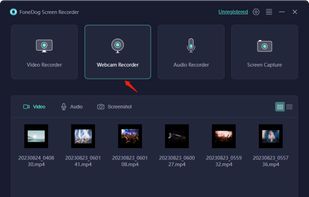
Record screen and webcam in HD videos with no watermark. Simultaneously or separately record from system sounds and microphone. Support recording editing and real-time annotation.
 Philippines
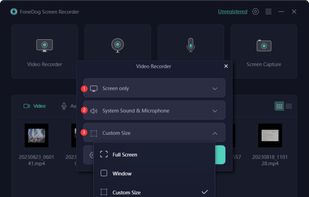


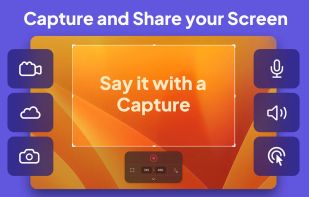
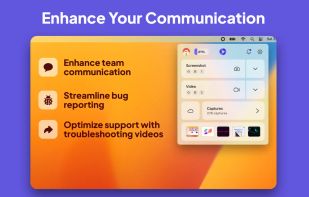
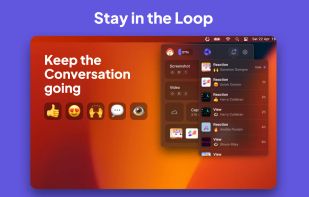
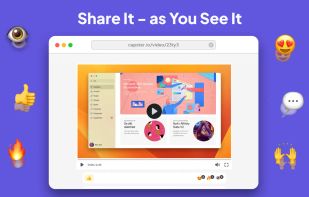
Capster helps you enhance your asynchronous communication with captures of your screen. Record your screen as you demonstrate a feature, idea, or bug, or take a screenshot and annotate it to better convey your point - and instantly share it through the cloud.