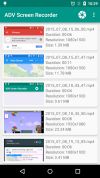
ADV Screen recorder was designed to be fully featured, without any kind of restritions and without requiring root.
Cost / License
- Freemium
- Proprietary
Application type
Platforms
- Android
- Android Tablet
 Brazil






Apps similar to VSDC Free Screen Recorder include OBS Studio, which is free and open source. Other options are OpenScreen, Recordly, GPU Screen Recorder and SimpleScreenRecorder. You're spoiled for choice with Screen Recorders like VSDC Free Screen Recorder: we list more than 100 alternatives for Windows, Mac, Linux, the web and Android.
ADV Screen recorder was designed to be fully featured, without any kind of restritions and without requiring root.
Brazil
Zebra Screen Recorder captures your PC desktop activity into standard MPEG or AVI video files. It records everything you see on the computer screen, including the entire desktop, windows, menus, cursors - even video with sound.
 Ukraine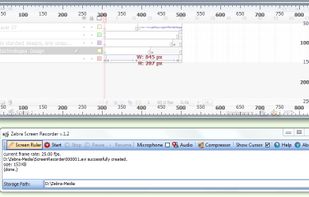


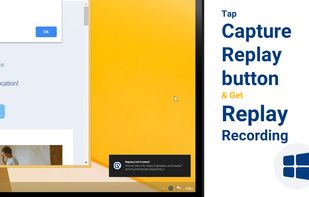

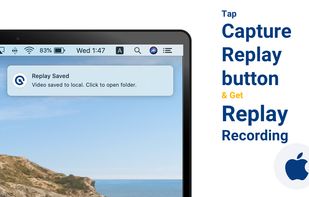


It's an easy-to-use screen recorder software for Windows and Mac computers. With it, you can easily select the recording area such as screen or customized size you like.
 China
China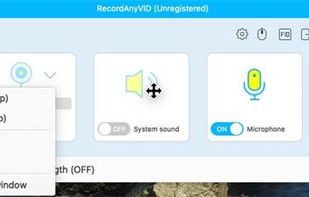
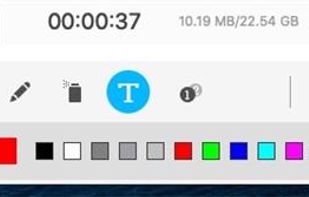


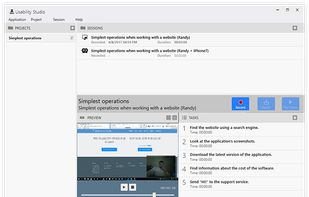
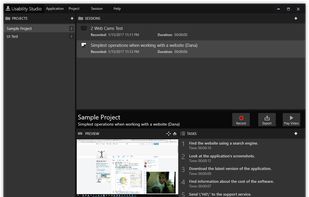
Solution for running affordable usability tests using a web camera. Features:


Free Online Screen Recorder - Record your screen and webcam. No download required. Protected by end-to-end encryption. Free to use on Windows, Mac, Linux, iOS, Android.
 Germany
 EU
EU
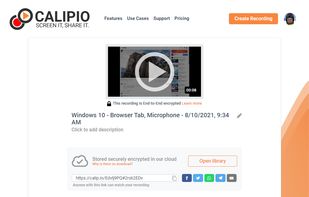
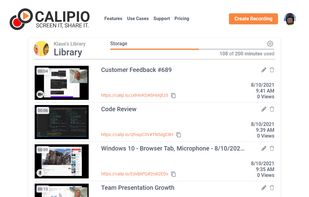
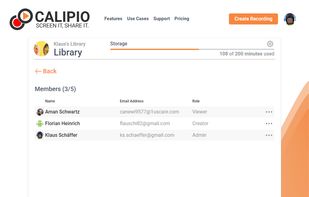


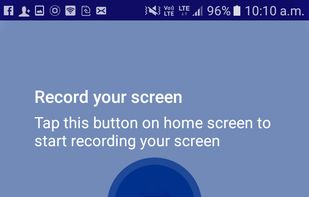
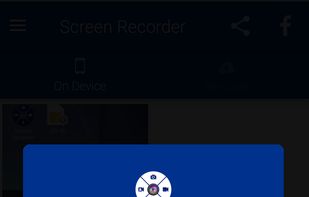
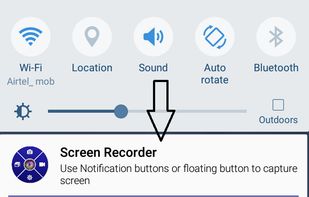
Screen Recorder is a free easy to use screen recording app to record and capture your mobile screen in video formats with or without front camera. With front camera enabled you can record video of the mobile screen alongside your own video.
 India
India


Aiseesoft Screen Recorder is used to record your computer screen. You can use this screen recording software to record video and audio on your computer. It is currently the easiest but most convenient screen recording software.
 Hong Kong


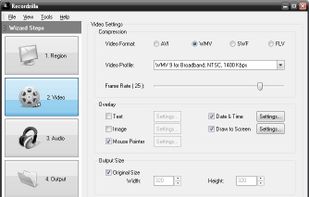
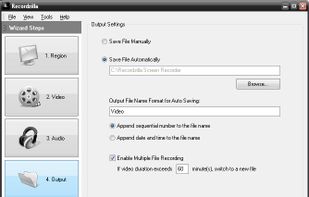
Recordzilla is a screen recorder software that lets you capture video, audio and pictures of anything you see on your computer screen and save it as video AVI, WMV, Flash SWF, or Flash FLV.
 Malaysia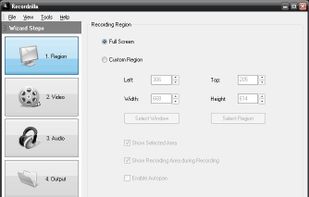


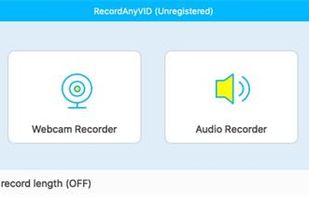
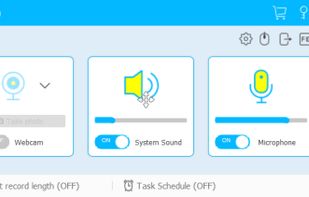
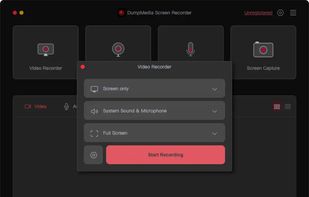
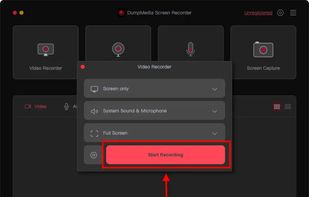
Record screen and webcam in HD videos with no watermark. Simultaneously or separately record from system sounds and microphone.
Hong Kong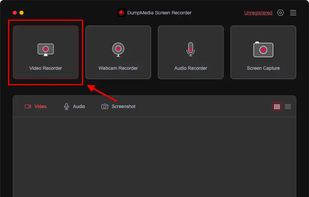


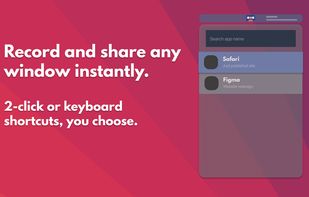

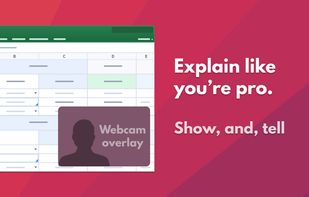


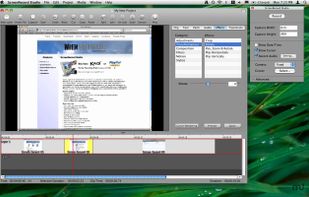
The all-in-one screen capture production suite. Easily capture on-screen action to a movie from start to finish. It’s the best of both worlds: the power of MediaEdit and ScreenRecord. It includes everything you need to create your presentation.
 United States