Voxtyper AlternativesNote-taking Tools and other similar apps like Voxtyper

Voxtyper is described as 'Chrome and Firefox dictation extension that accurately turns your speech into properly punctuated, capitalized text in any web text field, powered by a speech-to-text engine trained on 680,000+ hours of audio' and is a Note-taking tool in the office & productivity category. There are more than 10 alternatives to Voxtyper for a variety of platforms, including Web-based, Windows, Google Chrome, Mac and Android apps. The best Voxtyper alternative is Speech Note, which is both free and Open Source. Other great apps like Voxtyper are Nuance Dragon, Dictanote, StarWhisper and SpeechTexter.

Copy a direct link to this comment to your clipboard
Voxtyper alternatives page was last updated

Alternatives list

  1. Nuance Dragon icon
     28 likes

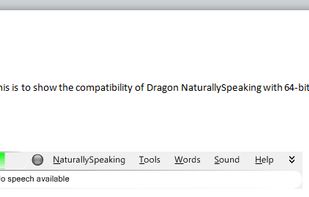
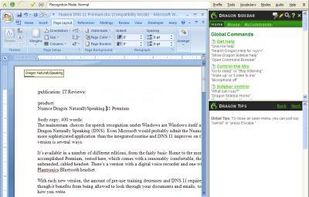
    Interact with your PC through voice commands and dictation. Supports tasks such as text formatting, web searching, and sending emails. Available for PC, Mac, iPhone, iPad, and Android, it enhances productivity and accessibility with hands-free operations.

    92 Nuance Dragon alternatives

    Cost / License

    • Paid
    • Proprietary

    Platforms

    • Windows
    • Android
    • iPhone
    • Android Tablet
    • iPad
     
    |
    1
    Nuance Dragon vs Voxtyper Comments
    Voxtyper
    Positive
    0

    Voxtyper handles in-browser dictation really well. It gets you close to Dragon's dictation quality, but it lives right in your browser, so it's a good fit for anyone who doesn't want a system-wide install and just needs to dictate inside their browser.

    • Nuance Dragon is Paid and ProprietaryVoxtyper is Freemium and Proprietary
  2. Dictanote icon
     41 likes

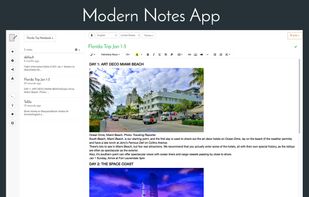
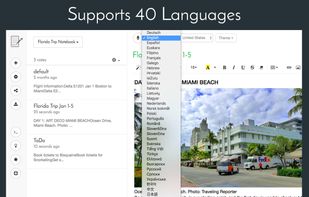
    Switch between typing and voice to take notes with ease, supporting 40 languages. Real-time transcription captures paragraphs and emoticons while ensuring clear punctuation. Pro upgrade offers cloud storage and multiple note management options.

    171 Dictanote alternatives

    Cost / License

    • Freemium
    • Proprietary

    Platforms

    • Online
    • Chrome OS
    • Google Chrome
     
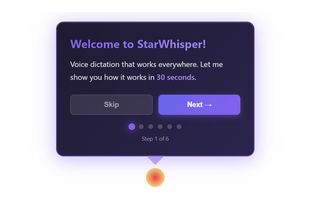
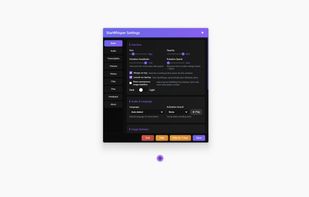
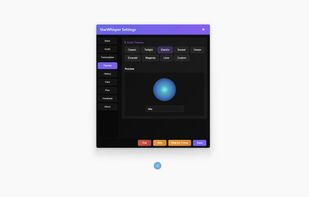
  3. StarWhisper is a Windows voice-to-text app with private offline transcription, optional cloud transcription, dictation, file transcription, and GPU acceleration.

    Cost / License

    • Freemium
    • Proprietary

    Application type

    Platforms

    • Windows
     
  4. SpeechTexter icon
     3 likes

    SpeechTexter is an online multi-language real-time speech recognizer, that can help you type long documents, emails, blog posts with your voice. The accuracy improves with better microphone quality and lower noise in background.

    Cost / License

    • Free
    • Proprietary

    Platforms

    • Online
    • Android
     
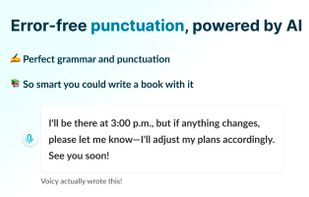
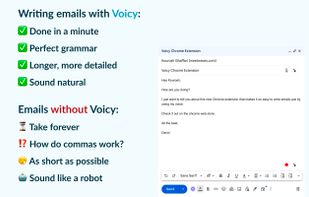
  5. AI-driven Chrome extension transforms voice input into text on any website, offering 99% transcription accuracy, robust grammar and punctuation correction, hands-free typing, support for over 50 languages, and significantly reduced manual labor for users.

    Cost / License

    • Freemium
    • Proprietary

    Application type

    Platforms

    • iPhone
    • Google Chrome
    • Windows
    • Mac
    • Linux
    • Online
    • Android
    • iPad
    • Software as a Service (SaaS)
     
  6. Speechnotes icon
     12 likes

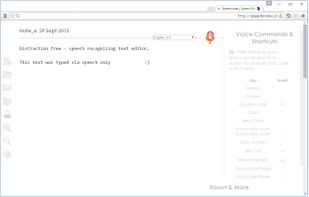
    Dictation Notepad - Free Online Speech Recognition Text Editor Web App for Chrome.

    29 Speechnotes alternatives

    Cost / License

    • Free
    • Proprietary

    Platforms

    • Online
    • Google Chrome
     
  7. VoxWrite icon
     Like

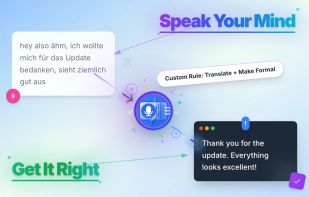
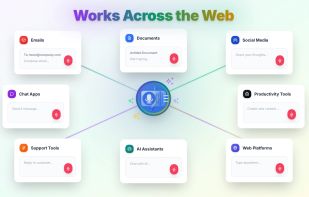
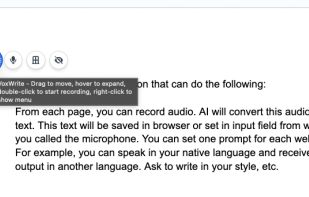
    VoxWrite is a Chrome Extension that turns your speech into clear, professional text. It automatically cleans up, formats, and prepares your words so they’re ready to use. Just speak naturally in any language, set your preferences once, and watch your speech become polished...

    Cost / License

    • Freemium
    • Proprietary

    Platforms

    • Google Chrome
     
  8. SpeechPulse icon
     4 likes

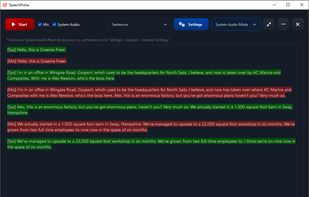
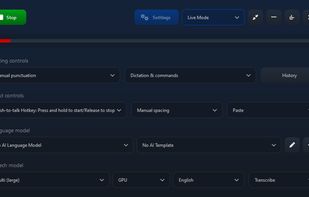
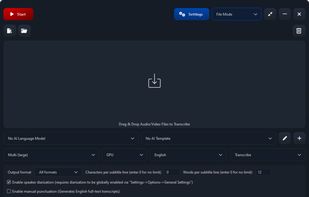
    SpeechPulse is a dictation software for Windows 10/11 and Apple Silicon Macs. It can type into any text input, including text editors, web browsers, and office applications. SpeechPulse works fully offline and doesn’t require any internet connectivity.
    Cost / License

    • Paid
    • Proprietary

    Platforms

    • Mac
    • Windows
     
  9. Dictation.io icon
     3 likes

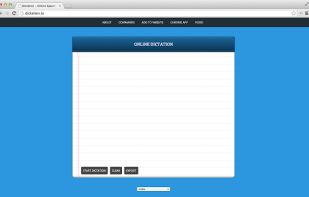
    Dictation is a free online speech recognition software that will help you write emails, documents and essays using your voice narration and without typing.

    Cost / License

    • Free
    • Proprietary

    Platforms

    • Online
    • Google Chrome
     
  10. LipSurf icon
     17 likes

    "Siri for Chrome" Completely control the browser without your hands -- say "google what movies are playing near me" to do a search, scroll up and down, click any link, open tabs, open your favorite sites and more all with just your voice.

    Cost / License

    • Free
    • Proprietary

    Platforms

    • Online
    • Google Chrome
     
    |
    1
    LipSurf vs Voxtyper Comments
    Voxtyper
    Negative
    0

    It's for voice navigation, whereas Voxtyper is for dictation.

    • LipSurf is Free and ProprietaryVoxtyper is Freemium and Proprietary
  11. Voice In icon
     Like

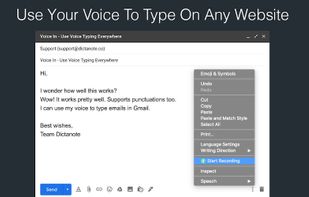
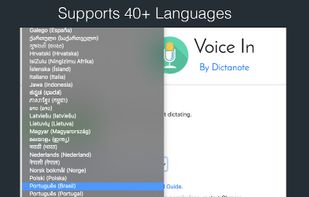
    Use dictation to type in 10k+ sites in 50+ languages. VoiceIn transcribes your speech to text in real time.

    Cost / License

    • Freemium
    • Proprietary

    Platforms

    • Google Chrome
     
    |
    1
    Voice In vs Voxtyper Comments
    Voxtyper
    Positive
    0

    Voice In is a really solid dictation tool for Chrome, and a lot of people clearly get great use out of it. Voxtyper is a dictation extension too, but it runs in both Chrome and Firefox, so it's worth knowing about if Firefox is your main browser. I can't speak to exactly how Voice In works under the hood, so I won't try to compare the internals. What I can say is that on the transcription side, Voxtyper is built on a speech model trained on a huge amount of audio, so in my experience it does a good job with natural speech, different accents, and longer sentences. Voxtyper also adds punctuation and capitalization on its own while you talk, so you usually don't have to go back and clean things up. The thing I like most is that Voxtyper doesn't try to reword or polish what you said. It just types what you actually spoke and leaves your wording alone, which is handy if you care about getting your exact words down.

    • Voice In is Freemium and ProprietaryVoxtyper is also Freemium and Proprietary
12 of 16 Voxtyper alternatives