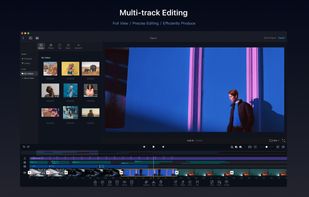
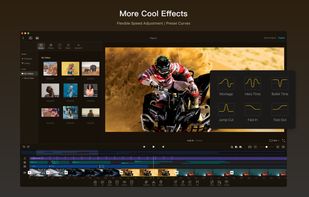
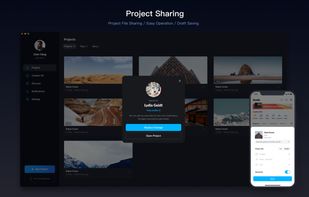
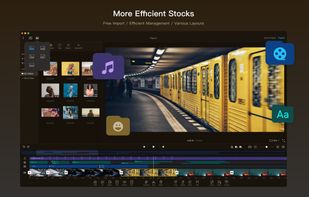
Capture the contents of your entire desktop at the same time as your video camera, microphone and computer's audio. Sophisticated editing tools allow you to create incredible screencasts in no time.
Platforms
- Mac
 United States


Apps similar to VidShrink include VLC Media Player, which is free and open source. Other options are HandBrake, OBS Studio, Kdenlive and FFmpeg. There's no shortage of Video Editors like VidShrink, with more than 100 alternatives for Windows, Mac, Linux, Android and iPhone.
Capture the contents of your entire desktop at the same time as your video camera, microphone and computer's audio. Sophisticated editing tools allow you to create incredible screencasts in no time.
United States
Get to know Game Bar on Windows Open Game Bar to take control of all your favorite gaming activities while playing on your Windows 10/11 device.

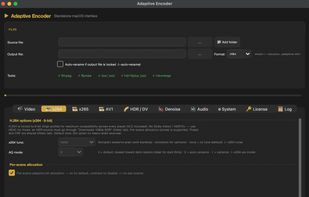
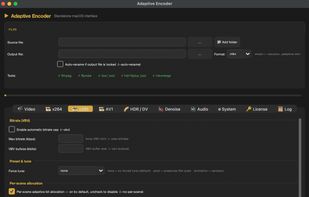
Cross-platform tool retains HDR10, HLG, Dolby Vision, and HDR10+ metadata, preserves all audio tracks and subtitles, supports MXF, MP4, MOV, AVI, MKV, and more, enables 8K video, offers analysis features, and runs on Windows, macOS, and Linux.
 Canada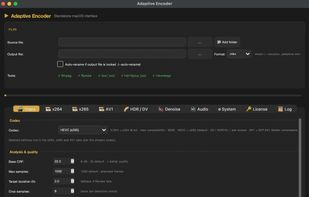


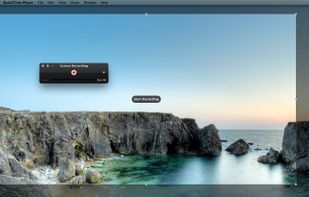
Watch Internet video, HD movie trailers, and personal media clips. Whether it’s on the web or on your desktop, QuickTime Player brings your digital media brilliantly to life.
United States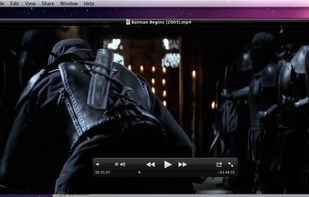



Screen recording app providing native Windows and macOS support, adds AI-driven auto-zoom following actions, motion blur, 3D effects, animated backgrounds, captions, keystroke and click highlights, webcam overlays, and fast 4K or GIF exporting without watermark.
 Bangladesh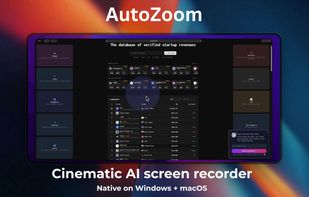


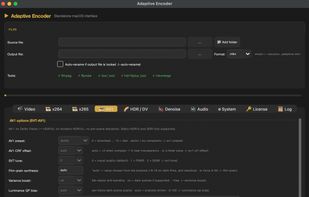
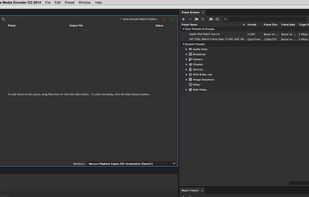
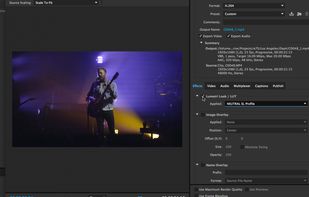
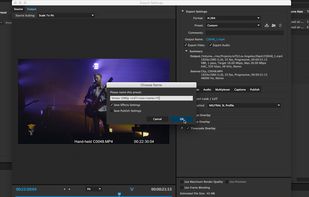
Standalone media encoding application with robust format support, seamless Adobe app integration, efficient workflow for conversion tasks, and a structured, easy-to-navigate interface.
United States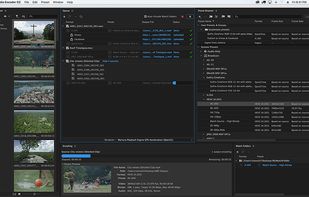


Android application for capturing and streaming the screen, audio, or both. It can record playback audio from other apps on Android 10 or later without root, although vendors may restrict some sources. The project is maintenance-only, with bug fixes possible but few new features.




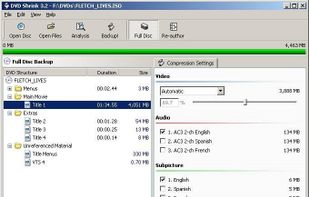
DVDShrink is software to backup DVD discs. You can use this software in conjunction with DVD burning software of your choice, to make a backup copy of any DVD video disc.


Comprehensive video editor with over 50 visual effects and transitions, offering real-time previews and fully adjustable parameters. Supports diverse audio/video formats, adds photos and text, and enables sharing on DVDs, HD DVDs, Blu-Ray, mobile devices, or online. Free and professional versions available.
 Australia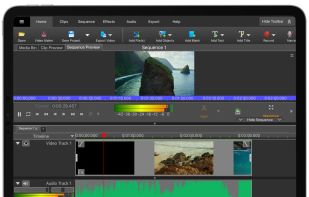
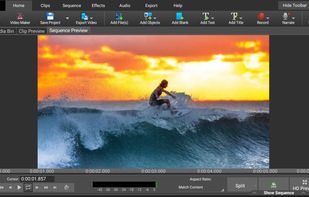
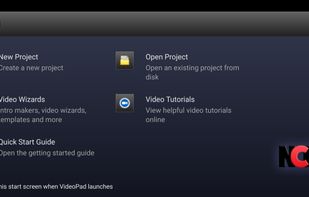


Wink is a Tutorial and Presentation creation software, primarily aimed at creating tutorials on how to use software (like a tutor for MS-Word/Excel etc). Using Wink you can capture screenshots, add explanations boxes, buttons, titles etc and generate a highly effective tutorial...
 India
India


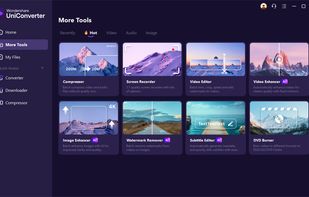
Wondershare UniConverter is a multimedia tool featuring a DVD and video converter, DVD burner, and video downloader. It supports multiple formats such as AVI, WMV, MP4, MKV, FLV, 3GP, and MPG, and can convert videos to 3D.
 China
China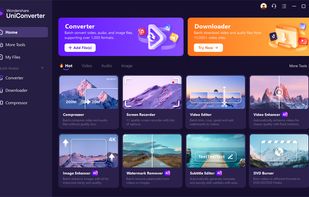


VN, a professional mobile video editor, allows you to become a director of your own life via VN video editor maker. Simple, but powerful as desktop editor, VN is suitable for both beginners and professional users.
United States