A small tool to capture things going on on an X-Windows display to either individual frames or an MPEG video similar to tools such as Lotus ScreenCam or Camtasia.
Platforms
- Linux
 Germany
 EU
EU
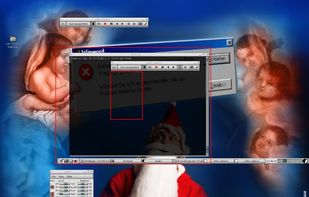


VidShot Capturer has been discontinued. Similar apps include SimpleScreenRecorder, which is free and open source. Other options are Camtasia, VokoscreenNG, CamStudio and ActivePresenter. You're spoiled for choice with Screen Recorders like VidShot Capturer: we list more than 25 alternatives for Windows, Mac, Linux and the web.
A small tool to capture things going on on an X-Windows display to either individual frames or an MPEG video similar to tools such as Lotus ScreenCam or Camtasia.
GermanyEU
There exist a lot of screen recorders, but all lack the speed for doing some full screen recording. The speed is just to low or cpu to high.
GermanyEU


SCREEN2EXE is a free utility designed in order to create instant screen demos with the highest compression ratio in the world!
 China
China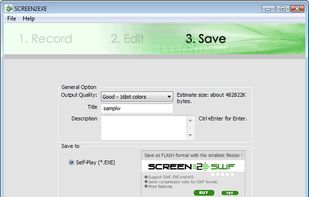


A light application for instant recording of events happening on the monitor and saving that to an AVI file at high quality.
 Russia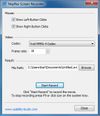
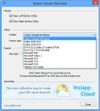
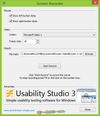


oRipa Screen Recorder is a handy tool to record your Windows desktop activities in real time and save it as a video file. oRipa Screen Recorder also captures anything you can hear on your PC, such as, music and talking through the PCs microphone.
 United States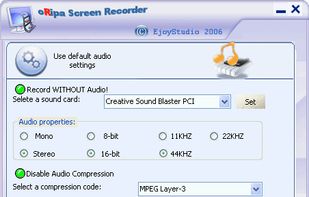


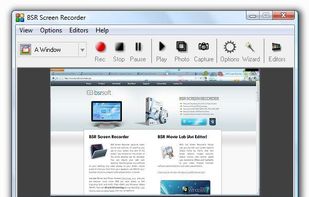
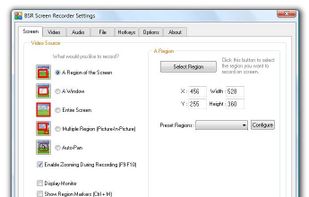
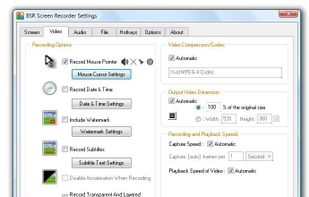
BSR Screen Recorder captures video, sound, and pictures of anything you see on your screen and records to AVI (Standard Video Format), SWF (Flash File), WMV (Windows Media Video), and EXE (Executable File). Any portion of the screen can be selected for recording.


 Russia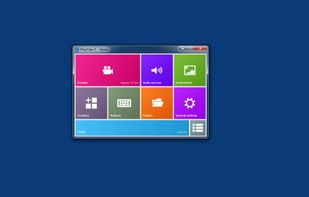
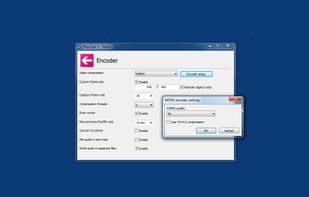
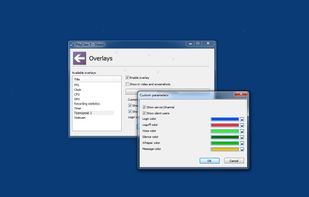
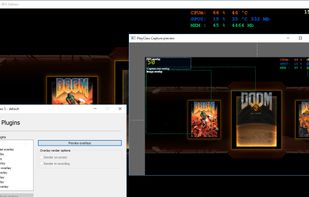


Screeny gives you the freedom to capture your videos or images at any size. You can click & drag to resize the capture area or input the exact pixel dimensions to set to the size of the capture area.
United States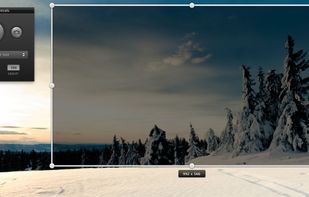
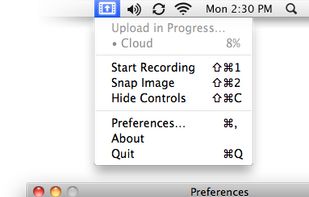
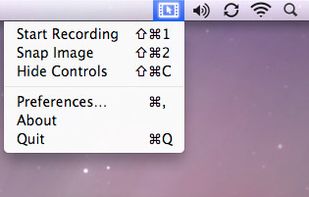


Captures high-quality video from your PC with smooth recording up to 50 frames per second, unique Background Mode for uninterrupted capture when videos are hidden, customizable settings, and compatibility with streaming sources and scheduled sessions.
United States


321Soft Screen Video Recorder is designed to record your computer screen (full screen or a fixed area) into AVI video file for further purposes like editing, burning DVD, making slide show movie, etc.


Demo Builder is a powerful Flash-based screencasting tool that allows you to create eye-catching and professionally-looking interactive presentations that do not require any programming skills.
 Japan
Japan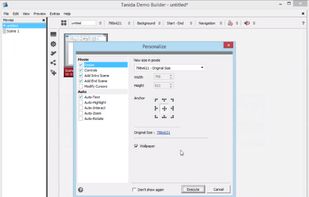


Shot Management - Copernicus doesnt just take screenshots, its a virtual photo gallery too. Take as many pictures as you like, then save them one at a time or all at once. Copernicus is perfect for taking many screenshots.