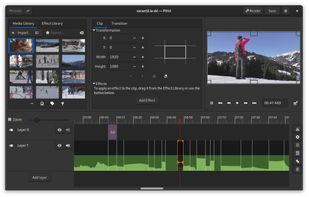
Free video editor with a beautiful and intuitive user interface, a clean codebase and a fantastic community.
Cost / License
- Free
- Open Source
Application type
Platforms
- Linux
- BSD
- Flathub
- Global


Apps similar to Video Zoomer and Cropper include Kdenlive, which is free and open source. Other options are Shotcut, Avidemux, OpenShot and DaVinci Resolve. Video Editors like Video Zoomer and Cropper are a crowded field, with more than 25 alternatives for Windows, Mac, Linux, iPad and iPhone.
Free video editor with a beautiful and intuitive user interface, a clean codebase and a fantastic community.

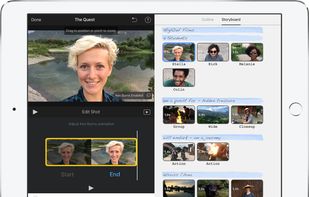
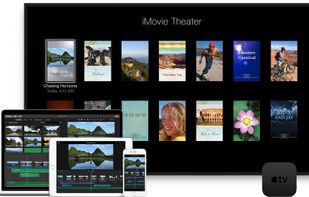
With iMovie for iOS and macOS, you can enjoy your videos like never before. It’s easy to browse your clips and create Hollywood-style trailers and stunning 4K-resolution movies. You can even start editing on iPhone or iPad, then finish on your Mac.
 United States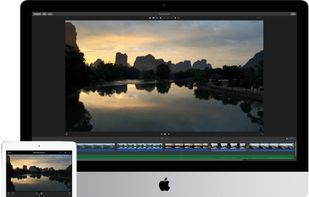



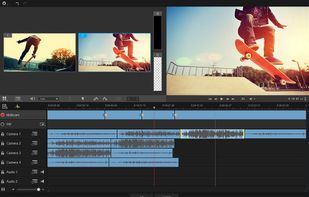
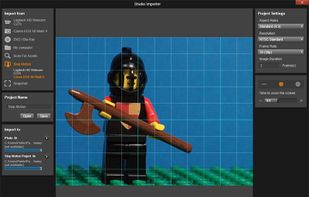
Non-linear editor for Windows supporting HD, 4K, and 360 video, unlimited tracks, advanced effects, multi-camera editing, screen recording, stop motion, enhanced keyframe controls, audio layering, split screen, selective color, and disc or web export.
United States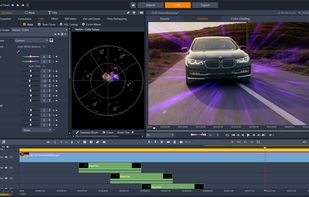


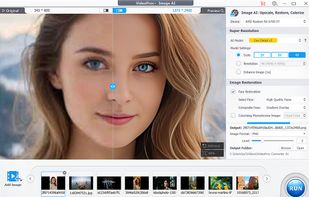
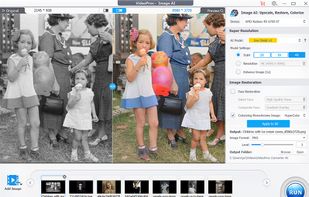
Comprehensive AI tool for video, image, audio enhancement, offering remastering, upscaling, various conversions, and basic editing, powered by GPU acceleration, for HD/4K HDR content from devices like iPhone, GoPro, and more.
 China
China


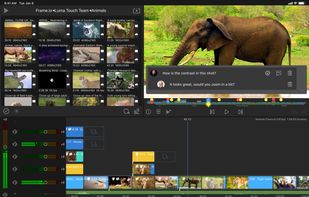
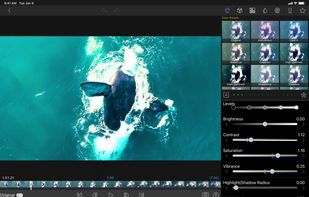
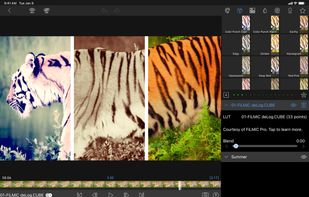
LumaFusion offers powerful features and an elegant UI. The simple-start timeline gives new users an intuitive head start, and professionals will find all the powerful features they need.
United States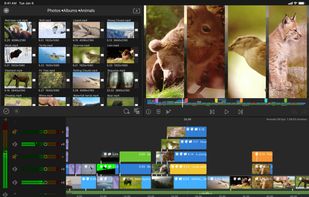


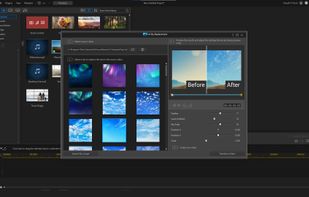
Video editor featuring AI-driven tools like video enhancement, speech to text, and motion tracking. Includes custom avatars, professional titles, templates, and stock content for creative projects.
 Taiwan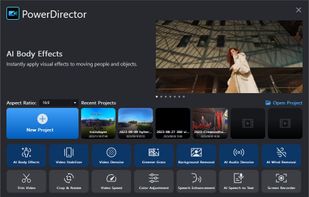
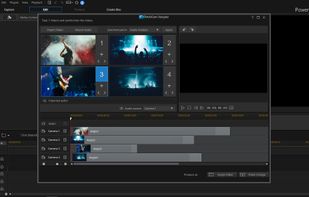

This entry-level video editor offers a user-friendly drag-and-drop interface supporting various file types, advanced customization options with presets, keyframe animations for effect modulation, and features such as multicam support, storytelling tools, and more.
 Germany
 EU
EU


Advanced video editor supporting DV, HDV, and AVCHD. Features include special effects, audio dubbing, AI tools, easy importing, and customizable interface, perfect for content creators.
GermanyEU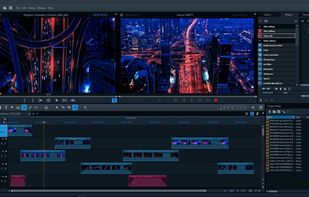
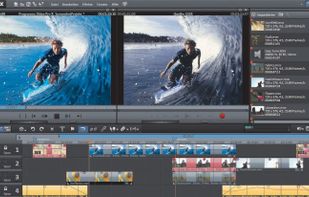
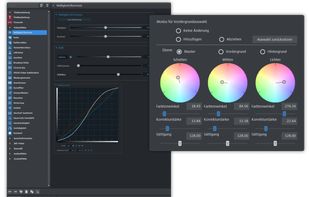
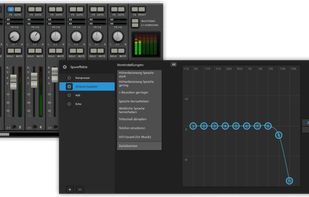


Comprehensive multimedia suite with over 20 integrated applications offering disc burning, video capture and editing, photo editing, file conversion, DVD authoring, and encryption, ensuring versatile media management and online sharing capabilities.
United States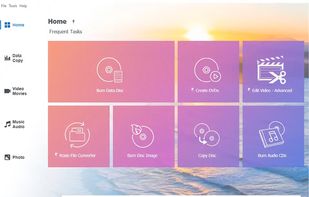
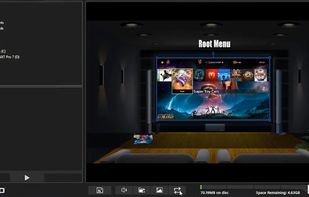
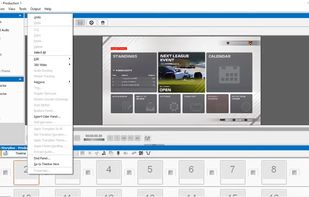


Timeline video editor provides drag-and-drop functionality, screen recording, webcam capture, 60 fps support, multi-format export, transitions, chroma key, custom text, effects layering, split and trim, audio tools, stock media, preview, and direct uploads.
 Canada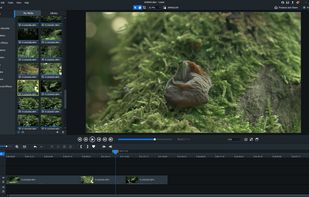


Accessible video editing software with a simple interface and free version. It offers intuitive timelines, trimming, animated titles, filters, transitions, multiple formats, customizable features, 3D LUTs, modern techniques, and export options ideal for personal use.
Canada


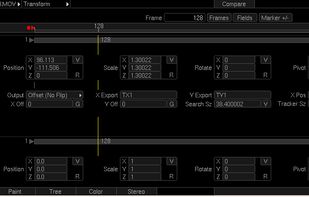
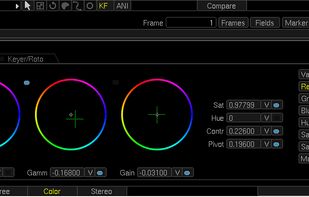
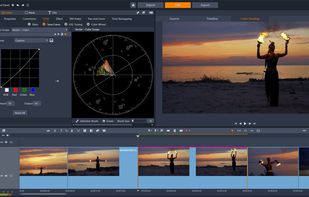
Piranha 8 is a high performance end to end editing and finishing solution for film and video professionals. Edit, composite, retouch, color grade and output using Piranha's lightning fast GPU architecture.