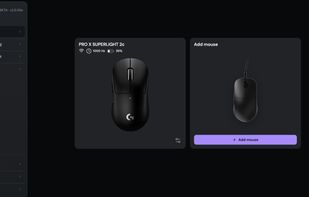
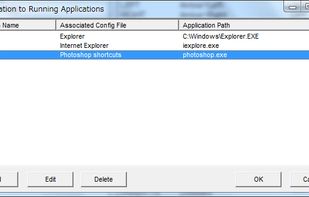
X-Mouse Button Control is a Windows application to remap your mouse buttons and expand the capabilities of your mouse!
Cost / License
- Free
- Proprietary
Application type
Platforms
- Windows
 United Kingdom
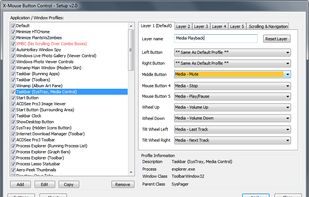


Apps similar to USB Overdrive include X-Mouse Button Control, which is free. Other options are JoyToKey, LinearMouse, OpenRazer and BetterJoy. You can choose from more than 10 Key Mapping Tools like USB Overdrive for Mac, Windows, Linux, the web and Android.
X-Mouse Button Control is a Windows application to remap your mouse buttons and expand the capabilities of your mouse!
United Kingdom
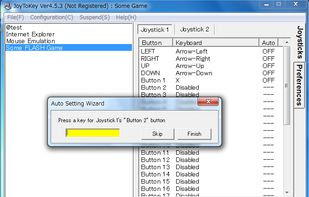
JoyToKey enables you to control any softwares (e.g. browsers, games on the web, Microsoft office applications or even Windows itself) by using your favorite windows joystick! Whenever you press joystick buttons and sticks, JoyToKey will convert the input into keyboard strokes...
 Japan
Japan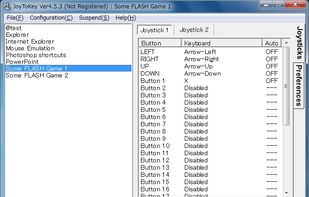



LinearMouse is a free and open-source utility for macOS which aims to improve the experience and functionality of third-party mice.
 China
China


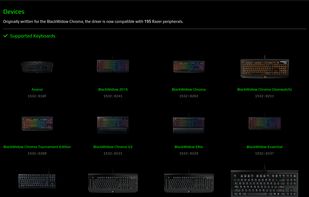
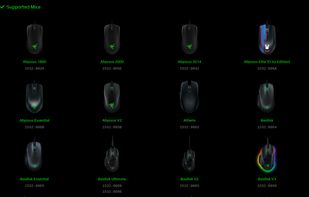
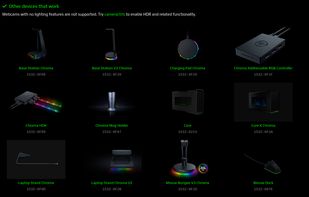
An entirely open source driver and user-space daemon that allows you to manage your Razer peripherals on GNU/Linux.


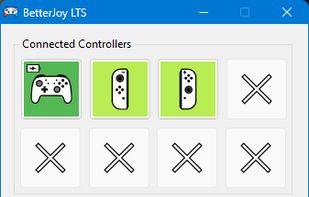
Allows the Nintendo Switch Pro Controller, Joycons and SNES controller to be used with CEMU, Citra, Dolphin, Yuzu and as generic XInput.
United Kingdom


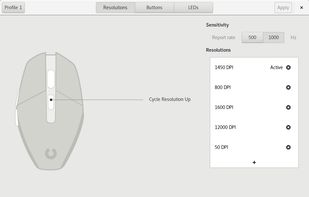
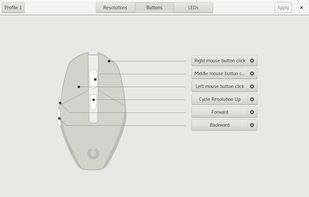
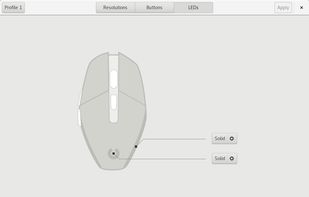
Piper is a graphical user interface to configure gaming mice. Configuration options include changing the resolution (DPI) of the mouse, adding and removing profiles, setting LED colors and changing button behaviors.


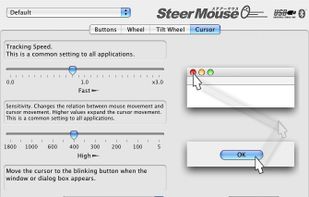
SteerMouse is a utility that lets you freely customize buttons, wheels and cursor speed. Both USB and Bluetooth mice are supported.
Japan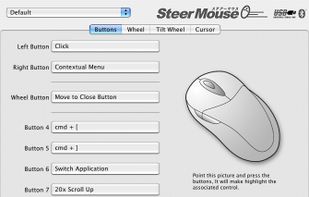


Allows the Nintendo Switch Pro Controller, Joycons, and Switch SNES controller to be used with Cemu using Cemuhook, Citra, Dolphin, Yuzu, and system-wide with generic XInput support.


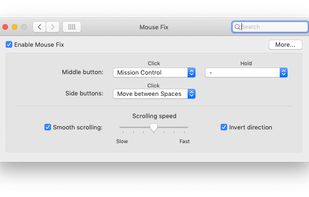
Switch between Spaces, use Windows-style Back and Forward, and more - right from your mouse. Also features a refined Smooth-Scrolling algorithm that strikes a perfect balance between fluidity and control.
 Germany
 EU
EU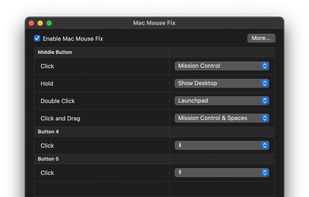


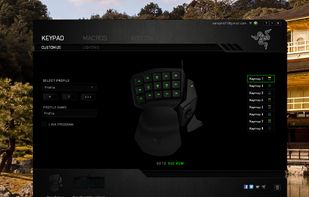
Razer Synapse is unified configuration software that allows users to rebind controls or assign macros to any Razer peripherals and saves those settings automatically in the cloud.
 United States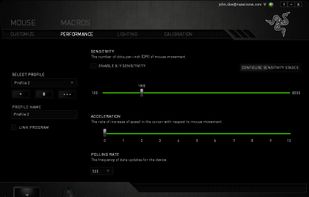


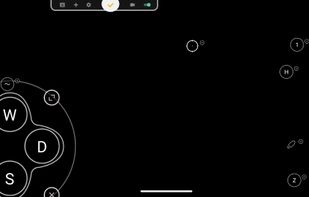
Support Android 12! The activator updated, please download the activator again and activate it on PC.




Browser-based control panel for supported gaming mice — change DPI, polling rate, and sensor settings without installing a driver.