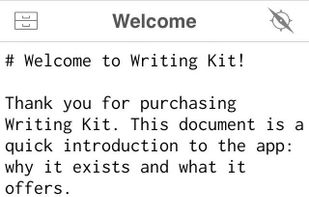
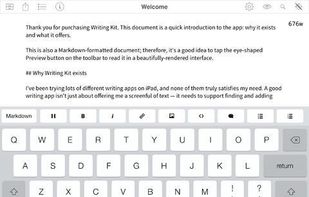
Writing Kit is for writers who want to do research and write documents/screenplays in Markdown or Fountain. You don't even need to know Markdown syntax to get started.
Cost / License
- Paid
- Proprietary
Platforms
- iPhone
- iPad


+3


UberWriter has been discontinued. Similar apps include Typora. It's paid, but ghostwriter and MarkText are free. Other options are FocusWriter, StackEdit, iA Writer and Hemingway Editor. Text Editors like UberWriter are a crowded field, with more than 50 alternatives for Mac, Windows, Linux, the web and iPhone.
Writing Kit is for writers who want to do research and write documents/screenplays in Markdown or Fountain. You don't even need to know Markdown syntax to get started.

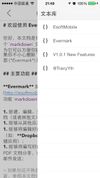
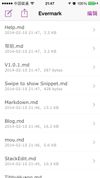
Evermark is a full-featured markdown editor for iOS.


 Germany
 EU
EU


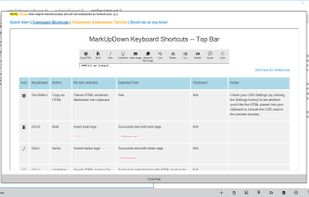
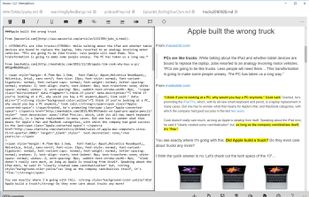
MarkUpDown is an editor specialized to make creating Markdown code easy for beginners and experts. With helpful toolbars for beginners, GitHub Flavored/Multimarkdown table support, and keystroke shortcuts & Easy Actions for the expert, MarkUpDown is ready to help anyone...




ContentDaDa is an online content marketplace connecting content writers and clients. Writers can showcase their writing talents and earn money and Clients can post their requirement like website writing, blog writing, technical writing, etc.


Creating an awesome paper from scratch; Research paper formatting; Organizing and structuring your paper; Proofreading it and eliminating any mistakes you might have made in your piece of writing; Checking your research paper for plagiarism.


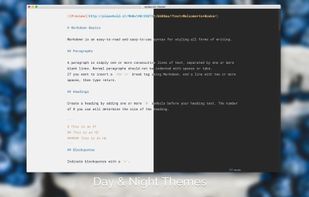
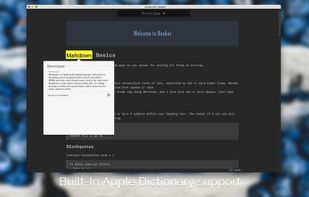
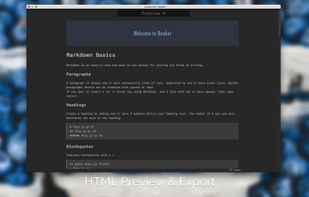
Meet Booker, an editor with the power of Markdown, made specially for writers and bloggers. You don’t have to blur your mind with any concerns instead of writing down your ideas. Just pull up a chair, enter fullscreen distraction-free mode, and start making a new book, post, or...



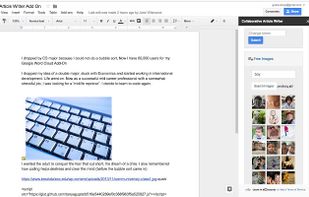
The Medium Article Writer Add-on for Google Docs helps authors to create content and publish to Medium directly from Google Docs.
Team members can write, edit, and collaborate wherever they are and view the updates real time in Google Docs.