





Turfs
Like
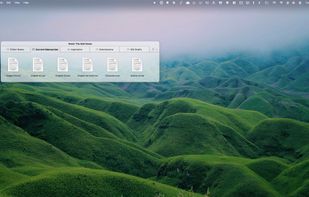
Use the desktop to keep content from across your Mac accessible and organized in defined areas — folder-backed, tag-backed, or virtual — or simply keep it clutter-free.

Cost / License
- Pay once
- Proprietary
 EU
EUPlatforms
- Mac


Features
Turfs News & Activities
Highlights All activities
Recent activities
- Ludwig-Fun added Turfs
 Ludwig-Fun added Turfs as alternative to Fences, iCollections, Portals: Desktop Organization, Desktop Frames + and 12 more

Turfs information
Developed by
 Bloo Software
 Licensing
Proprietary and Commercial product.Pricing
One time purchase (perpetual license) that costs $29.Alternatives
16 alternatives listedBadge
Get an embeddable badge for TurfsSupported Languages


No comments or reviews, maybe you want to be first?