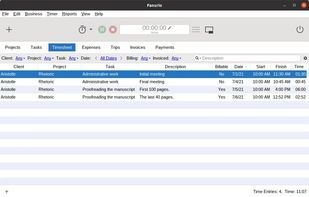
Fanurio provides freelancers with the right tools to track time, manage projects and invoice their clients so they can get paid for their work.
Cost / License
- Paid
- Proprietary
Application type
Platforms
- Mac
- Windows
- Linux
- Flathub
- Flatpak
 Italy
Italy EU
EU


Apps similar to WorkMeter include Toggl Track, which has a free version. Other options are RescueTime, ManicTime, Cattr and Clockify. Time Tracking Tools like WorkMeter are a crowded field, with more than 100 alternatives for the web, Mac, Windows, iPhone and Android.
Fanurio provides freelancers with the right tools to track time, manage projects and invoice their clients so they can get paid for their work.
ItalyEU
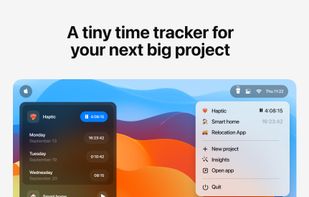
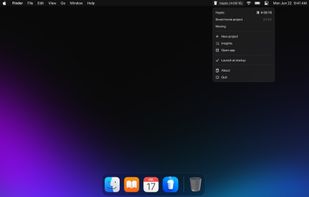
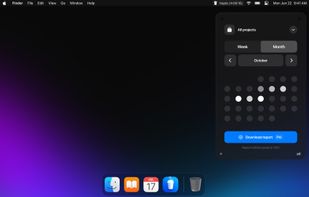
Coffee is a project management tool that facilitates time tracking with customizable projects, daily limit notifications, a mini timer, data export to CSV, insightful reports, and secure iCloud storage.



 GermanyEU
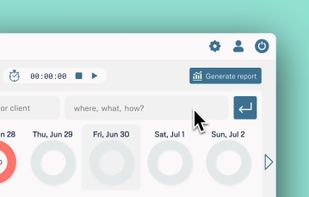
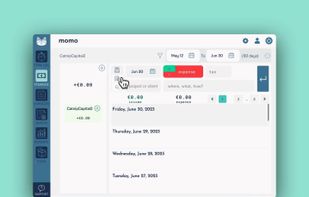
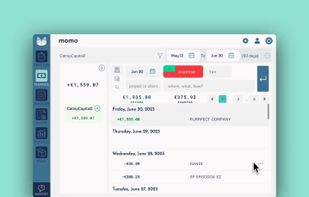


Easily track your work hours - organize, analyze and export them. Perfect for freelancer, hourly workers, employees or anyone else who wants to keep track of his or her working time.
GermanyEU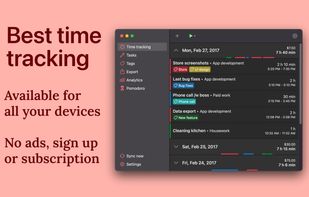
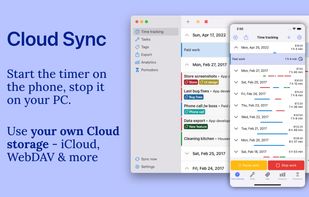
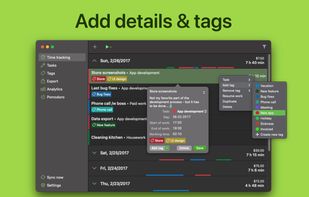
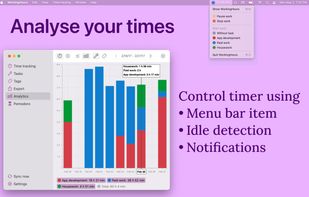


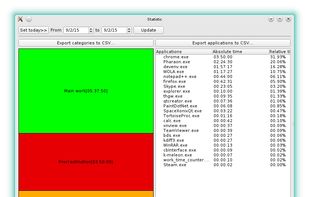


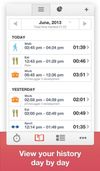
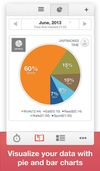
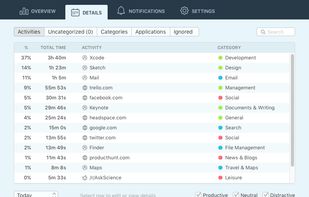
Application for tracking your everyday activities. Spending only a few minutes a day on this app you will get daily, weekly and monthly statistics in the form of diagrams and graphs. Using this data you'll be able to control and manage your time.
 United States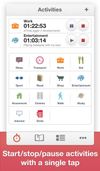


Y-Productive is a productivity management app that helps to keep your work and distractions under control.
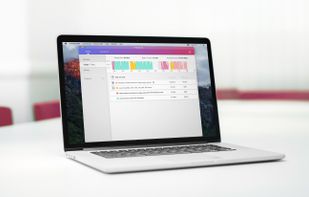
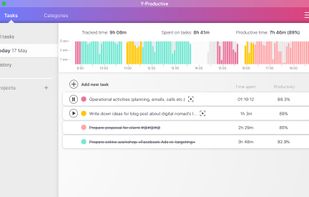

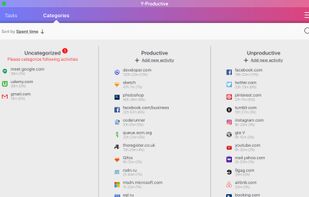


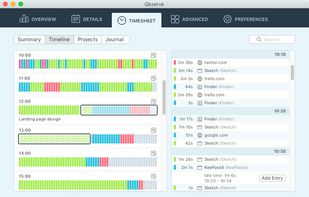
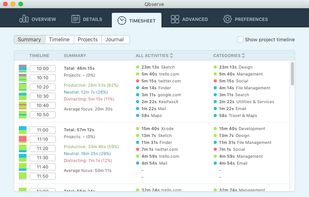
Mac time tracking automation: freelance project tracking, timesheets, invoicing & productivity feedback
 Chile
Chile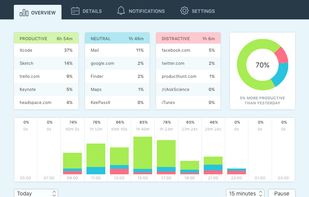


Keep track of your time like never before by using Klok’s familiar calendar-like display. And at only $19.99 USD how much lost time does it have to save to make up for its cost? Still not sure, download the free version by clicking “Install Now” below.
United States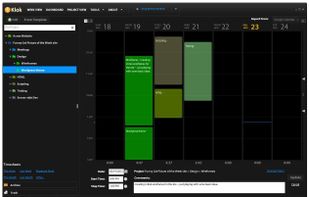
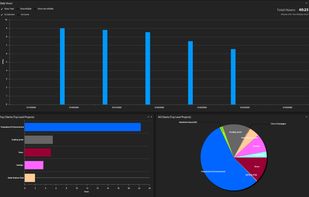


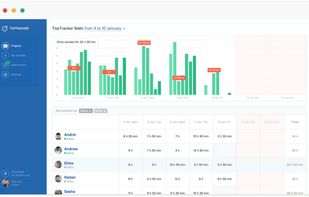
TopTracker enables team leads and individuals to effortlessly track progress with transparent and intuitive reports.
United States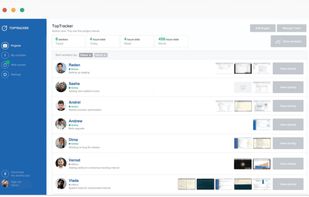



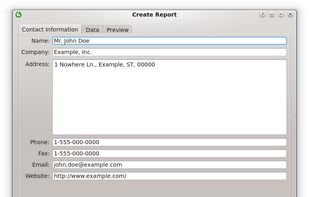
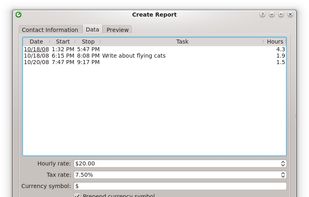
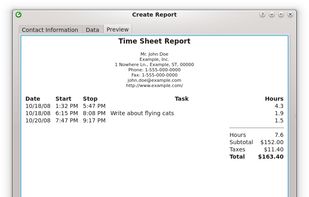
Kapow is a punch clock program designed to easily keep track of your hours, whether you're working on one project or many. Simply clock in and out with the Start/Stop button. If you make a mistake in your hours, you can go back and edit any of the entries by double-clicking...
United States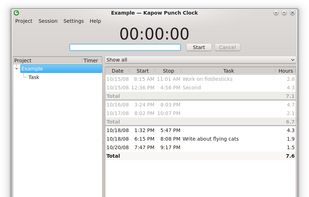


 Belarus