The Guide Alternatives

The Guide is described as 'Two-pane outliner - a program that allows you to arrange text notes in a tree-like structure. It supports formatted text, exporting to RTF and hyperlinks (both internal and external)' and is an app in the office & productivity category. There are more than 100 alternatives to The Guide for a variety of platforms, including Windows, Mac, iPhone, Web-based and Android apps. The best The Guide alternative is Notesnook, which is both free and Open Source. Other great apps like The Guide are Zim, Trilium Notes, CherryTree and TagSpaces.

Copy a direct link to this comment to your clipboard
The Guide alternatives page was last updated

Alternatives list

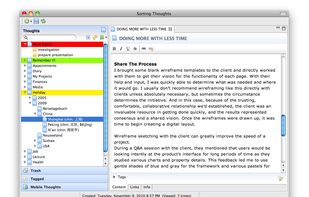
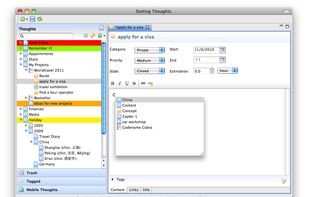
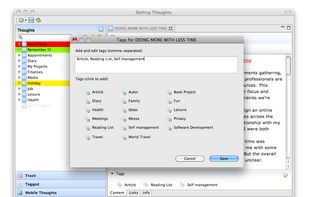
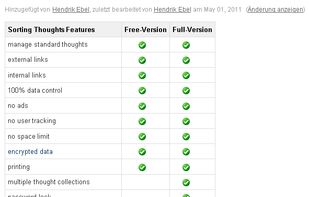
  1. Sorting Thoughts is a note-taking software for your personal information and knowledge management. It is designed to manage your thoughts such as moments of sudden inspirations, tasks, events, projects and anything else you may think of.

    Cost / License

    • Freemium
    • Proprietary

    Application types

    Platforms

    • Mac
    • Windows
    • iPhone
    • iPad
     
  2. TakeNote icon
     5 likes

    TakeNote was made by developers for developers - a simple, plain-text note-taking app for the web with Markdown support. What you see is what you paste. No WYSIWIG, no formatting pasted from the web, and no features you don't need or want.

    Cost / License

    • Free
    • Open Source (MIT)

    Application type

    Platforms

    • Online
    • Self-Hosted
     
  3. Notebook PEA icon
     22 likes

    Protects your private notes with a password. Notebook PEA is a self-decrypting archive, that will never store unencrypted text on your disk.

    Cost / License

    • Free
    • Open Source

    Application type

    Platforms

    • Mac
    • Windows
    • Linux
    • BSD
     
  4. Spiral icon
     6 likes

    Spiral is a program that allows users to take notes in a format similar to a spiral notebook. Unlike traditional word processors and text editors that are configured in a way that makes it difficult to document things in a non-linear fashion, Spiral pages allow users to click...

    Cost / License

    • Free
    • Open Source

    Application type

    Platforms

    • Windows
    • Linux
     
  5. Notes Foss icon
     7 likes

    Notes is an open source and cross-platform note-taking app that is both beautiful and powerful.

    Cost / License

    Application type

    Platforms

    • Mac
    • Windows
    • Linux
    • Flathub
    • Flatpak
    • Snapcraft
     
  6. EagleFiler icon
     21 likes

    EagleFiler makes managing your information easy. It lets you archive and search mail, Web pages, PDF files, word processing documents, images, and more. Use it to collect information from a variety of sources. Browse different types of files using a standard three-pane interface.

    Cost / License

    • Paid
    • Proprietary

    Platforms

    • Mac
     
  7. Flashnote icon
     16 likes

    Flashnote is a quick notes manager created for such cases. When you need a rough copy to save or to process some pieces of a text, Flashnote is small, quick and convenient. Press the shortcut-key combination and a rough copy is on the screen in a flash of a second.

    Cost / License

    • Free
    • Proprietary

    Application type

    Alerts

    • Discontinued

    Platforms

    • Windows
    • Linux
     
  8. Growly Notes icon
     11 likes

    Growly Notes is a note-taking app somewhat like Microsoft OneNote . Gather text, images, links and anything else you can think of in free-form pages organized into sections.

    Cost / License

    • Free
    • Proprietary

    Application type

    Platforms

    • Mac
     
  9. MemoMaster icon
     10 likes

    MemoMaster is a free outliner software to create, administer and reference texts and calculations in the familiar tree structure. It enables intuitive searching, browsing, and organization of information.

    66 MemoMaster alternatives

    Cost / License

    • Free Personal
    • Proprietary

    Application type

    Platforms

    • Windows
     
You are at page 6 of The Guide alternatives