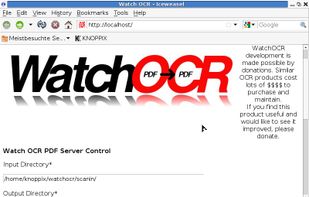
WatchOCR is an open source OCR server that creates searchable pdfs from images in a watched folder.
Cost / License
- Free
- Open Source
Platforms
- Linux


Apps similar to Text Lens include NormCap, which is free and open source. Other options are GImageReader, Capture2text, Trex and dpScreenOCR. There's no shortage of Screenshot Capture Tools like Text Lens, with more than 25 alternatives for Mac, Windows, Linux, Android and iPhone.
WatchOCR is an open source OCR server that creates searchable pdfs from images in a watched folder.

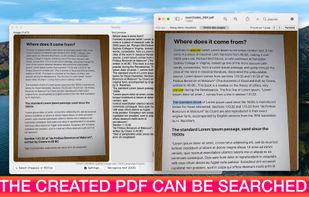
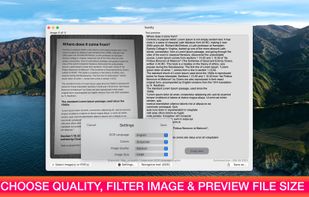
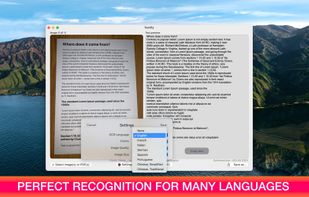
Text recognition finally made easy, super efficient and confidential (no server, your data stays on your device). Textify analyzes images, recognizes text, and creates PDF files with the text integrated such that the files are searchable. Or you can simply export to a .txt file.
 Belgium
 EU
EU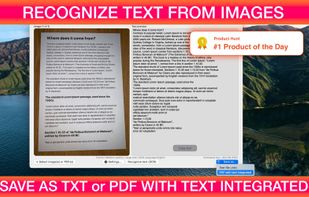


Screen OCR is a screen capture and character recognition tool. You can use Screen OCR in any way you are most comfortable with. It can be window selection, scrolling capture, simple cursor capture or rectangular selection.
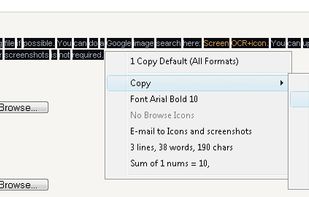
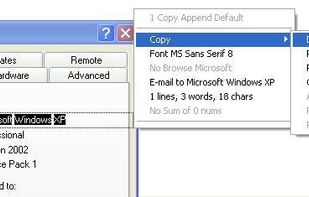


Boxoft Screen OCR is fast and easy-to-use software which helps to extract any area on your screen, recognize every character and then save as TXT file. Price: 27 USD. The smart tool enables you to select text from anywhere on the screen, including areas that you cannot highlight...
 China
China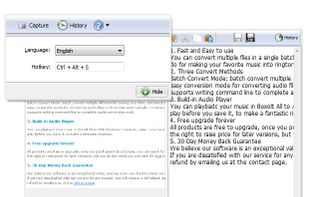


You can use Easy Screen OCR to capture a snapshot and start OCR process. this program will detect the text from the image and start OCR process immediately. You can extract the text to copy and paste in seconds.
China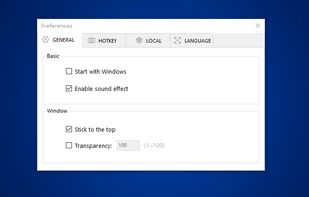
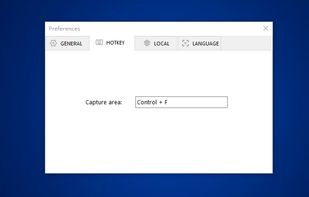
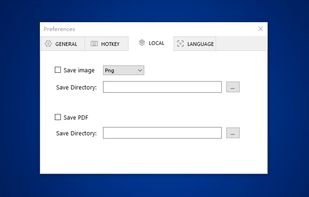
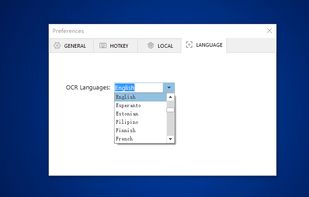


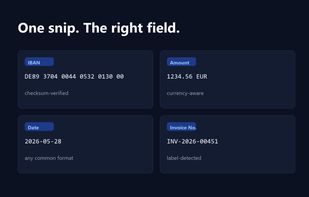
Snip2Field is a Windows utility for anyone who copies data off invoices and PDFs. Press a hotkey, drag a box over an IBAN, amount, date or invoice number, and it runs OCR on just that region and copies the result — no retyping.
 Taiwan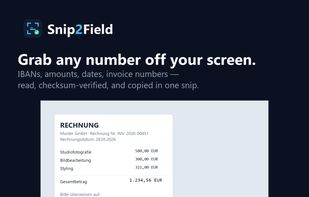


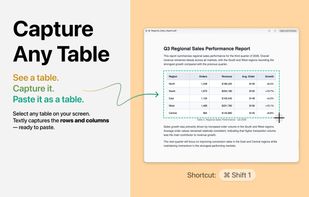
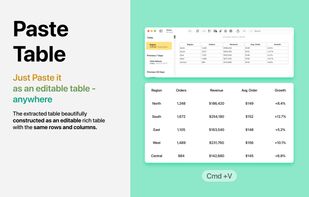
Textly is a macOS utility that captures text and editable tables from images, videos, PDFs, and app windows, with built-in translation and clipboard history.
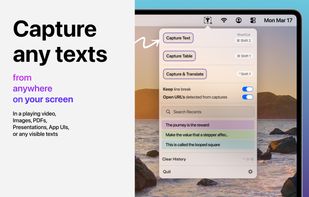
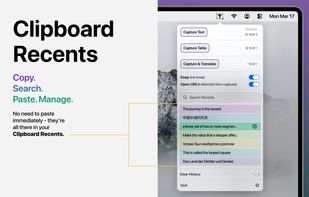


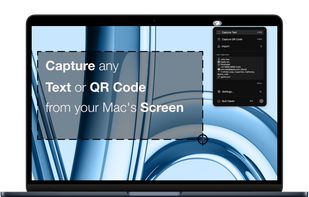
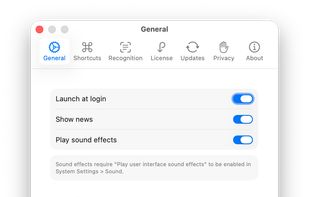
Ever needed to quickly grab text from an image, a non-selectable PDF, a video, or a website that blocks copying? Hawkr makes it effortless. With a simple keyboard shortcut, you can capture any text visible on your screen and have it instantly copied to your clipboard.
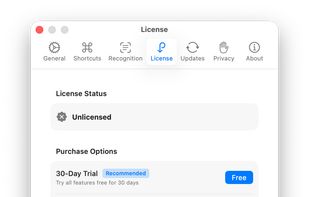


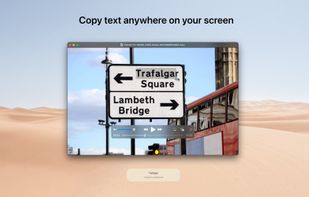
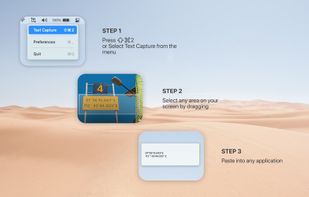


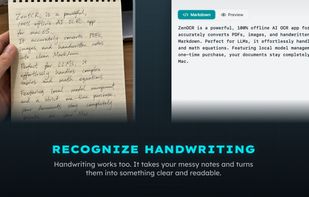
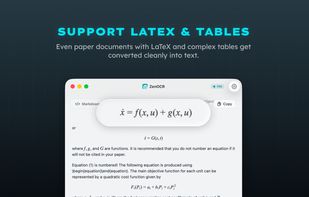
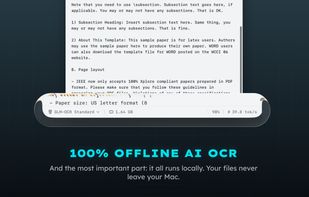
ZenOCR is a menu bar OCR app for macOS. Trigger it with a global shortcut to capture any part of the screen, or drag an image or PDF onto it, and it extracts the text instantly. It can convert PDFs to Markdown while preserving tables and math (LaTeX), which makes it handy for...
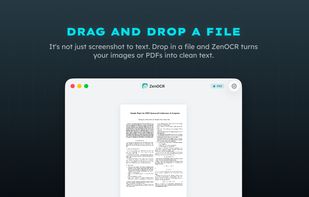


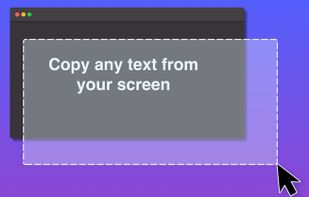
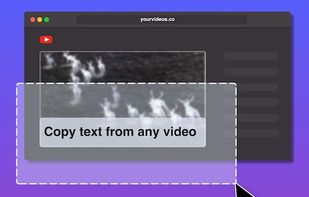
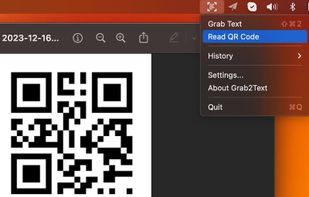


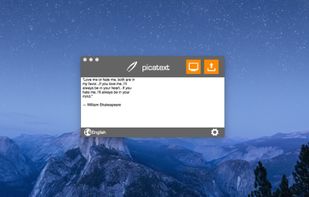
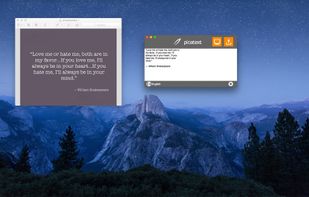
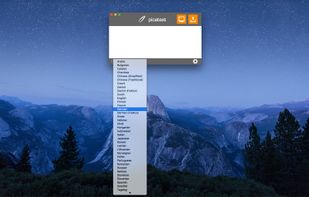
You need to get the text out of an image or from anywhere on your screen? With picatext this is as easy as selecting a file or a screen area. So now you can get the text you need in almost no time. No need to tediously typewrite everything again.
 GermanyEU