


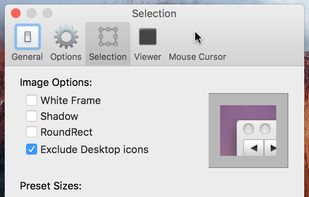
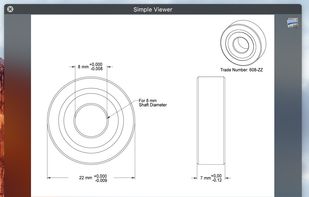
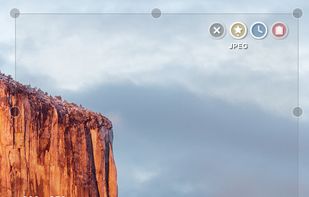
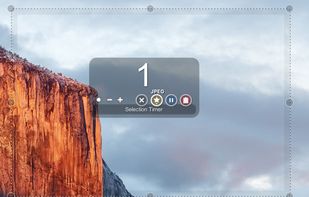
Small and free screenshot app for Mac that offers custom area and resolution presets, and much more.
Platforms
- Mac



+1


TechSmith Capture has been discontinued. Similar apps include ShareX, which is free and open source. Other options are Greenshot, SimpleScreenRecorder, FastStone Capture and Snipping Tool. You're spoiled for choice with Screenshot Capture Tools like TechSmith Capture: we list more than 100 alternatives for Windows, Mac, the web, Linux and Android.
Small and free screenshot app for Mac that offers custom area and resolution presets, and much more.


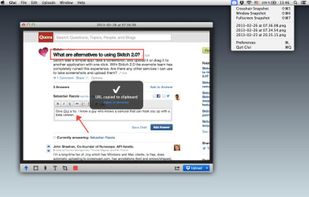
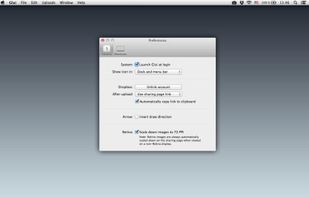
Glui is the simplest way to capture, annotate and share screenshots.
Key features: • Capture crosshair, window or fullscreen screenshots, or drag and drop existing images. • Annotate with arrow, rectangle, pen and text tool. • Instantly upload to .



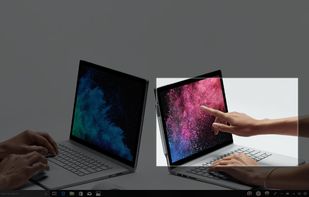
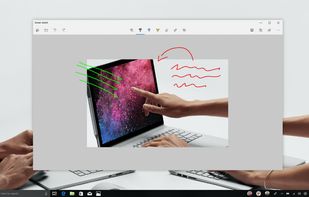
Quickly annotate screenshots, photos and other images with your pen, touch, or mouse and save, paste or share with other apps.


Vov Screen Recorder is handy tool to record the computer screen, i.e., record the ongoing activities on the screen. Using Vov Screen Recorder, you can record your screen to create a how-to video to demonstrate working of a program, compile a products demo video for some client...
 Türkiye


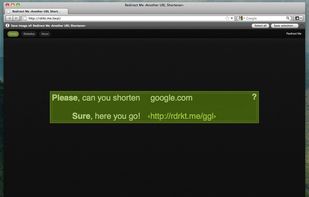
Right click on any web page, frame or iframe, click "Save Page As Image..." and then resize the selection around the piece you want to save.



RecButton is a one button tool for capturing screen + (speaker audio or microphone or mix of both), it’s like Windows snipping tool but for capturing video & audio.
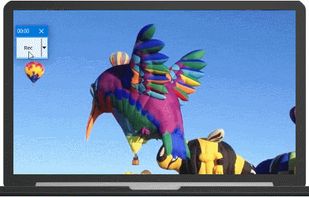
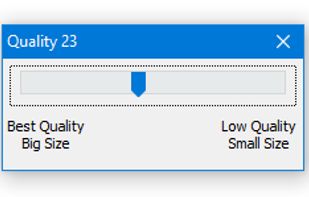


321Soft Screen Video Recorder is designed to record your computer screen (full screen or a fixed area) into AVI video file for further purposes like editing, burning DVD, making slide show movie, etc.


The smallest free tool for taking screenshots of different size. Just open SnapaShot, resize it's window to fit the area you want to save, and press "save it" button.
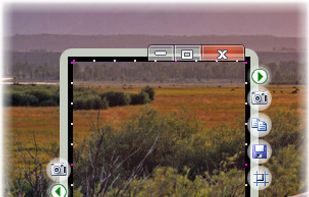


TeenyGrab is a free alternative to TinyGrab. TinyGrab is a popular application for quickly uploading screenshots, and sharing them. The only problem is, the full version (with features such as uploading to a custom FTP server) costs $$$.
 United States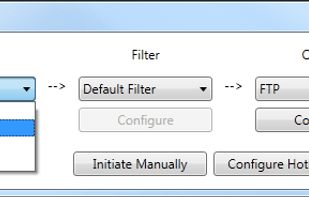


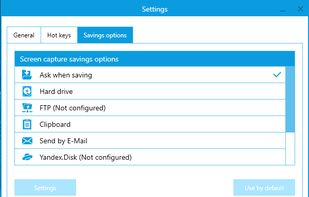
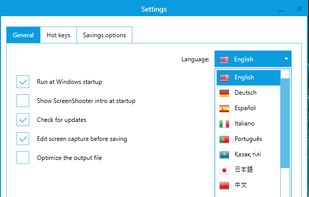
Simple, but powerful application for taking screenshots, editing them with included editor, and saving using multiple options, such as local storage, cloud, FTP-server, or direct copying to the clipboard or E-mail message.
 Russia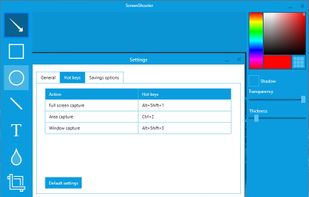


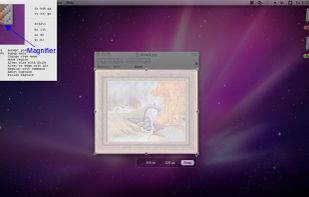
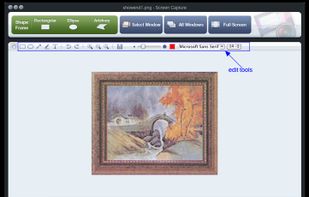
Onde Screen Capture for Mac is currently the most professional and powerful screen grabbing utility running on Mac OS, by which you can easily capture any part on your Mac desktop such as rectangular or ellipse region, freehand region, full screen, active window or all windows...
United States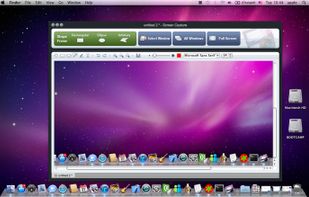


 China
China


