Cost / License
- Paid
- Proprietary
Application type
Platforms
- Windows
 United States




Apps similar to SwifDoo include SumatraPDF, which is free and open source. Other options are Foxit PDF Reader, Stirling PDF, PDF24 Creator and PDFsam Basic. There's no shortage of PDF Editors like SwifDoo, with more than 50 alternatives for Windows, the web, Mac, Linux and Android.
United States
Aiseesoft PDF Merger is a simple and powerful PDF file merger to assist you to combine multiple PDF files into one in a variety of ways and can maintain all contents of source PDF files.
 Hong Kong SAR China


VeryPDF PDF Editor is an easy-to-use application designed for users familiar with Microsoft Office and similar applications. VeryPDF PDF Editor provides tools to enable you freely write your own comments to the PDF document and share the comments with others.
 China
China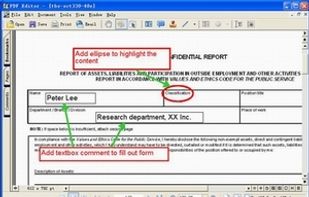


Acrobat.com is a set of online services — file sharing and storage, a PDF converter, an online word processor, and web conferencing — you can use to create and share documents, communicate in real time, and simplify working with others.


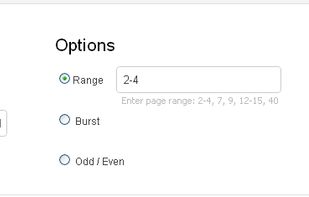
iPdf2Split is a free online pdf splitter. It splits a pdf given a range of page numbers (range mode), every page is saved as a pdf (burst mode), or (odd-even mode), where odd and even pages are saved as two separate pdf files. Input pdf can be loaded from disk or URL.
United States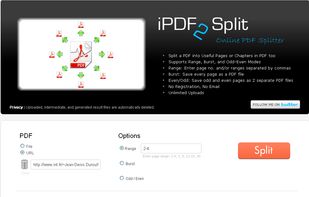


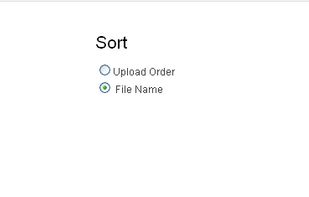
iPdf2Merge is a free online tool that merges pdf files into one file. Merged files are sorted by upload order or file name. Unlimited usage, no registration, and no Email.
United States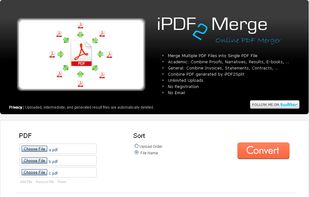


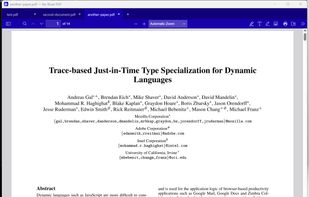
Free 4.6 MB PDF viewer for Windows and macOS that just opens. Tabs, search, page editing, dark mode, annotations, signatures. Zero network calls.
United States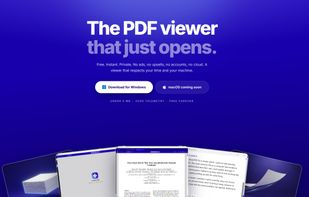


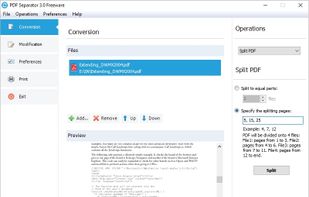
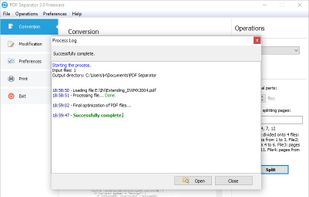
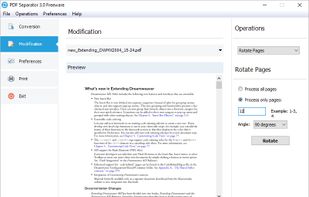
This program allows you to split PDF file onto several documents. You can also extract selected pages from original document, or remove specified pages. After PDF splitting, you are enabled to edit, modify and secure the PDF files.



Revolutionize PDFs for free! Try PDFPro: advanced editing, annotating, converting, signing. Premium tools, cloud support, secure.
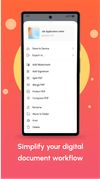
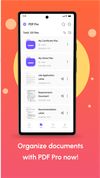
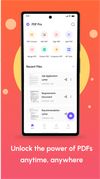


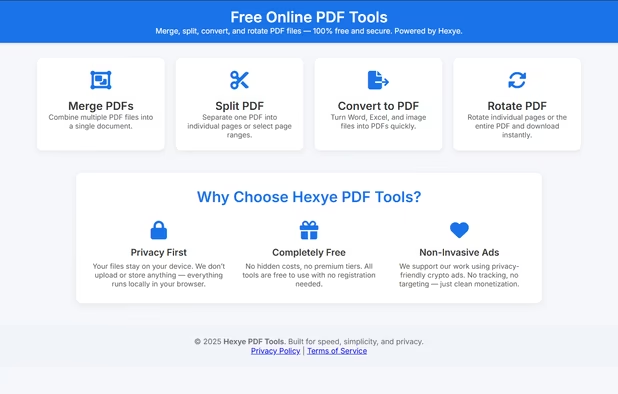
Hexye PDF Tools is a fast, privacy-focused online suite for editing PDFs — split, rotate, merge, and more — directly in your browser without uploading files.
 Italy
Italy EU
EU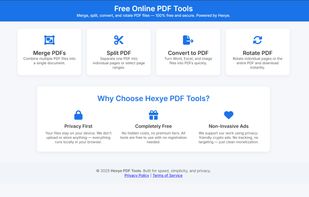


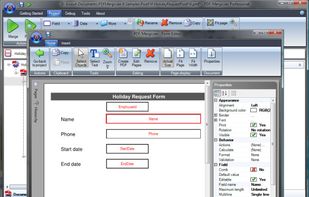
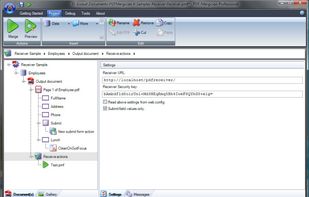
Complete package for automated PDF creation and manipulation. Supports automated printing, e-mailing, print merge and personalization using data from datasources like databases, XML and Excel.
 NetherlandsEU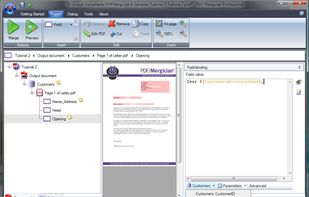


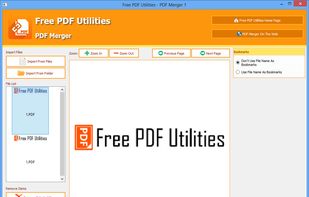
PDF Merger, a free PDF app, you can merge several PDF files into one file. This intuitive software enables you to merge your PDFs by simply dropping your PDF files into the application.