Remotely is a free and open-source remote desktop, remote scripting, and rich auto-complete to maximize your IT support efficiency.
Cost / License
- Free
- Open Source
Application type
Alerts
- Discontinued
Platforms
- Windows
- Linux
- Self-Hosted


SupportHopper is described as 'Seamlessly share screens and provide remote desktop support with our user-friendly software. Perfect for businesses seeking enhanced customer support' and is a Remote Desktop tool in the remote work & education category. There are more than 25 alternatives to SupportHopper for a variety of platforms, including Windows, Linux, Mac, Android and iPhone apps. The best SupportHopper alternative is TeamViewer. It's not free, so if you're looking for a free alternative, you could try TeamViewer or RustDesk. Other great apps like SupportHopper are Parsec, Chrome Remote Desktop, TightVNC and UltraVNC.
Remotely is a free and open-source remote desktop, remote scripting, and rich auto-complete to maximize your IT support efficiency.


TigerVNC is an advanced VNC implementation. It is based on the fourth generation of VNC. TigerVNC also includes features from the TightVNC and TurboVNC projects. This includes accelerated JPEG compression. TigerVNC supports the latest X.Org X server.

Remote control and support tool for Windows offering screen monitoring, chat, and file transfer, allowing users to assist clients, share files, manage multiple sessions, while partners oversee and manage permissions during support.


Radmin (Remote Administrator) is the popular, award winning secure remote control software which enables you to work on a remote computer in real time as if you were using its own keyboard and mouse. You can remotely access the same computer from multiple places and use advanced...


Easy to start, easy to join and with no downloads for viewers, connecting for external presentations, sales demos, and ad hoc get-togethers means you get work done and get on with it.


A VNC/SSH Client for the GNOME Desktop


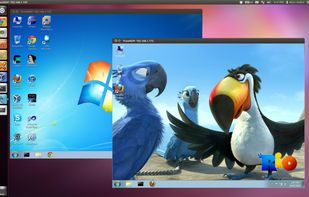
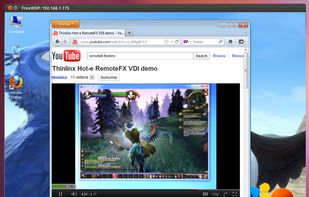
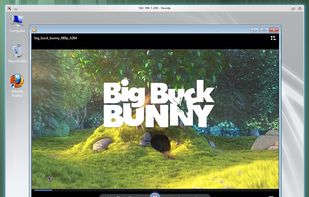
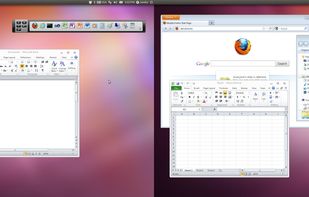
FreeRDP is a free implementation of the Remote Desktop Protocol (RDP), released under the Apache license. Enjoy the freedom of using your software wherever you want, the way you want it, in a world where interoperability can finally liberate your computing experience.


A user-friendly, open-source, cross-platform solution, that allows controlling of remote computers. It can be used as an alternative to various commercial remote desktop and assistance products.


For developers, screen sharing shouldn’t be optimized for low bandwidth or presenting some slides. It should be high definition, that you still can read the tiny font of your colleague. No more, “wait a minute, the stream isn’t updating”.
Jump Desktop is a remote desktop client that lets you securely connect to other computers. Connect to as many computers as you want. Monitor all sessions at once with Live Preview. Filter computers by keyword or connection details using live search.


Enables remote desktop sessions in any browser on major platforms including Windows, macOS, Linux, and Android, with instant support, secured HTTPS with AES encryption, in-session chat, API access, integrations, team features, and file transfer support.


xrdp provides a graphical login to remote machines using Microsoft Remote Desktop Protocol (RDP). xrdp accepts connections from a variety of RDP clients: