SumatraPDF AlternativesOnly apps categorised as PDF Editors

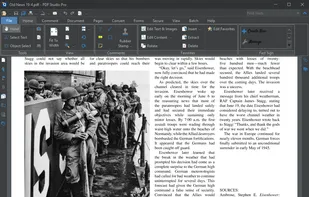
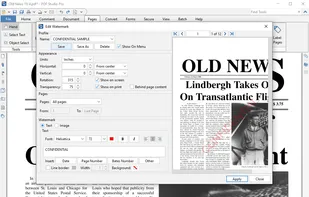
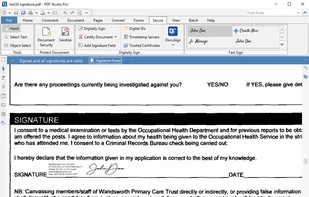
The best PDF Editor alternative to SumatraPDF is Foxit PDF Reader. It's not free, so if you're looking for a free alternative, you could try Foxit PDF Reader or Okular. If that doesn't suit you, our users have ranked more than 100 alternatives to SumatraPDF and many of them are PDF Editors so hopefully you can find a suitable replacement. Other interesting PDF Editor alternatives to SumatraPDF are PDF24 Creator, Xodo, Qoppa PDF Studio and PDF Reader Pro.

filter to find the best alternatives

SumatraPDF alternatives are mainly PDF Editors, but if you're looking for PDF Readers or Text to Speech Services you can filter on that. Other popular filters include Android, Mac, Linux, Android Tablet, Windows + Open Source, Windows and iPad. These are just examples - use the filter bar below to find more specific alternatives to SumatraPDF.
Copy a direct link to this comment to your clipboard
SumatraPDF alternatives page was last updated

Alternatives list

  1. Foxit PDF Reader icon
     1379 likes

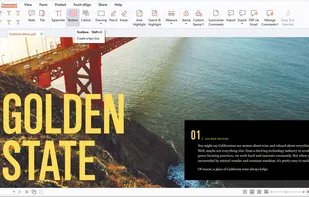
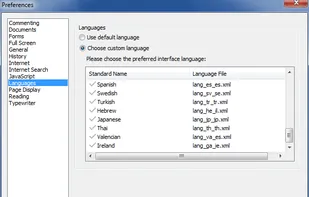
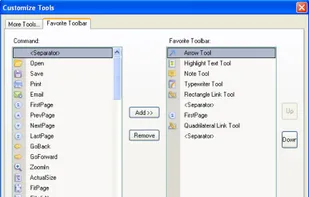
    Foxit Reader offers a lightweight PDF viewing experience across multiple platforms with features such as annotation, form filling, signing, cloud storage integration, collaborative review options, heightened security via Trust Manager, and organizational tools like Group Policy and XML Configuration.

    123 Foxit PDF Reader alternatives

    Cost / License

    • Free Personal
    • Proprietary

    Application types

    Alerts

    • Bundleware

    Platforms

    • Mac
    • Windows
    • ReactOS
     
    |
    3
    Foxit PDF Reader vs SumatraPDF Comments
    Guest
    Positive
    22

    Compared to Sumatra PDF, foxit it's heavier, but also includes more tools for the user, as highlighting.

    Review by a new / low-activity user.
    Guest
    Negative
    -6

    SumatraPDF is a document viewer, however Foxit Reader is mainly a PDF editor.

    Review by a new / low-activity user.
    Guest
    Positive
    -34

    FoxIT is a very valuable tool to perform excentricities within the documents attached to this puvlication so everything in the world must use this excelent Software Libre toolto view, edit and print your mobile documents such as pdf, xps, cbr, cbz, cba, cb7, cbt in your MACs, Windows Phones PCs and Linuz computerz. Greetings. Bai Bai!!!

    Review by a new / low-activity user.
    • Foxit PDF Reader is Free Personal and ProprietarySumatraPDF is Free and Open Source
  2. Okular icon
     483 likes

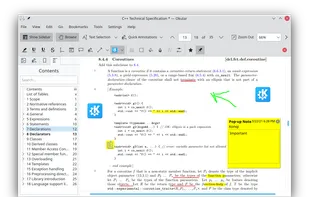
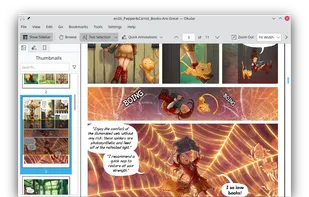
    Multi-platform document viewer offering extensive format support, including PDF, comics, images, EPUB, and Markdown, with annotation tools, sidebar previews, text-to-speech, DRM management, cross-platform compatibility, and integration with KDE Frameworks libraries.

    114 Okular alternatives

    Cost / License

    Application types

    Platforms

    • Windows
    • Linux
    • BSD
    • KDE Plasma
    • Snapcraft
    • Linux Mobile
    • Flathub
    • Haiku
     
    |
    2
    Okular vs SumatraPDF Comments
    Guest
    Positive
    1

    Because both programs are design to see documents.

    Review by a new / low-activity user.
    veruzian
    Positive
    0

    If you want a basic PDF viewer, this will probably fit the bill. It's simple and ligthweight. I used to use Foxit Reader, and found Okular to be a good FOSS replacement.

    Review by a new / low-activity user.
    • Okular is Free and Open SourceSumatraPDF is also Free and Open Source
  3. KDAN PDF icon
     185 likes

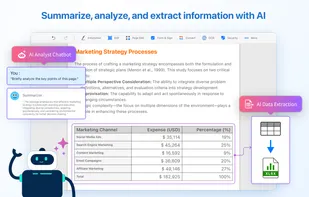
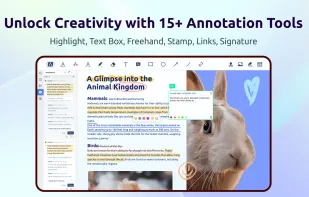
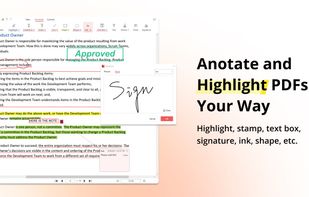
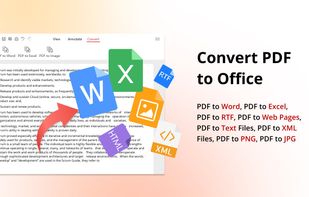
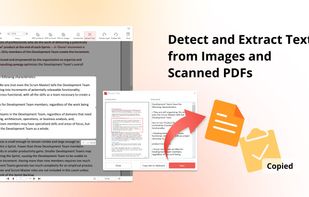
    Comprehensive solution for editing, signing, form filling, OCR scanning, commenting, converting, and redacting PDFs, with AI-driven analysis and content extraction, data export to spreadsheets, text-to-speech, seamless use across desktop and mobile, and batch processing.

    263 KDAN PDF alternatives

    Cost / License

    • Freemium
    • Proprietary

    Application types

    Platforms

    • Mac
    • Windows
    • Android
    • iPhone
    • Android Tablet
    • iPad
     
    |
    2
    KDAN PDF vs SumatraPDF Comments
    Rosalind Morris
    Positive
    16

    Simple interface - this is the main advantage of PDF Reader!

    Dayna Barber
    Positive
    19

    PDF Reader is easy to use and has nothing extra

    • KDAN PDF is Freemium and ProprietarySumatraPDF is Free and Open Source
  4. PDF24 Creator icon
     148 likes

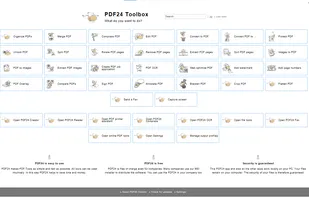
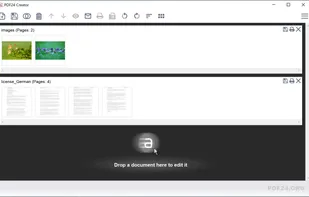
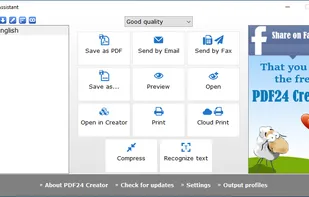
    PDF24 Creator is free and feature-filled PDF creation, merging and conversion tool for Windows. Its unique feature among the free PDF printer tools is an editor, which allows to easily assemble, create and modify PDF files with Drag & Drop.

    174 PDF24 Creator alternatives

    Cost / License

    • Free
    • Proprietary

    Application types

    Platforms

    • Windows
     
  5. Xodo icon
     71 likes

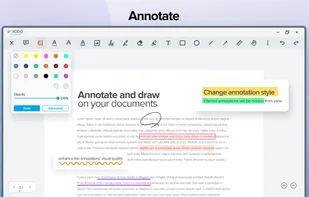
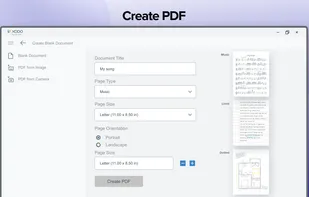
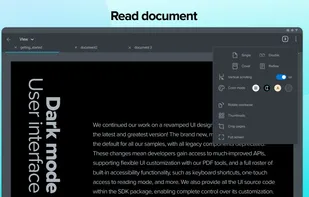
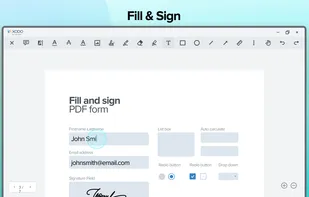
    Xodo is the ultimate cross-platform PDF viewer and annotator. Powerful, fast, and optimized for all phones and tablets, Xodo makes it easy to access, edit, share, sync, manage, sign, and more.

    118 Xodo alternatives

    Cost / License

    • Paid
    • Proprietary

    Application types

    Platforms

    • Windows
    • Online
    • Android
    • iPhone
    • Chrome OS
    • Android Tablet
    • iPad
    • Google Chrome
     
    |
    2
    Xodo vs SumatraPDF Comments
    Malaz YI
    Positive
    2

    Feature-rich, modern looking interface, powerful yet lightweight software with impressive fast loading time.

    Guest
    Positive
    0

    It has everything you need.

    Review by a new / low-activity user.
    • Xodo is Paid and ProprietarySumatraPDF is Free and Open Source
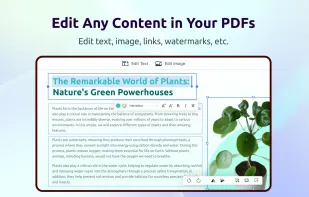
  6. Create, Convert, Review and Edit PDF Documents on Windows, macOS, and Linux.

    Cost / License

    • Paid
    • Proprietary

    Application types

    Platforms

    • Mac
    • Windows
    • Linux
    • Chrome OS
     
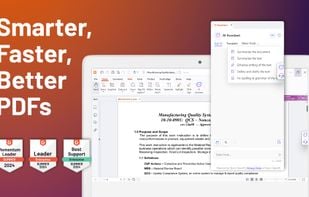
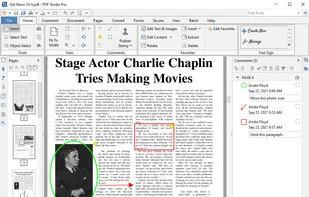
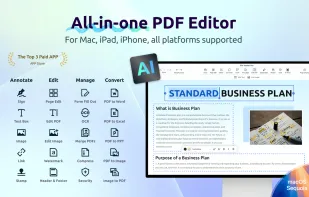
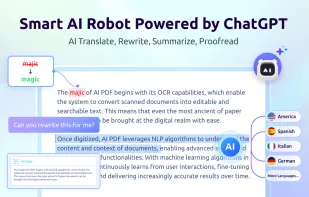
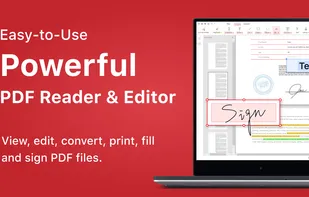
  7. Read, edit, annotate, and sign PDF documents with built-in AI features like summarize and translate, OCR in 50+ languages, fill forms, export to major formats offline, apply watermarks, compress files, secure with passwords, and use text-to-speech on all major platforms.

    77 PDF Reader Pro alternatives

    Cost / License

    • Freemium
    • Proprietary

    Application types

    Platforms

    • Mac
    • Windows
    • Android
    • iPhone
    • Android Tablet
    • iPad
     
  8. PDF X icon
     1 like

    PDF X is a productive PDF reader & editor for Windows. It's powerful for users to view, print, edit, and annotate Adobe Acrobat PDFs.

    58 PDF X alternatives

    Cost / License

    • Freemium
    • Proprietary

    Application types

    Platforms

    • Windows
     
  9. Kami icon
     17 likes

    Cloud-based PDF viewer and annotation tool for your browser. Perfect for Chromebook 1:1 schools. View, export, print and share your PDF files straight from your browser. Kami works on all browsers and works best with Google Chrome.

    Cost / License

    • Freemium
    • Proprietary

    Application types

    Platforms

    • Online
    • Google Chrome
     
  10. PDF4QT icon
     8 likes

    Open-source PDF viewer and editor using Qt framework, featuring hardware-accelerated rendering, encryption, multithreading, text-to-speech, annotation tools, form filling, high-res monitor support, document compression, audio book conversion, and signature validation.

    100 PDF4QT alternatives

    Cost / License

    • Free
    • Open Source (MIT)

    Application types

    Platforms

    • Windows
    • Linux
    • Flathub
     
  11. Trevnoctilla icon
     1 like

    Trevnoctilla lets you edit, merge, split, compress, and annotate PDFs directly in your browser—no downloads or installations required. Fast, secure, and completely free.

    Cost / License

    • Freemium
    • Proprietary

    Platforms

    • Online
     
12 of 32 SumatraPDF alternatives