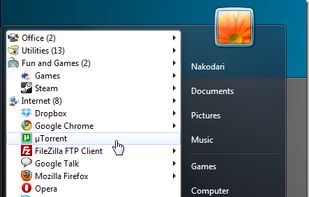
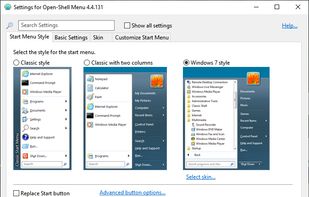
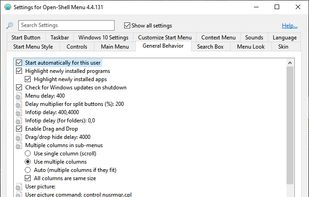
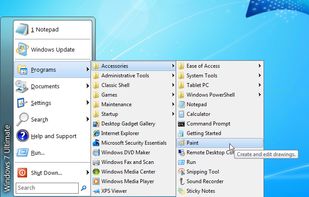
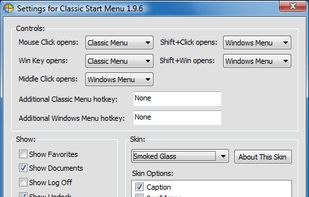
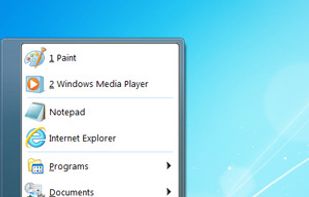
Open Shell is a fork of the Classic Shell project for Windows that getting back the classic start menu to modern versions of Microsoft Windows.
Cost / License
- Free
- Open Source (MIT)
Application type
Platforms
- Windows



+2
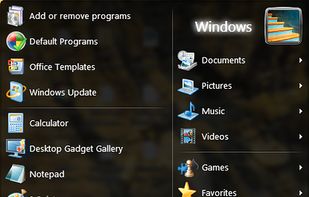


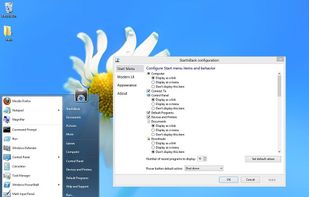
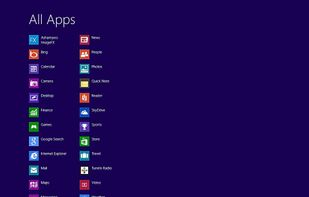
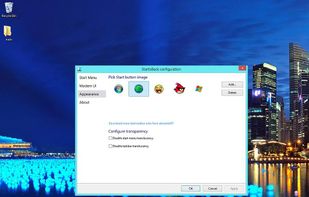
Start8 has been discontinued. Similar apps include Open Shell, which is free and open source. Other options are Classic Shell, Start11, StartAllBack and StartIsBack. You can choose from more than 10 System Tweakers like Start8 for Windows and Android.
Open Shell is a fork of the Classic Shell project for Windows that getting back the classic start menu to modern versions of Microsoft Windows.

Classic Shell is free software that improves your productivity, enhances the usability of Windows, and empowers you to use the computer the way you like it.
 Bulgaria
 EU
EU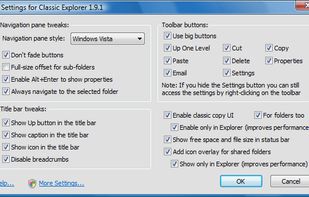
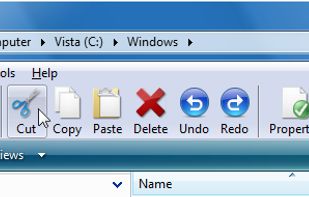


Enhance Windows 10/11 personalizing Start Menu and Taskbar with style changes, icon and section adjustments, taskbar improvements, quick access menus, and advanced search features for improved productivity.
 United States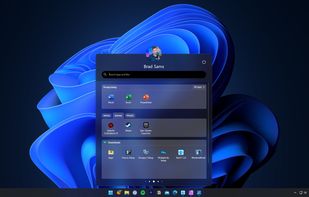
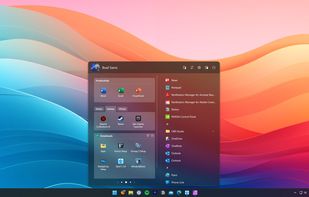
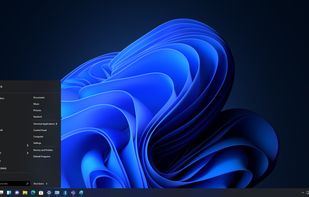
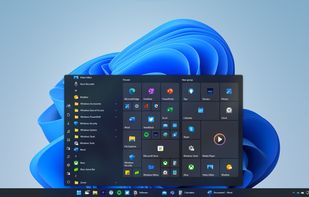


The Windows 11 version of the Startisback replacement shell. This software allows you to make Windows 11 look like previous versions of Windows or a modified version of itself.

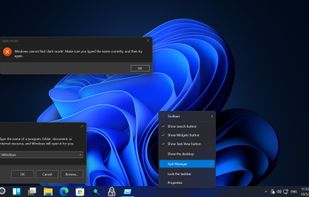


StartIsBack returns Windows 8 a real fully featured start menu and start button, behaving exactly like the ones in Windows 7. StartIsBack radically improves desktop usability and makes new Start screen clutter-free.



Customize Windows 10 and 11 with skins for Start menu and taskbar. Includes SkinStudio for designing skins, offering personalized fonts, and color and transparency adjustments.
United States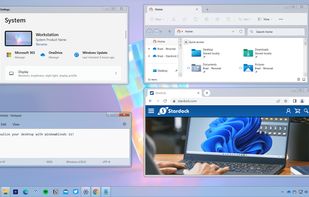
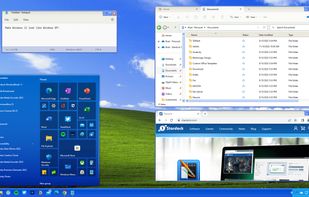
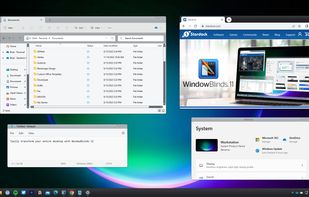
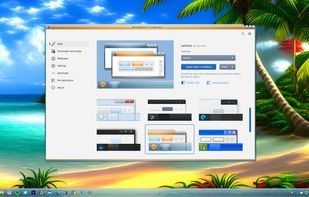

Pining for simpler times? RetroBar teleports you back in time by replacing your modern Windows taskbar with the classic Windows 95, 98, Me, 2000, XP, Longhorn, or Vista style.
 Canada

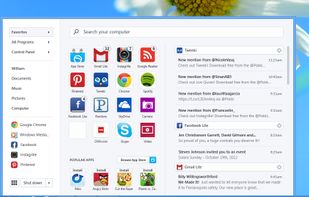
Pokki puts web-connected apps in your taskbar, so they're always only one click away. Welcome to the modern desktop.
United States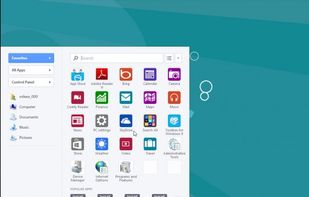



Start Menu X is a replacement of the system menu for professionals.
Virtual Groups Group programs by purpose (office applications, graphics, etc) without changing their location on the hard drive.
One-click start
The PRO version allows you to assign a primary program to any f.
 Ukraine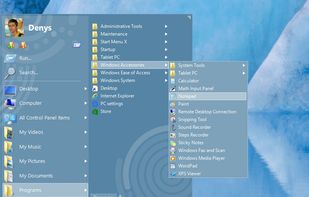
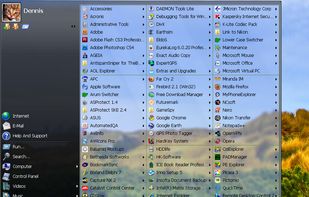
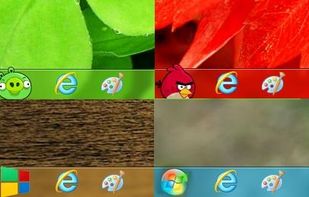


Puts a start menu and recent apps tray on top of your screen accessible at any time, increasing your productivity and turning your Android tablet or phone into a real multitasking machine.


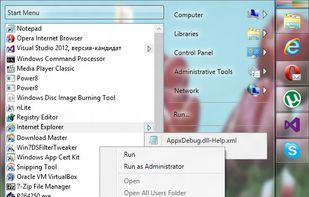
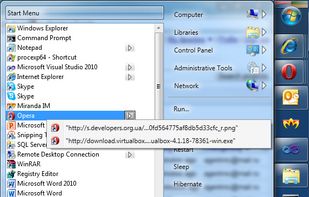


Do you often find yourself looking for a program in the long list of the Start menu?
 Russia