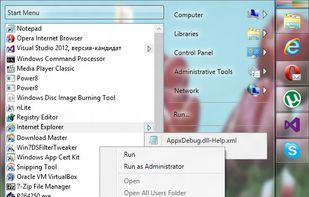
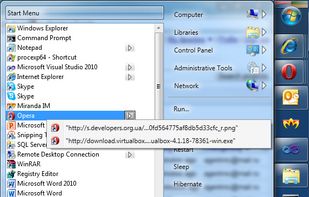
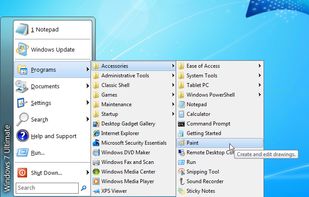
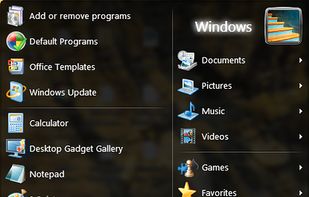
Open Shell is a fork of the Classic Shell project for Windows that getting back the classic start menu to modern versions of Microsoft Windows.
Cost / License
- Free
- Open Source (MIT)
Application type
Platforms
- Windows



+2


Classic Shell has been discontinued. The top-rated alternative is Open Shell, which is free and open source. People also recommend Start11, StartAllBack, StartIsBack and WindowBlinds. There's no shortage of System Tweakers like Classic Shell, with more than 25 alternatives for Windows and Android.
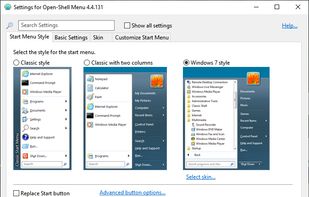
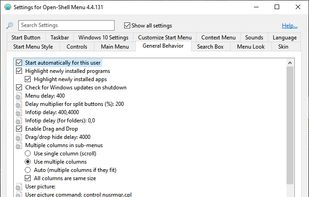
Open Shell is a fork of the Classic Shell project for Windows that getting back the classic start menu to modern versions of Microsoft Windows.

Enhance Windows 10/11 personalizing Start Menu and Taskbar with style changes, icon and section adjustments, taskbar improvements, quick access menus, and advanced search features for improved productivity.
 United States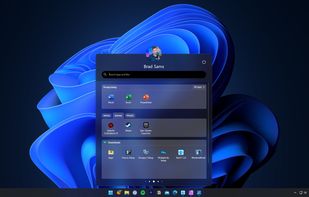
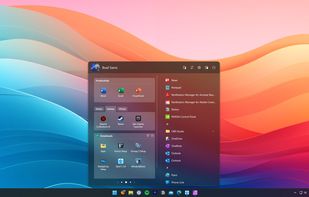
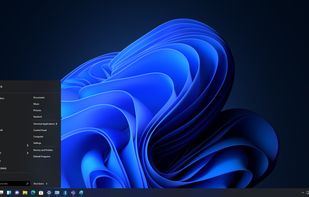
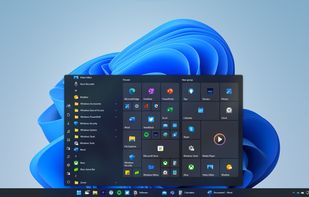


The Windows 11 version of the Startisback replacement shell. This software allows you to make Windows 11 look like previous versions of Windows or a modified version of itself.

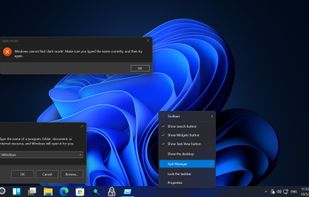


StartIsBack returns Windows 8 a real fully featured start menu and start button, behaving exactly like the ones in Windows 7. StartIsBack radically improves desktop usability and makes new Start screen clutter-free.

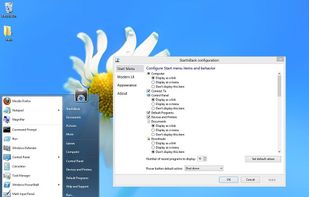
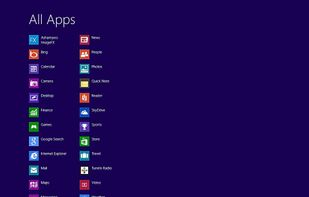
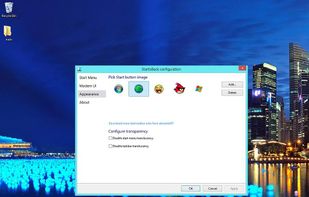


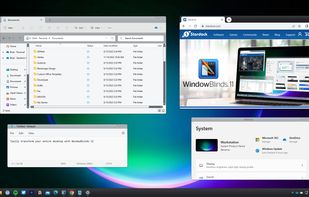
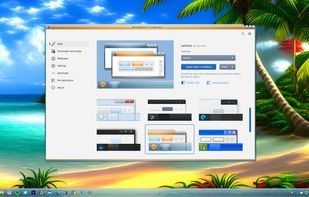
Customize Windows 10 and 11 with skins for Start menu and taskbar. Includes SkinStudio for designing skins, offering personalized fonts, and color and transparency adjustments.
United States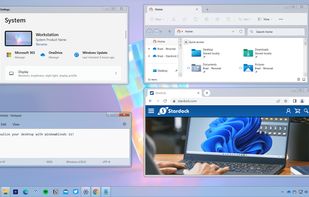
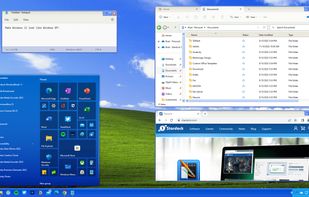


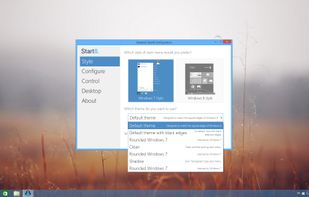
Return the Start Button to Windows 8 With these features:
United States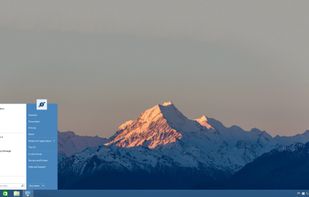
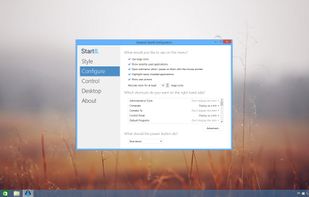
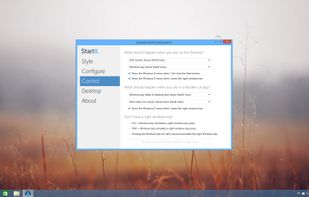


Start Menu X is a replacement of the system menu for professionals.
Virtual Groups Group programs by purpose (office applications, graphics, etc) without changing their location on the hard drive.
One-click start
The PRO version allows you to assign a primary program to any f.
 Ukraine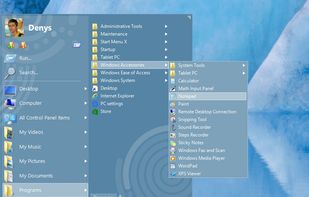
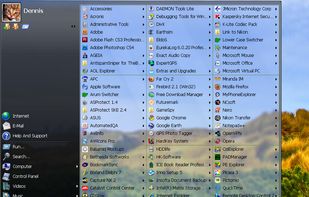


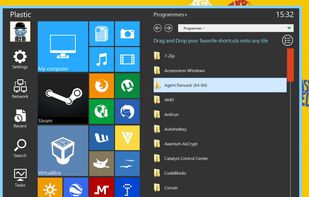
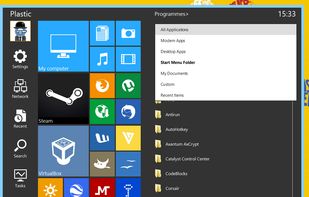
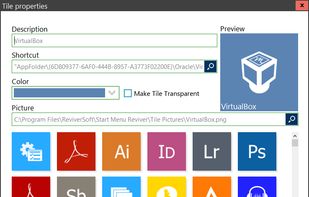
Start Menu Reviver offers an improved Start Menu for Windows 8/7 that blends the traditional Start Menu functions with the Windows 8 design concept and provides quick access to all your desktop and Modern GUI (Metro) applications.
 Canada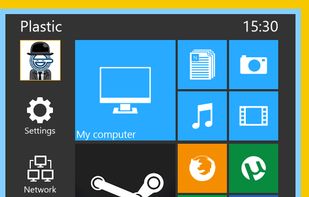

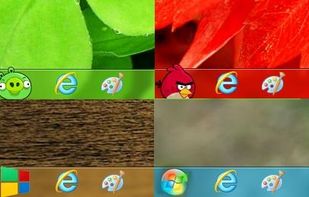
Pining for simpler times? RetroBar teleports you back in time by replacing your modern Windows taskbar with the classic Windows 95, 98, Me, 2000, XP, Longhorn, or Vista style.
Canada

Start Menu 8 can help users who are not willing to change their behaviors and bring back the classic start menu. Users can enjoy a familiar start menu again with just one click while other styles are also available.
 China
China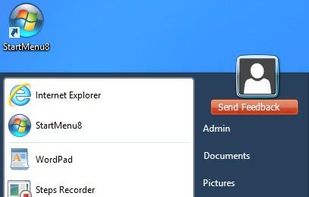


Puts a start menu and recent apps tray on top of your screen accessible at any time, increasing your productivity and turning your Android tablet or phone into a real multitasking machine.