Do you often find yourself looking for a program in the long list of the Start menu?
Cost / License
- Freemium
- Proprietary
Alerts
- Discontinued
Platforms
- Windows
 Russia




Classic Shell has been discontinued. The top-rated alternative is Open Shell, which is free and open source. People also recommend Start11, StartAllBack, StartIsBack and WindowBlinds. There's no shortage of System Tweakers like Classic Shell, with more than 25 alternatives for Windows and Android.
Do you often find yourself looking for a program in the long list of the Start menu?
Russia
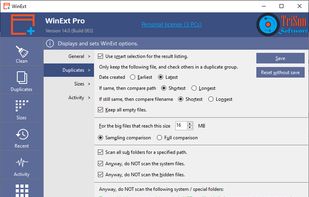
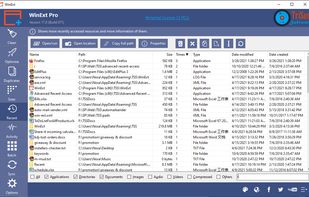
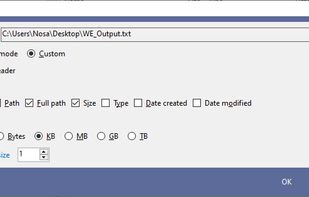
Powerful Win utilities: fix registry, clean junk, protect privacy, optimize system, quick launch, find duplicates, folder size, see more recent resources, activity monitor, batch operation, synchronization, disable context menus, skip UAC, trace file.
 United States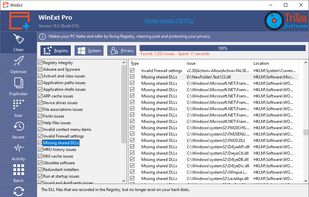


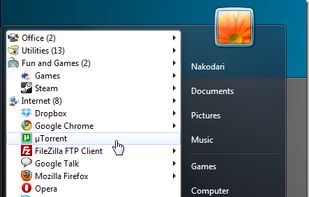
Classic Start Menu is considered as a perfect replacement to Windows 7 Start Menu. It helps you to find programs and folders many times faster. You always know where you put your things because folders expand when you hover over them.
 Ukraine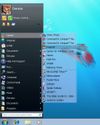
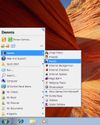


Start Everywhere is a Start Menu software which offers several unique solutions to enable you to launch applications installed on the computer and quickly access documents.
Ukraine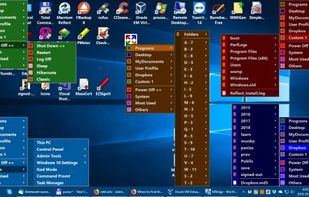
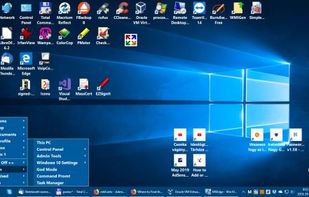
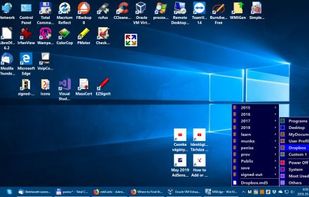
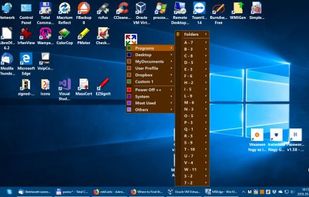


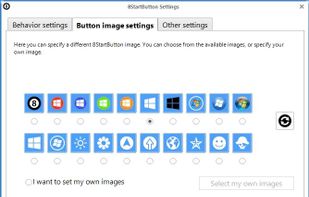
How to add a Start button to Windows 8? Just install Start Button 8! The package contains a Start button and a convenient Menu. A ready solution for those who like to keep everything under control.

 Germany
 EU
EU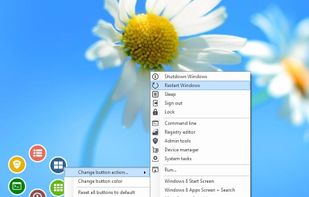



WinMetro is specially designed to bring the newly introduced Windows 8 Metro UI to Windows 7, Windows Vista and Windows XP. It offers an easy solution for old version Windows users to try and enjoy the tile based Metro UI.
 China
China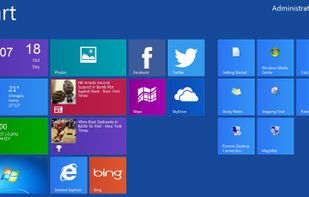


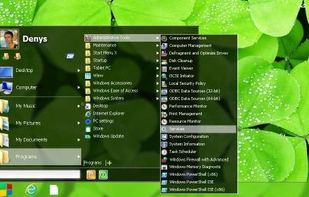
A skinnable start menu to replace your existing Windows XP start menu. It also allows you to get the Windows Start Menu back on Windows 7, 8 or 10.
United States


A simple and fast task launcher and switcher. Press a custom assigned mouse/keyboard key, the menu pops up at the place of the mouse cursor, move to the desired task, release the key, and that is all! Can not be quicker or easier!.
 NetherlandsEU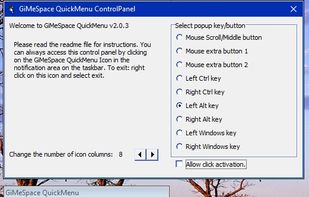


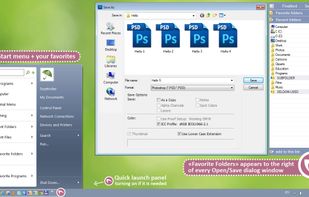
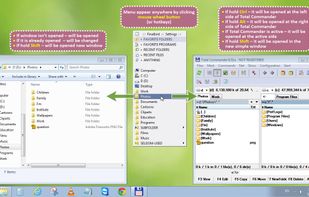
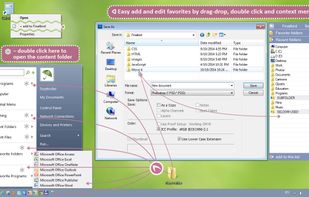
Finalbird is a free program to always reach required folders, files and programs, to work faster and more efficiently.



Bring back the Classic Windows XP Start Menu to Windows 8 & 10. With one click you have access to all of your Start Menu entries. Plus direct access to the Control Panel, Administrator command line and Run dialog.
GermanyEU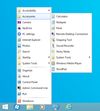

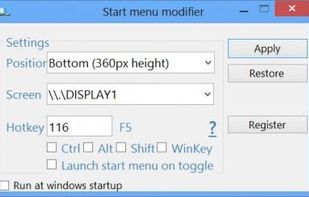
Start Menu Modifier will allow you to open the star screen at the bottom or the top of your desktop, when you click on the Win flag key.