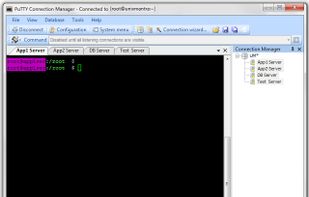
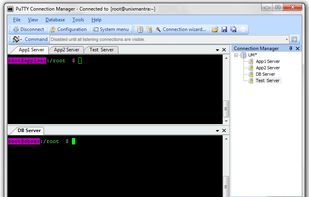
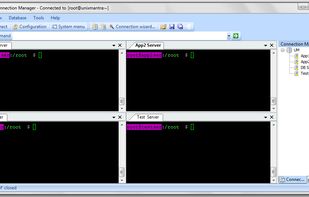
Core Shell is described as 'Full-featured terminal with built-in OpenSSH support, focused on managing and login to hosts efficiently' and is a terminal emulator in the os & utilities category. There are more than 50 alternatives to Core Shell for a variety of platforms, including Windows, Mac, Linux, Android and iPhone apps. The best Core Shell alternative is PuTTY, which is both free and Open Source. Other great apps like Core Shell are Tabby, OpenSSH, Windows Terminal and MobaXterm.


SSH Terminal Emulator by devFluid connects to linux, unix, and other SSH capable devices directly through an SSH2 connection.

ExtraPuTTY is a fork from 0.65 version of PuTTY and has all the features from the original while adding new ones as described below:
OpenSSH for Windows is a minimal installation of the Cygwin port of OpenSSH and related utilities to provide SSH and SCP services on the Windows platform.
Putty is one of the Best Terminal Emulators available today. It Supports different types of Network Protocols such as SSH, FTP, SCP, Telnet etc. In Windows it is used as SSH Client to connect to Your Linux server or for some other purpose.


Still using FTP? Truck hauls data 30x faster thanks to its modern rsync engine (included) which compresses, de-duplicates and encrypts – giving significantly higher performance and security, right from the first transfer.


PuTTYCS is a small windows application that is intended to be used along with multiple instances of PuTTY (including PuTTYtel, TuTTY, and PieTTY). Its purpose is to send the same command to each PuTTY window.
Secure credential manager for SSH, RDP, VNC, Telnet, Serial, FTP, and SFTP providing tabbed sessions, side-by-side SFTP, split view, ProxyJump, port forwarding, broadcast keystrokes, import tools, offline local or cloud storage, and role-based access.


dRemote is an easy and free tool to handle mutiple remote connections of different types. This tool comes in handy when you have to connect to differnt remote connections all the want to have to change all the settings manually.

csshX is a tool to allow simultaneous control of multiple SSH sessions. It will attempt to create an SSH session to each remote host in separate Terminal.app windows. A master window will also be created. All keyboard input in the master will be sent to all the slave windows.