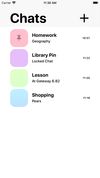
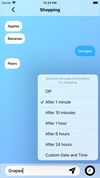
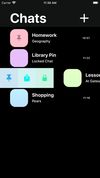
Note yourself is an easy to use message-themed notes app which allows you to save and view notes as if they were chat messages.




Apps similar to SpringNotes include Zettlr, which is free and open source. Other options are Zim, CherryTree, Typora and Trilium Notes. There's no shortage of Note-taking Tools like SpringNotes, with more than 100 alternatives for Windows, Mac, Linux, the web and iPhone.
Note yourself is an easy to use message-themed notes app which allows you to save and view notes as if they were chat messages.

Onetastic is a free (with limited functionality) multi-purpose addin for Microsoft OneNote. A Pro version is available for $15 on up to two PCs for one user.
 United States


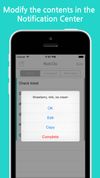
This simple productivity app allows you to log all of the tasks you need to complete for the day within Notification Center.




Maxnote is a product developed by Maxthon, which has 13 years history. Maxnote is a built-in note taking & bookmark App. You can save and edit the content, snap, or crop from any website. Offline reading is also available at any time.
 China


Fast and portable note editor.
Supports: Markdown format, HTML previews, tagging, favorites, searching, Dropbox and Google Drive synchronization, embedded photos.


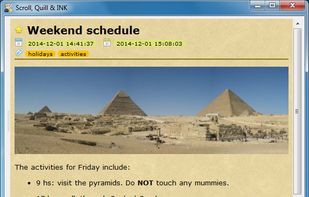


AlephNote is a lightweight note taking desktop app usable with multiple backends:


Awesome Note is an innovative note taking application and to-do manager that allows you to combine notes with to-do flexibility.
 South Korea



PNotes (Pinned Notes or Portable Notes, use what you prefer) is written entirely in C and Windows API (with Pelles C for Windows IDE) - so it is fast and light-weight. It has flexible settings - both for the program in whole and for individual note.
 Russia
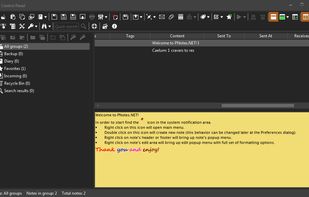




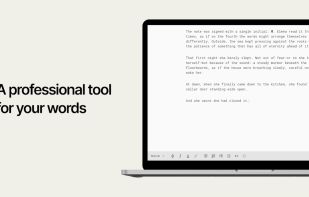
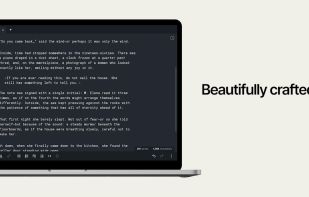
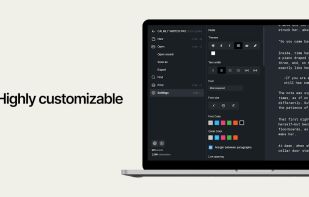
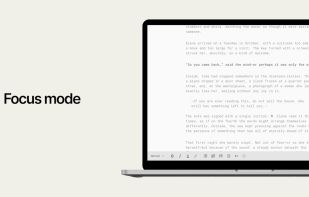
Calmly Writer is a professional text editor designed to focus on what you want to tell, with a simple, unobtrusive and distraction-free user interface.
 Spain
 EU


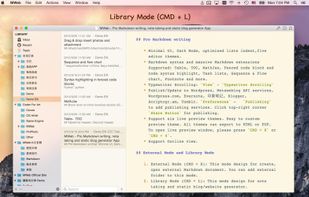
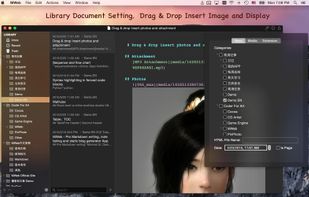
MWeb can handle professional-level markdown with support for markdown extensions. It provides publishing to various social networks and blogging formats, as well as various preview themes.
China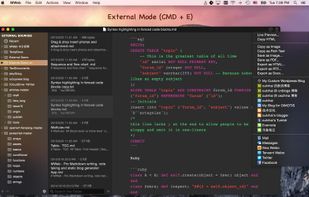


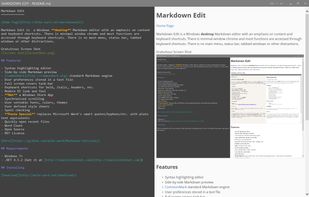
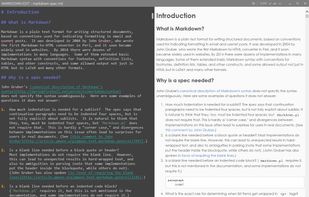
Markdown Edit is a Windows desktop Markdown editor with an emphasis on content and keyboard shortcuts. There is minimal window chrome and most functions are accessed through keyboard shortcuts.
United States