VoiceType AI is a revolutionary voice-first writing assistant designed to transform how you create content.
Cost / License
- Subscription
- Proprietary
Since
- Since 2025


Sites and apps similar to Speech to Note include Vibe Transcribe, which is free and open source. Other options are Voxtral, Spokenly, FluidVoice and Whisper. Audio Transcription Tools like Speech to Note are a crowded field, with more than 100 alternatives for Mac, iPhone, Windows, iPad and Android.
VoiceType AI is a revolutionary voice-first writing assistant designed to transform how you create content.

WordWand is a system-wide AI assistant for macOS that works in any app through a single keyboard shortcut. No copy-pasting, no tab switching — just select text, press a hotkey, and transform it instantly.
 Italy
 EU
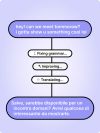
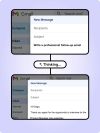



Wisprs is AI transcription software for audio and video — made easy and fast. Upload a file (client calls, interviews, podcast episodes, voice memos) and get speech-to-text you can edit, with excellent accuracy on clear audio.


Open-source AI voice typing for macOS, Windows, and Linux. Press a hotkey, speak naturally, get polished text in any app.


Free, open source voice dictation for macOS. On-device transcription with Apple's Speech framework. No cloud, no API keys, no account.
 United States




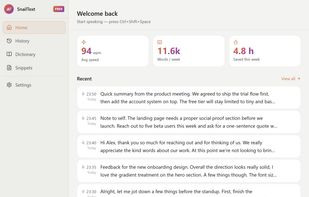
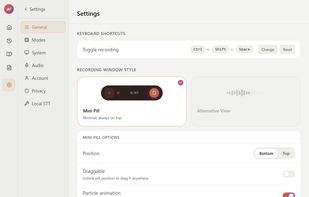
Voice dictation for Mac and Windows. Press a hotkey, speak, paste into any text field. Audio stays on your device — no cloud, no account, unlimited free tier.
 SpainEU



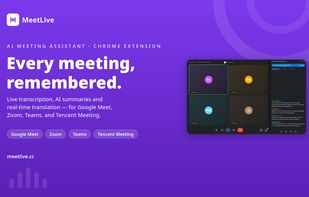
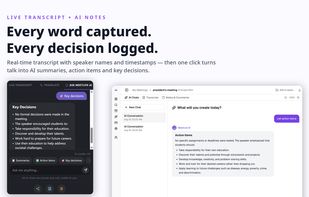
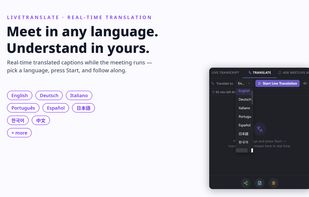
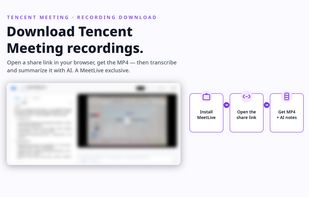
MeetLive is an AI meeting assistant for Google Meet, Teams, Zoom and Tencent Meeting. The extension transcribes live — no bot joins the call — and AI turns transcripts into summaries, action items and answers. Voice translation in the speaker's own voice, 60+ languages. Free plan included.
 China


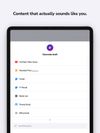
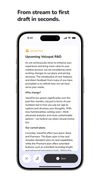
Unleash your creativity with Voicepal, the ultimate ghostwriting assistant designed for online content creators.
 United Kingdom


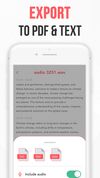
A simple transcription service app that records your voice and converts it into text. Use it to quickly transcribe your audio.



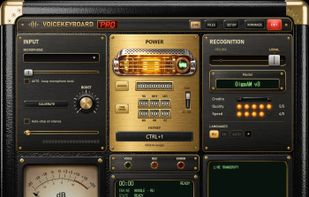
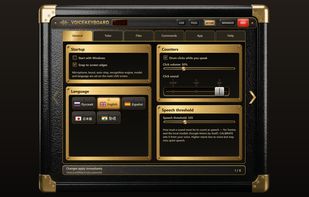
VoiceKeyboard types what you say into the window you are working in: a browser, a chat, a document, a code editor or a terminal. Press Ctrl+1 (can be changed), speak, and the words appear as you talk.
 EstoniaEU