Cost / License
- Free
- Open Source
Platforms
- Mac
- Windows
- Linux
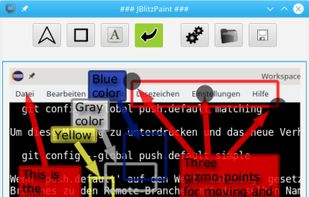

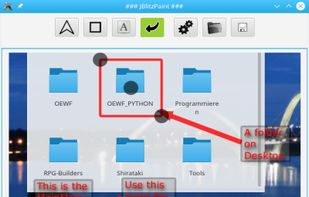


Apps similar to Snipping Tool include ShareX, which is free and open source. Other options are Flameshot, Greenshot, PicPick and Ksnip. There's no shortage of Screenshot Capture Tools like Snipping Tool, with more than 100 alternatives for Windows, Mac, Linux, the web and Android.

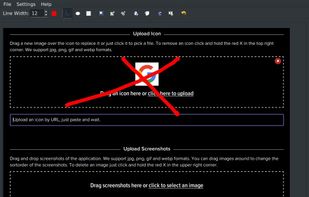
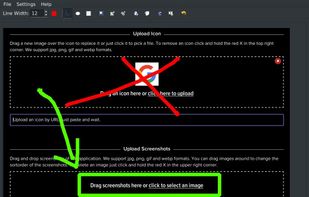


TeenyGrab is a free alternative to TinyGrab. TinyGrab is a popular application for quickly uploading screenshots, and sharing them. The only problem is, the full version (with features such as uploading to a custom FTP server) costs $$$.
 United States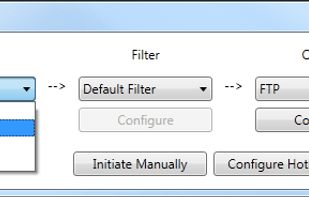


This is just a screen-capture toy, nothing more. If you don't know how to take screenshots with the system functions, use this tool :-).
 Serbia


Screenshot ER is a free screen capture app for all rooted devices, proven to work where nothing else does. Easy to use and with lots of settings for capture maniacs too!


Fii is a completely free online sharing application which brings visualization to your online conversation. You can show your co-worker, friend, teacher, boss, parents or whomever you want a part of your screen with a single mouse click.


Easy, free and full-featured screenshot application to capture, edit, cloud store and share your screenshots effortlessly.


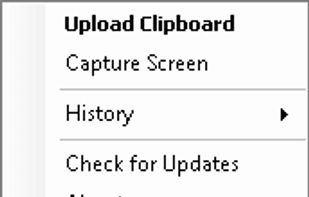
KSUploader is a instant sharing tool, you can capture screens, upload files or your clipboard.


KnowMinder is an AI-powered personal knowledge management system designed to help users capture, and retrieve information efficiently.
 France
 EU
EU