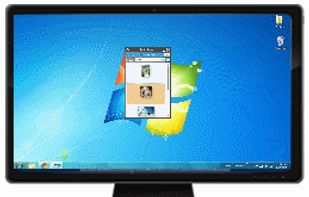
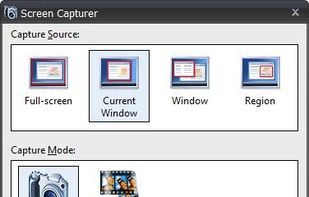
Screen Capturer allows you to instantly capture any area of the screen to a file or email.
Cost / License
- Free
- Proprietary
Application type
Platforms
- Windows
 United States


Apps similar to Snipping Tool include ShareX, which is free and open source. Other options are Flameshot, Greenshot, PicPick and Ksnip. There's no shortage of Screenshot Capture Tools like Snipping Tool, with more than 100 alternatives for Windows, Mac, Linux, the web and Android.
Screen Capturer allows you to instantly capture any area of the screen to a file or email.
United States
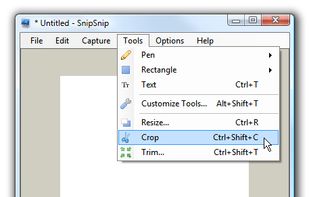
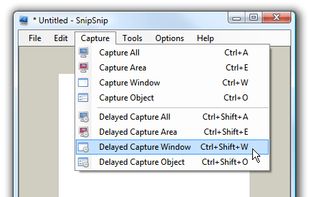
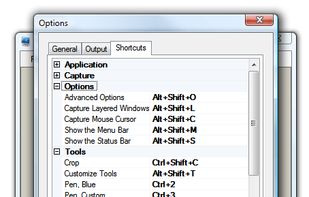
SnipSnip is a screen capture utility, designed for easy capture of some or all of your screen(s). It also allows you to do simple tasks like resizing, cropping and drawing on the capture.


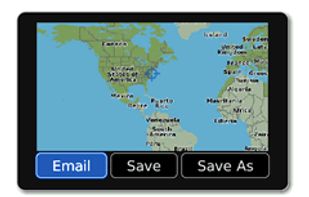
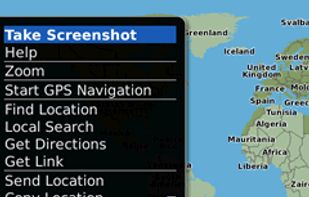
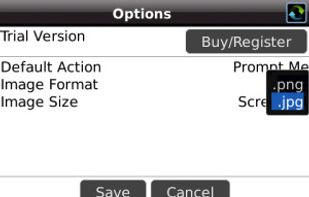
Email Screenshot app allows you to take screenshots on your BlackBerry® device then quickly and easily send screenshots to your contacts. Customisable options are provided with this app. It's user-friendly and saves high-quality Screenshots on a selectable folder on the...


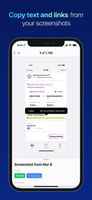
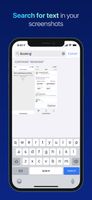
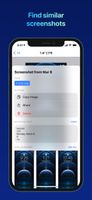
FlyScreen is a powerful screenshot manager for iOS. Search your screenshots, copy text and links, organize by tags, and more.


7capture is free screen capture software for Windows 7, Vista and XP. 7capture automatically handles complicated transparency problems such as rounded corners and Aero semi-transparent windows backgrounds.
No matter what Windows version you are using, 7capture will do it's m.
 France
 EU
EU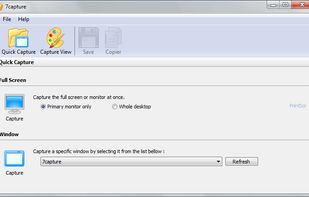


informUp screen capture is a free screen capture software for you to easily take screenshots.


Every annoying feature is consistently excluded. Make a screenshot with a click on the button or by pushing the "Print Screen" key and it will be directly saved as an image - thats it!
 GermanyEU
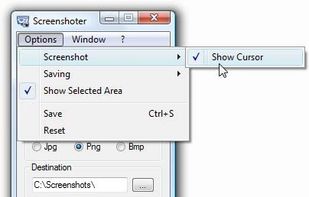
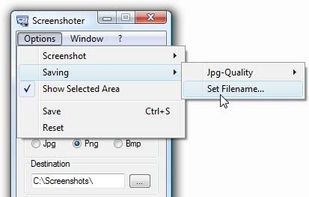


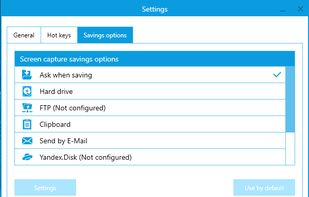
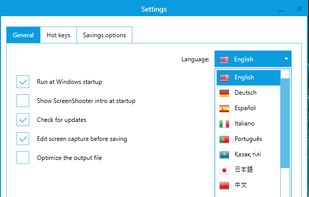
Simple, but powerful application for taking screenshots, editing them with included editor, and saving using multiple options, such as local storage, cloud, FTP-server, or direct copying to the clipboard or E-mail message.
 Russia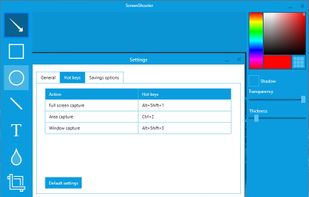


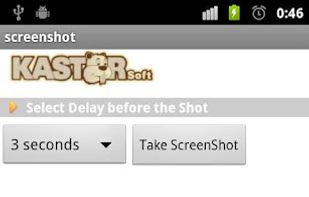
Screenshot allows to take screenshots of your phone's screen. You can set a delay in second before capture (timer). Files are saved in Bitmap, PNG or JPG format in the screenshots's directory.


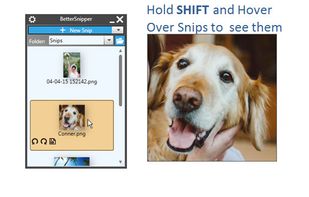
A modern screenshot utility. Simple yet configurable. Powerful features: Send Snips to your Phone, Upload to Facebook. Drag and Drop images, Snip Types: Manual Size, Window/Region Capture, Fixed Size and Fixed Ratio. That and so much MORE...