Snipping Tool AlternativesOnly apps categorised as Screenshot Capture Tools for Linux

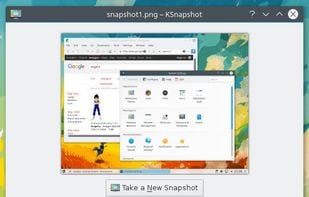
Snipping Tool is not available for Linux but there are plenty of alternatives that runs on Linux with similar functionality. The best Linux Screenshot Capture Tool alternative is Flameshot, which is both free and Open Source. If that doesn't suit you, our users have ranked more than 100 alternatives to Snipping Tool and many of them are Screenshot Capture Tools available for Linux so hopefully you can find a suitable replacement. Other interesting Linux Screenshot Capture Tool alternatives to Snipping Tool are Ksnip, Spectacle, KSnapshot and Gyazo.

filter to find the best alternatives

Snipping Tool alternatives are mainly Screenshot Capture Tools, but if you're looking for Screen Recorders or Screen Casting Tools you can filter on that. Other popular filters include Linux, Open Source, iPad, Google Chrome, iPhone, Portable and iPad + Screenshot Capture. You can also filter by region, for example EU-based alternatives if you prefer software developed in the European Union. These are just examples - use the filter bar below to find more specific alternatives to Snipping Tool.
Copy a direct link to this comment to your clipboard
Snipping Tool alternatives page was last updated

Alternatives list

  1. Flameshot icon
     246 likes
    Copy a direct link to this comment to your clipboard

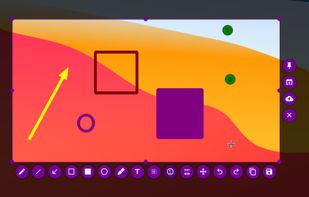
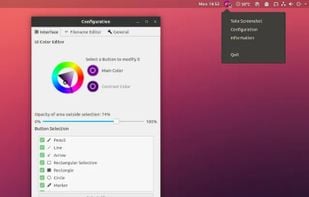
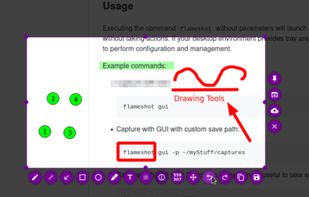
    Flameshot is a free, open-source screenshot tool that is cross-platform compatible, offering customization, editing features, CLI scripting, and direct Imgur uploads for seamless sharing. It provides an intuitive user experience through features like area selection, annotations, and saving options.

    74 Flameshot alternatives

    Cost / License

    • Free
    • Open Source

    Application type

    Platforms

    • Mac
    • Windows
    • Linux
    • Flathub
    • Snapcraft
     
    |
    6
    33
    Comments about Flameshot as an Alternative to Snipping Tool
    Top Positive Comment
    Shaz Shah
    0

    After migrating from macOS to Windows, I used Flameshot knowing it's cross-platform available and was my choice on macOS. The initial challenge is to set a hotkey to trigger the app. Once you get through the hurdle, the rest of the experience is very straightforward. It's good for me so that I can take a screenshot and annotate it straightaway.

    Top Negative Comment
    Guest
    0

    it does not work easy. too complicated.

    Review by a new / low-activity user.
    Guest
    Negative
    -1

    No easy command to open like Snipping Tool's Win+Shift+S

    Review by a new / low-activity user.
    Show more comments
    3 of 6 comments
    Snipping Tool Icon
    Flameshot icon
    • Almost everyone thinks Flameshot is a great Snipping Tool alternative.

    • Flameshot is the most popular Linux alternative to Snipping Tool.

    • Flameshot is Free and Open SourceSnipping Tool is Free and Proprietary
    • Flameshot is Customizable and Privacy focusedSnipping Tool is not according to our users
  2. Ksnip icon
     64 likes
    Copy a direct link to this comment to your clipboard

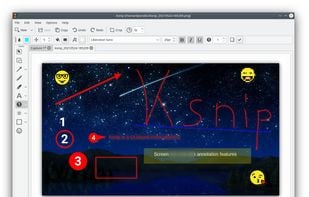
    Ksnip is a Qt based cross-platform screenshot tool that provides many annotation features for your screenshots.

    58 Ksnip alternatives

    Cost / License

    • Free
    • Open Source

    Application type

    Platforms

    • Mac
    • Windows
    • Linux
    • Snapcraft
    • Flathub
     
  3. Spectacle icon
     36 likes
    Copy a direct link to this comment to your clipboard

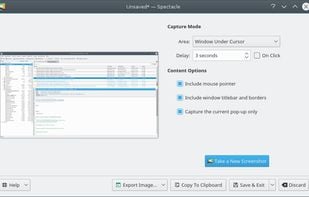
    Spectacle is a simple application for capturing desktop screenshots. It can capture images of the entire desktop, a single monitor, the currently active window, the window currently under the mouse, or a rectangular region of the screen.

    194 Spectacle alternatives

    Cost / License

    • Free
    • Open Source

    Platforms

    • Linux
    • KDE Plasma
    • Snapcraft
     
  4. Gyazo icon
     30 likes
    Copy a direct link to this comment to your clipboard

    Gyazo lets you instantly grab the screen and upload the image to the web. You can easily share on Chat, Social, Email, or anywhere!

    100 Gyazo alternatives

    Cost / License

    • Freemium (Subscription)
    • Proprietary

    Platforms

    • Mac
    • Windows
    • Linux
    • Google Chrome
    • Firefox
     
  5. ScreenRec icon
     68 likes
    Copy a direct link to this comment to your clipboard

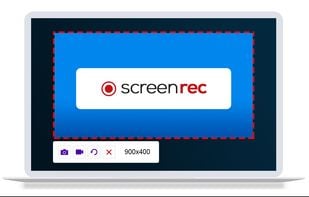
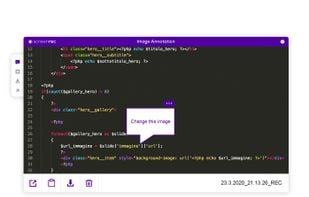
    If you spend too much time on email and chat, try sending instant video messages and screenshots with ScreenRec. You'll get your point across faster and save precious hours.

    150 ScreenRec alternatives

    Cost / License

    • Freemium (Pay once)
    • Proprietary

    Platforms

    • Mac
    • Windows
    • Linux
     
  6. GoFullPage icon
     13 likes
    Copy a direct link to this comment to your clipboard

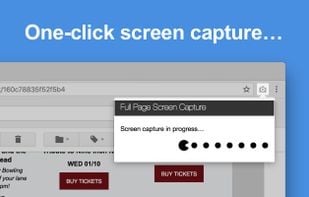
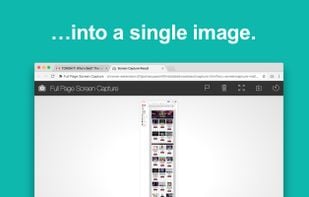
    The simplest way to take a full page screenshot of your current browser window. Click on the extension icon (or press Alt+Shift+P), watch the extension capture each part of the page, and be transported to a new tab of your screenshot where you can download it as an image or PDF...

    117 GoFullPage alternatives

    Cost / License

    • Freemium (Subscription)
    • Proprietary

    Application type

    Platforms

    • Mac
    • Windows
    • Linux
    • Google Chrome
     
  7. Swappy icon
     2 likes
    Copy a direct link to this comment to your clipboard

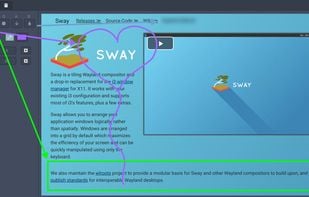
    Swappy is a Wayland screenshot editing tool featuring brushes, text, shapes, arrows, and blur. Images can be saved locally or copied directly to the clipboard.

    56 Swappy alternatives

    Cost / License

    • Free
    • Open Source

    Application type

    Platforms

    • Linux
     
  8. Copy a direct link to this comment to your clipboard

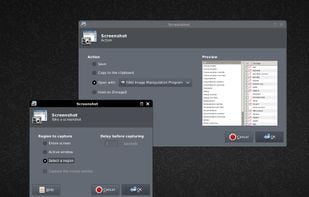
    This application allows you to capture the entire screen, the active window or a selected region. You can set the delay that elapses before the screenshot is taken and the action that will be done with the screenshot: save it to a PNG file, copy it to the clipboard, open it...

    Cost / License

    • Free
    • Open Source

    Application type

    Platforms

    • Linux
    • BSD
     
    |
    1
    Comments about Xfce4-Screenshooter as an Alternative to Snipping Tool
    Guest
    Positive
    0

    Built into Xfce (which I use) and performs all the Snipping Tool functions that I know of.

    Review by a new / low-activity user.
    Snipping Tool Icon
    Xfce4-Screenshooter icon
    • Xfce4-Screenshooter is Free and Open SourceSnipping Tool is Free and Proprietary
  9. Ginj icon
     6 likes
    Copy a direct link to this comment to your clipboard

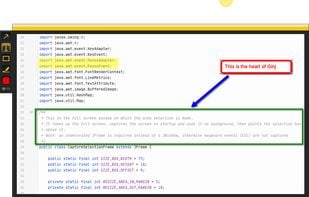
    An open source multi-platform screen capture and recording tool for simple "capture / annotate / share" workflow. Ginj was inspired by Jing (now discontinued), but although there are similarities in the way both tools behave, Ginj is not Jing.

    Cost / License

    • Free
    • Open Source

    Alerts

    • Discontinued

    Platforms

    • Mac
    • Windows
    • Linux
    • Java Mobile
     
  10. ScreenCloud icon
     21 likes
    Copy a direct link to this comment to your clipboard

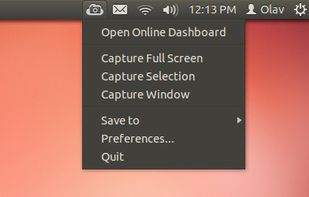
    ScreenCloud is an easy to use screenshot sharing application. Take a screenshot using one of the 3 hotkeys or simply click the ScreenCloud tray icon. You can choose where you want to save your screenshot.

    54 ScreenCloud alternatives

    Cost / License

    • Free
    • Open Source

    Application type

    Alerts

    • Discontinued

    Platforms

    • Mac
    • Windows
    • Linux
    • Online
     
12 of 21 Snipping Tool alternatives