
Cost / License
- Free
- Proprietary
Application type
Platforms
- Windows
C


Snapplr has been discontinued. Similar apps include ShareX, which is free and open source. Other options are Greenshot, FastStone Capture, Snipping Tool and PicPick. Screenshot Capture Tools like Snapplr are a crowded field, with more than 50 alternatives for Windows, Mac, the web, Linux and Android.


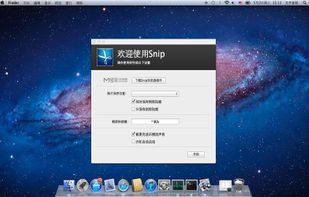
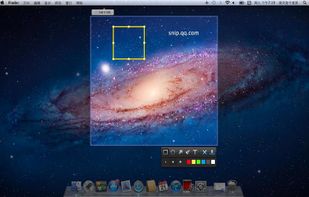
Snip is a screen-capture application that can capture the active window or custom areas. Drag to zoom in/out the screen shot; add labels, texts and handwriting contents of your choice and save it to your device or the clipboard.
 China
China


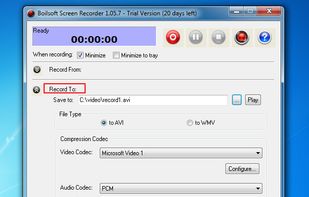
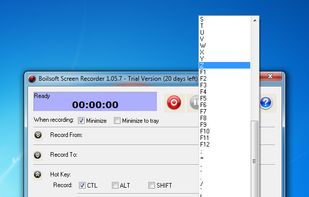
Boilsoft Screen Recorder is a screen-recording software helps to capture screen activities and record video to avi, wmv from microphone, line-in, or speakers for screen sharing.
China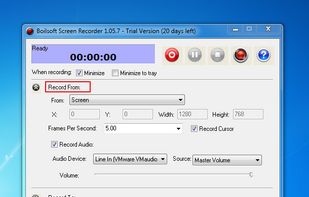


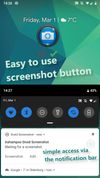
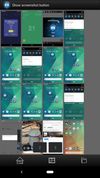
Ashampoo Droid Screenshot is a fully-fledged mobile application to capture, edit and share screenshots and images on your Android device. Capture screen contents, take photos with your built-in camera or simply load existing images and add stylable arrows, shapes, stamps and...
 Germany
 EU
EU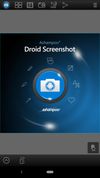


 United States


Fii is a completely free online sharing application which brings visualization to your online conversation. You can show your co-worker, friend, teacher, boss, parents or whomever you want a part of your screen with a single mouse click.
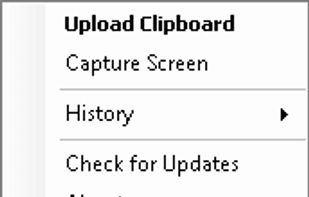


You grab Screens or Windows using the standard PrtScn and Alt-PrntScn keys and MGrab will intercept the saved data as it is sent to the clipboard and put it into your chosen folder as a BMP or JPG file leaving the clipboard free for you to take another screenshot.


