This extension is able to capture 100% of both the vertical and horizontal content appearing on any webpage on the Internet.
Cost / License
- Free
- Proprietary
Application type
Platforms
- Google Chrome


Skitch has been discontinued. Similar apps include ShareX, which is free and open source. Other options are Greenshot, Flameshot, PicPick and Snipping Tool. You're spoiled for choice with Screenshot Capture Tools like Skitch: we list more than 50 alternatives for Windows, Mac, the web, iPhone and iPad.
This extension is able to capture 100% of both the vertical and horizontal content appearing on any webpage on the Internet.
Capture and balance screenshots instantly with auto background colors, sensitive info redaction, text selection, custom shortcuts, social media sizing, history, presets, and compressed images in a native macOS app, supporting annotations and sharing.
 Singapore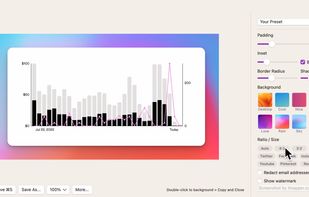
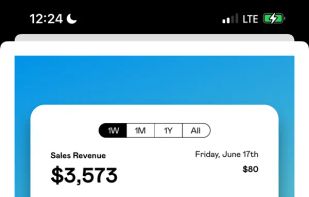
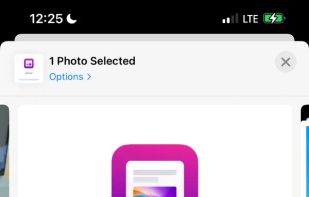
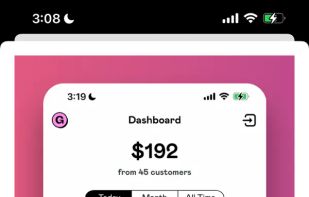


Capture, Customize, and Share Effortlessly with PixEase. We understand the value of your time, which is why we've designed our app to make the process of creating stunning visuals quick and seamless.
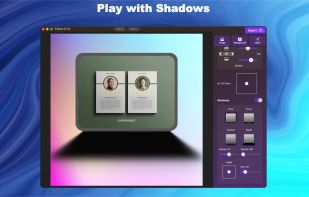
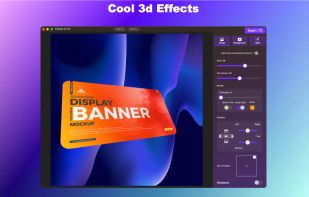
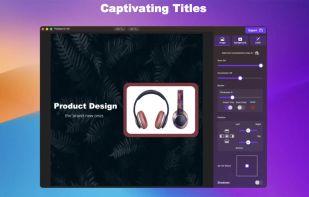
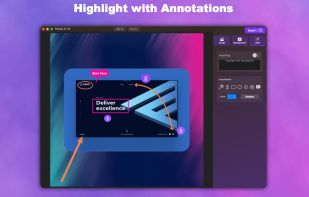


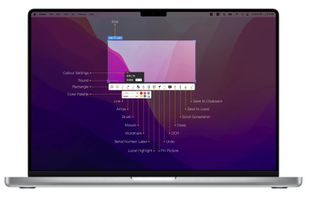
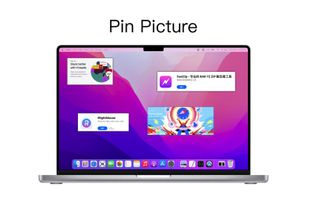
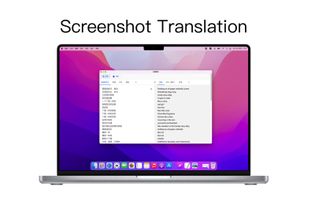
iShot is an excellent, full-featured area screenshot, window screenshot, multi-window screenshot, long screenshot, shell screenshot, time-lapse screenshot, quick annotation, texture, color picking, screen recording, audio recording, OCR, screenshot translation tool on Mac .
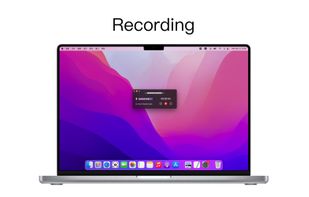


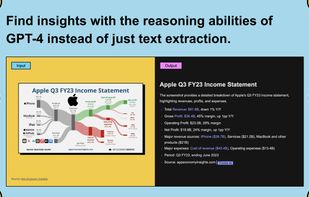
Trickle helps you summarize and organize screenshots, extracting insights for easy search and query. Transform visual chaos into an intelligent archive, allowing you to screenshot anything and effortlessly retrieve and utilize its contents later.





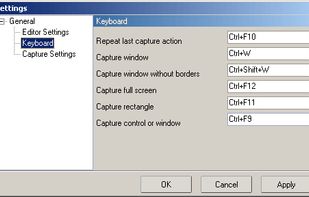
Easy Screen Capture and Annotation lets you capture and annotate any part of the screen. The main goal of the product is to speed up the capture and editing process saving you valuable time by automating repetitive tasks.
 United States


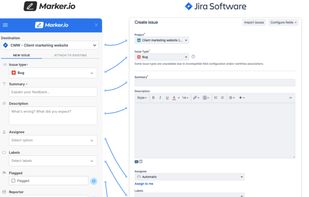
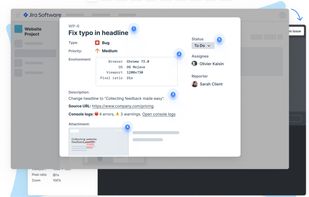
Create & annotate visual bug report tickets in your project management tool in seconds. Marker.io adds technical metadata & console logs for you, so developers can recreate & resolve faster. Developer-ready issues, even from non-technical reporters.
 Belgium
 EU
EU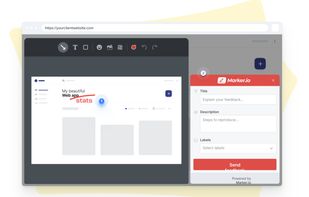


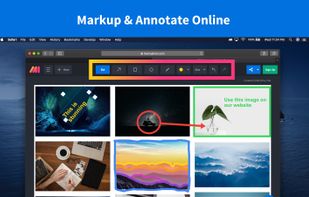
Lightning fast and ultra elegant screenshot and annotation tool that does all you need without the bloat. Made for Mac and Windows.
United States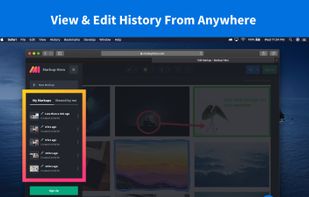
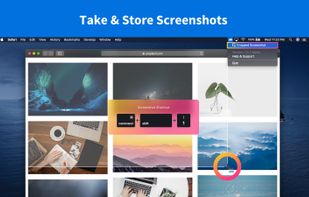
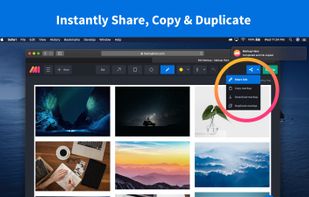


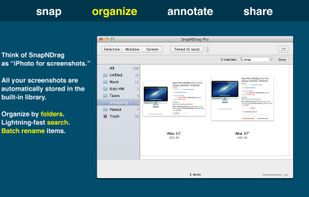
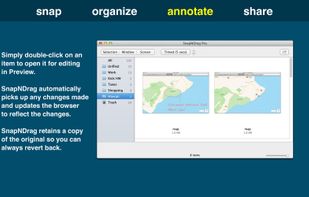
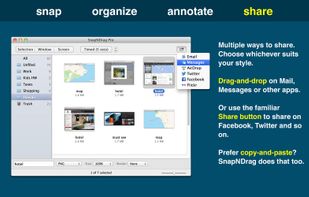
SnapNDrag makes taking screenshots super easy. Click, select and the screenshot is added to your library. SnapNDrag maintains a library of all the screenshots you have ever taken. Think of it as iPhoto for screenshots.
United States


Swappy is a Wayland screenshot editing tool featuring brushes, text, shapes, arrows, and blur. Images can be saved locally or copied directly to the clipboard.
 FranceEU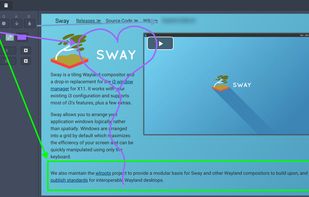

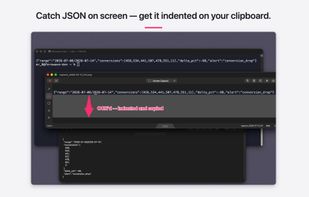
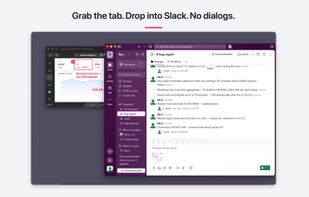
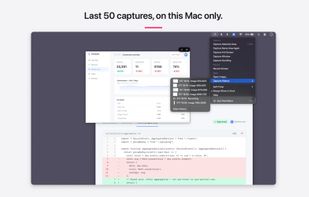
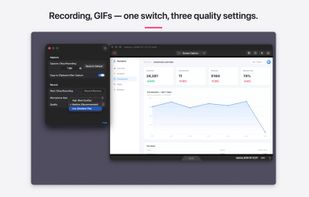
Shoot, mark up, hand off in three seconds. A screenshot and screen-recording annotation tool for Mac that carries the Skitch feel forward.
 Japan
Japan