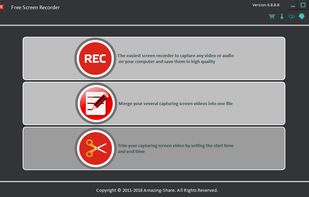
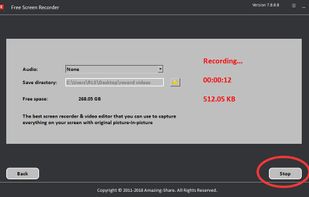
SimpleScreenRecorder is described as 'Linux screen recorder that supports X11 and OpenGL. It is easy to use, feature-rich, and has a Qt-based graphical user interface. It can record the entire screen or part of it, or record OpenGL applications directly' and is a very popular Screen Recorder in the video & movies category. There are more than 100 alternatives to SimpleScreenRecorder for a variety of platforms, including Windows, Mac, Web-based, Linux and Google Chrome apps. The best SimpleScreenRecorder alternative is OBS Studio, which is both free and Open Source. Other great apps like SimpleScreenRecorder are ShareX, VokoscreenNG, OpenScreen and Bandicam.


Video Marketing Blaster is the only software that's able to rank hundreds of videos across YouTube and Google with just the click of 3 buttons.

Free screen recorder with customizable branding, but no cloud-uploads, watermarks or time limits. Skip the meeting - send a video instead.


Simple and free lightweight recording web app. It is a free web app providing basic recording of the screen or tab in a browser. Works well with PC, does not support mobile. Trade off - some ads.

Zumie is a user-friendly platform for creating dynamic, clean videos with automatic zooming into key areas. It allows you to capture screen, webcam, and voice recordings, which can be edited and shared in minutes.


Videoyards is a lightweight, browser-based screen recorder that helps Chrome users create professional-quality demos without the need for bulky desktop software. It combines instant recording with smart editing features like auto zoom, cursor highlighting, and camera/microphone...


Meetzi.app simplifies software documentation for technical writers. Record screen or audio demos, generate raw or structured transcripts with timestamps, and preview thumbnails for fast navigation. Copy-paste transcripts into Notion or Confluence to create precise guides in minutes.

Screeny gives you the freedom to capture your videos or images at any size. You can click & drag to resize the capture area or input the exact pixel dimensions to set to the size of the capture area.