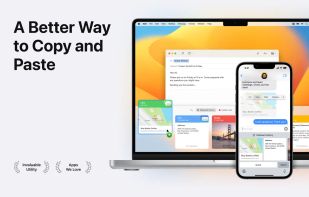
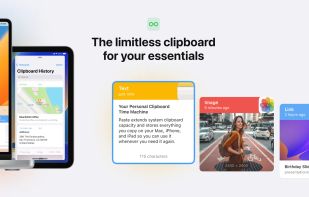
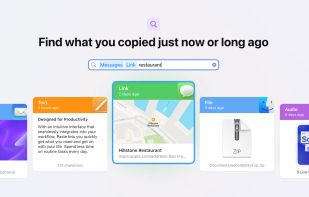
Paste stores everything you copy on your Mac, iPhone, and iPad, so it's always there whenever you need it again.
Cost / License
- Paid
- Proprietary
Application type
Platforms
- Mac
- iPhone
- iPad
 United States



+3
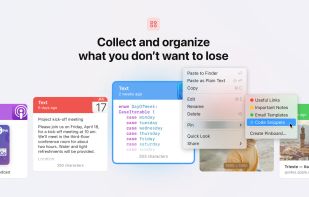


Paste stores everything you copy on your Mac, iPhone, and iPad, so it's always there whenever you need it again.
United States
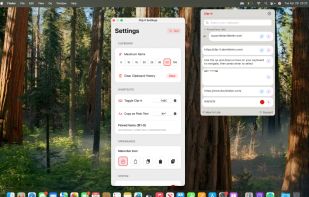
Menu-bar clipboard manager for macOS enabling automatic triggers, shell-style pipelines with variable referencing, persistent undo per entry, fuzzy-searchable and time-filtered history, hotkeys, paste queue, per-app exclusion, image OCR, import options, robust privacy, and local HTTP API.
United States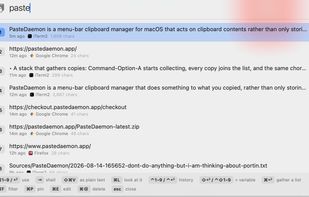


Clip-it is a local, offline and private clipboard history, where you can take control of your copied data. Boost your productivity with this app that should come pre-installed with every Mac sold.
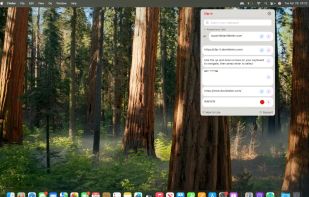


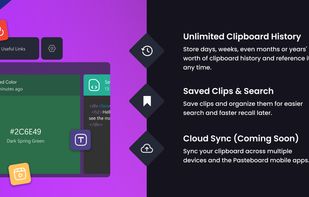
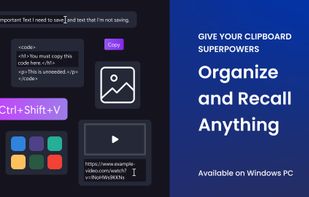
Pasteboard is a Windows desktop utility that stores all copied data, allowing for easy recall of specific clips. It enables users to search, pin, and rename items, preventing the loss of text snippets or important URLs.
United States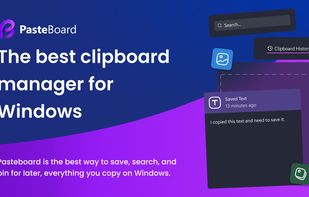


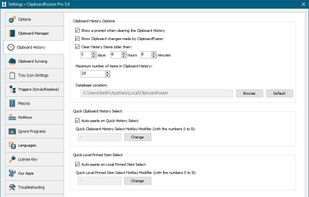
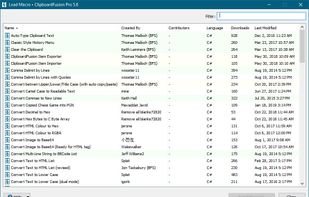
ClipboardFusion is a powerful clipboard manager, complete with HotKeys, text scrubbing, text replacing and completely customizable clipboard Macros. ClipboardFusion can remember your clipboard history, and even sync it between computers using the ClipboardFusion Online service.
 Canada



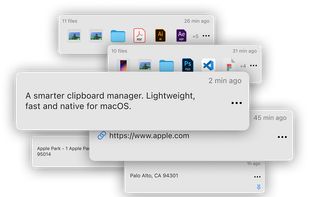
Access your last copied items near the cursor, organize your clipboard with text, images and files — all with a native and elegant UI.
 Brazil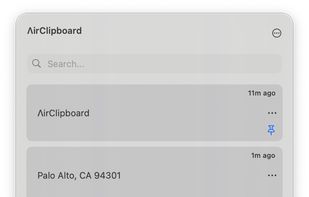



ClipX is a tiny clipboard history manager. It is sweet, it is free, use it. You can use the system tray icon to restore your old clipboards and use a hotkey to paste them directly inside your favorite editor.
 France
 EU
EU


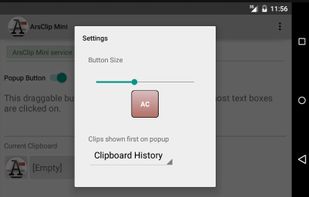
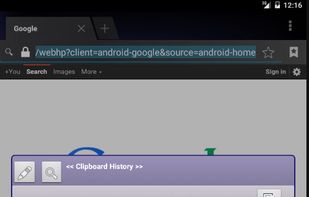
ArsClip is a freeware utility for the windows clipboard. ArsClip monitors the clipboard and keeps track of the entries. Press a configurable hotkey and select an item (or items) to quickly paste into a program.
United States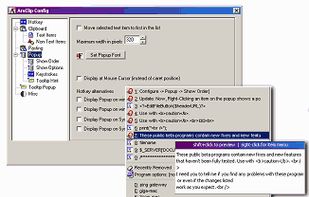



Copy Better keeps all the things you need to copy and paste in one place, available at a simple tap.




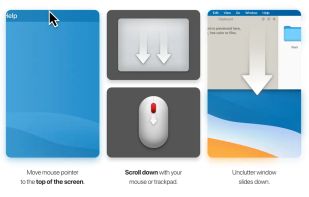
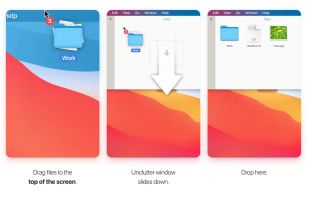
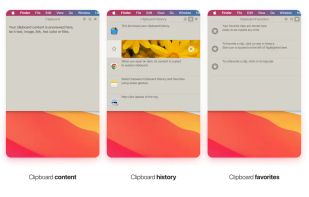
Efficient desktop app for organizing notes, files, and clipboard clips. Access by pointing and scrolling down. Instantly configurable, supports Dropbox sync, multi-display setups, and Retina displays. Includes draggable cards and clipboard history tracking.
 Ukraine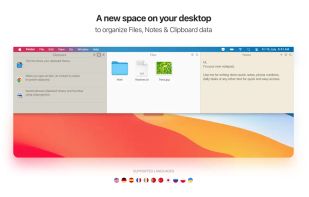


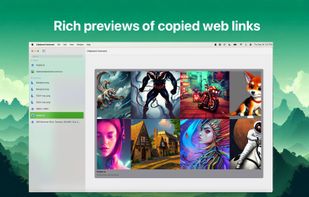
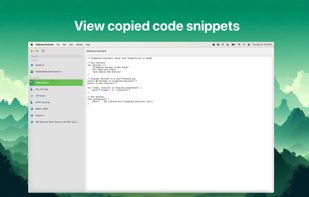
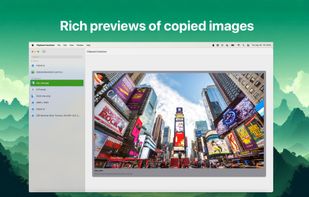
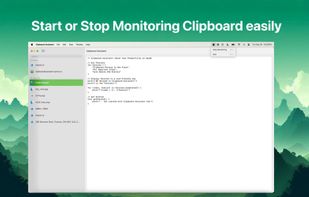
Introducing Clipboard Assistant – the ultimate tool to streamline your workflow by giving you full control over your clipboard history. Whether you’re working on multiple projects or just need a more organized approach to managing what you copy, Clipboard Assistant has got you...


 GermanyEU