


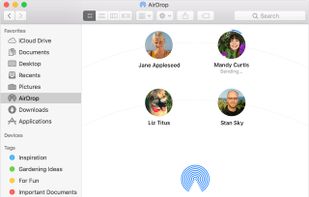
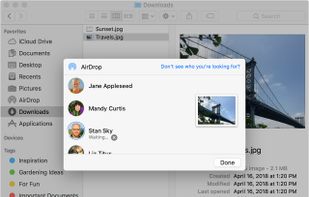
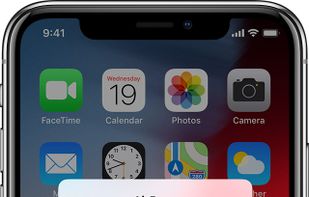
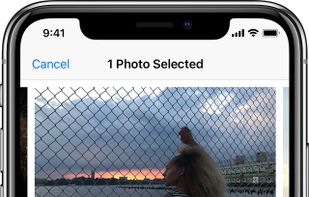
With AirDrop, you can wirelessly send documents, photos, videos, websites, map locations, and more to a nearby iPhone, iPad, iPod touch, or Mac.
Cost / License
- Free
- Proprietary
Platforms
- Mac
- iPhone
- iPad
 United States



+1


Apps similar to Send Anywhere include LocalSend, which is free and open source. Other options are Blip, OnionShare, Send and PairDrop. You're spoiled for choice with Large File Transfer Services like Send Anywhere: we list more than 100 alternatives for the web, Windows, Android, Mac and iPhone.
With AirDrop, you can wirelessly send documents, photos, videos, websites, map locations, and more to a nearby iPhone, iPad, iPod touch, or Mac.
United States
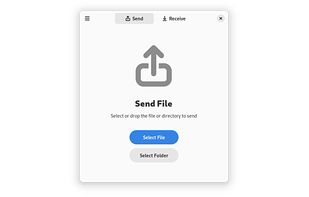
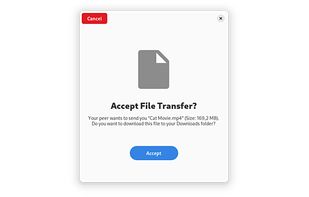
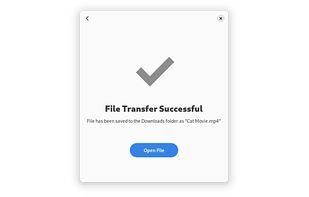
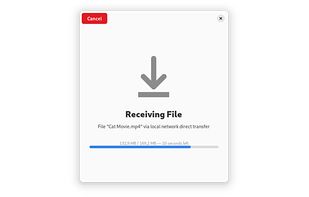


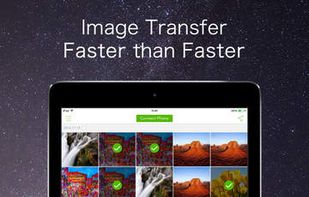
File transfer of any size and any type. Wireless fire transfer, no need of internet mobile data. Transfer speed 50 times faster than Bluetooth. Simple UI and easy unlimited data transfer.
 China
China


 United States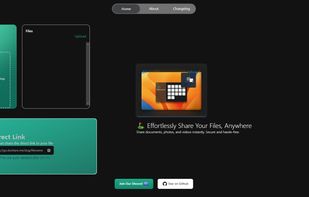
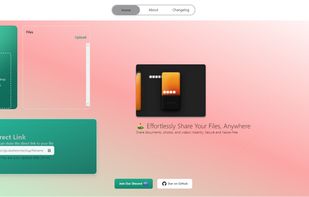


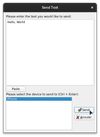
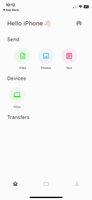
LANDrop is a cross-platform tool that you can use to conveniently transfer photos, videos, and other types of files to other devices on the same local network.
United States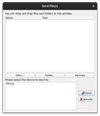


Uguu is a simple to use free file hosting service where files get deleted after 3 days. It lets you share your photos, documents, music, videos and more with others online.
 Japan
Japan


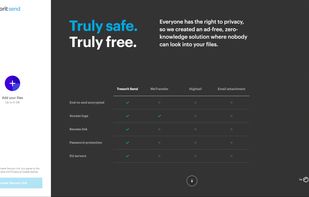
Securely shares files up to 5GB via encrypted links. Files are encrypted end-to-end, ensuring security until accessed. Track access with logs and revoke access instantly. Zero-knowledge, no ads, GDPR-compliant, and operating on EU servers.
 Switzerland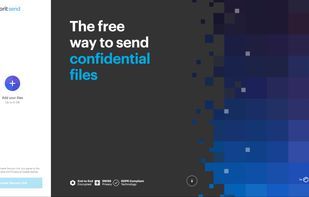


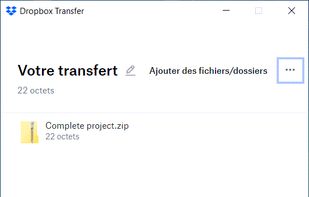
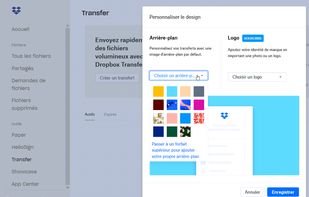
Dropbox Transfer is a simple way to send files you don’t need to collaborate on. For example, you might use Dropbox Transfer to deliver a finished product or contract to a client.
United States


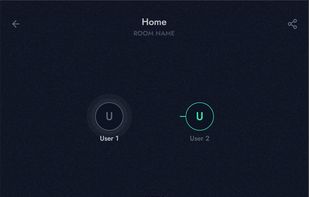
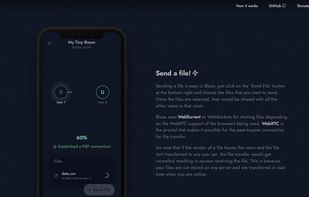
Blaze is a file sharing progressive web app(PWA) that allows users to transfer files between multiple devices. It works similar to SHAREit or the Files app by Google but uses web technologies to eliminate the process of installing native apps for different devices and operating...



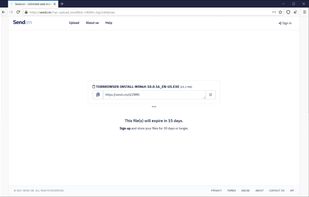
Transfer up to 100 GB per file securely for free. Upload any type file, video, music, photo or document.
 Nigeria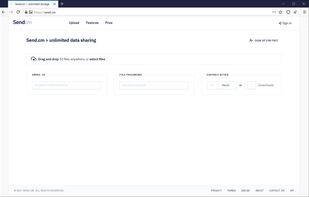


TransferXL is the easiest, fastest, and most beautiful way to transfer and share your files over the internet.


 Netherlands
 EU
EU