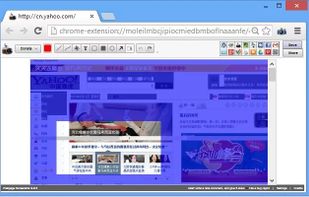
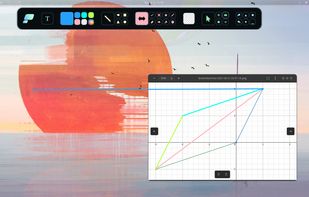
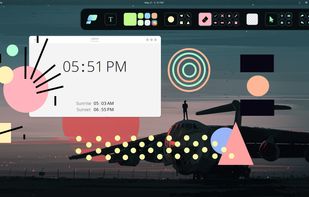
Pensela is an screen annotation tool that can also take screenshots available cross-platform.
Platforms
- Mac
- Windows
- Linux Mobile



Apps similar to ScreenTray include ShareX, which is free and open source. Other options are Greenshot, Flameshot, N-Studio and Snipping Tool. Screenshot Capture Tools like ScreenTray are a crowded field, with more than 100 alternatives for Windows, Mac, the web, Linux and iPhone.
Pensela is an screen annotation tool that can also take screenshots available cross-platform.

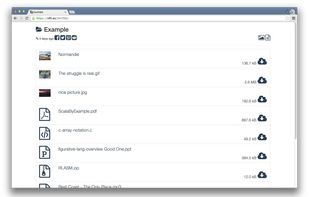
Upload, get URLs to share.
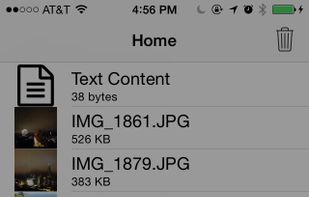
Need direct download links of files? Use nFiles iOS app or mail to i@nfil.es, get short URL to share. No signup, unlimited & no expiration.


 Germany
 EU
EU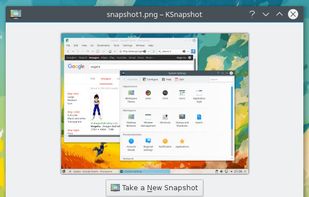


 Indonesia



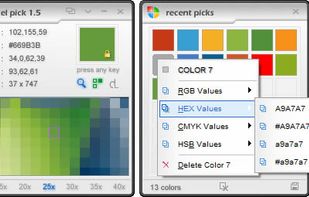
Pixel Pick is a free color picker tool that pick the pixels color under your mouse cursor on the desktop and translates it into a number of different color formats such as RGB, CMYK, HSB, HEX or Web Color format. A free color picker for grabbing color under your mouse .


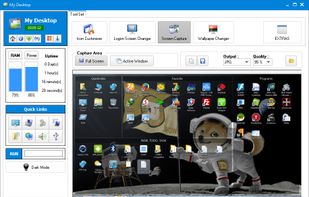
This application allows you to capture the entire screen, the active window or a selected region. You can set the delay that elapses before the screenshot is taken and the action that will be done with the screenshot: save it to a PNG file, copy it to the clipboard, open it...
GermanyEU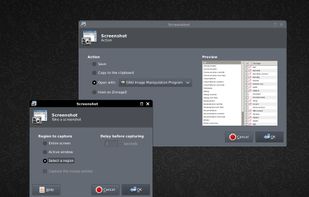


A freeware application that lets users stream high quality content similar to XSplit Broadcaster and Flash Media Live Encoder. Currently, the application is in early stages of development. This project is actively looking for dedicated testers.
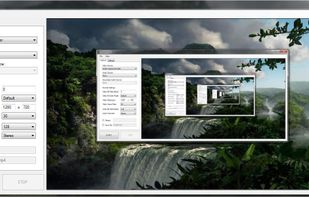


Taking screenshots with Shotty is so natural and easy, you just have to try it. Edit them in minimalistic editor and the upload them with one click. Focusing on simplicity and usability, this tool is probably the most intuitive screenshot utility out there.
GermanyEU


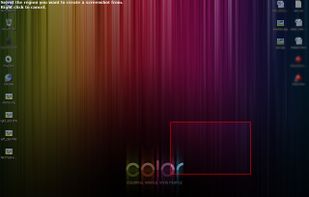


FlyScreen is a powerful screenshot manager for iOS. Search your screenshots, copy text and links, organize by tags, and more.


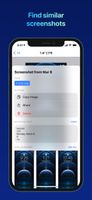


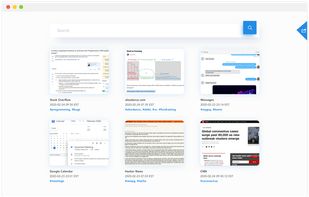
Screenshot organization and smart search, for effortless memory retrieval. Categorized screenshots by keywords, topic, and source -- so that you can find the memory you're looking for.





This extension is able to capture 100% of both the vertical and horizontal content appearing on any webpage on the Internet.