ScreenToaster AlternativesScreen Casting Tools and other similar apps like ScreenToaster

ScreenToaster is described as 'Lets you capture videos of onscreen action in one click. Record screencasts, tutorials, demos, training, lectures and more. Embed them on blogs and webpages or send them by email. No download. Compatible with Windows, Mac OS X, Linux' and is a Screen Casting tool in the video & movies category. There are more than 25 alternatives to ScreenToaster, not only websites but also apps for a variety of platforms, including Windows, Mac, Linux and Android apps. The best ScreenToaster alternative is MSI Afterburner, which is free. Other great sites and apps similar to ScreenToaster are Bandicam, Camtasia, CamStudio and ActivePresenter.

Copy a direct link to this comment to your clipboard
ScreenToaster alternatives page was last updated

Alternatives list

  1. MSI Afterburner icon
     146 likes
    Copy a direct link to this comment to your clipboard

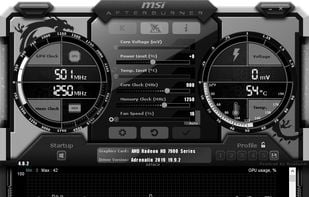
    Comprehensive tool offering GPU overclocking, video and screen capture, and overlays, with support for Nvidia and ATI cards. Features Kombustor stress test, portable use, ad-free experience, manual exclusion of false positives in displays, and multiple video compression options.

    48 MSI Afterburner alternatives

    Cost / License

    • Free
    • Proprietary

    Platforms

    • Windows
     
    • MSI Afterburner is the most popular Windows alternative to ScreenToaster.

    • MSI Afterburner is the most popular free alternative to ScreenToaster.

    • MSI Afterburner is Free and ProprietaryScreenToaster is also Free and Proprietary
    • MSI Afterburner is LightweightScreenToaster is not according to our users
  2. Bandicam icon
     130 likes
    Copy a direct link to this comment to your clipboard

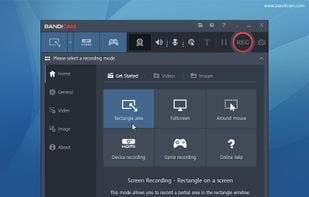
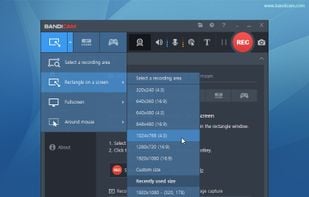
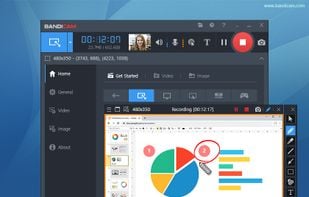
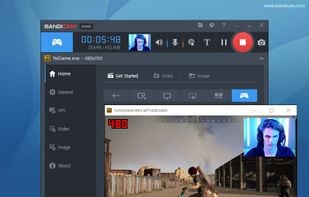
    Bandicam is a lightweight screen recorder for Windows that can capture anything on your PC screen. Also, it makes it possible to record a certain area on a PC screen, or capture a game.

    158 Bandicam alternatives

    Cost / License

    • Freemium (Pay once or Subscription)
    • Proprietary

    Platforms

    • Windows
     
  3. Camtasia icon
     233 likes
    Copy a direct link to this comment to your clipboard

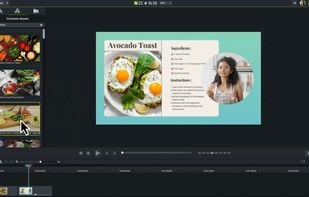
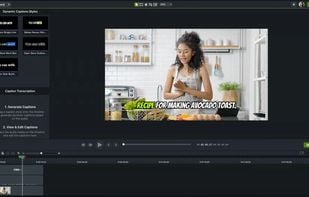
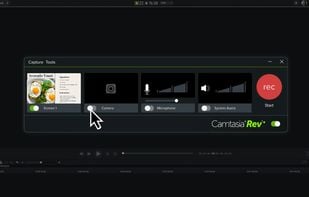
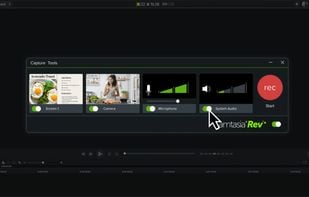
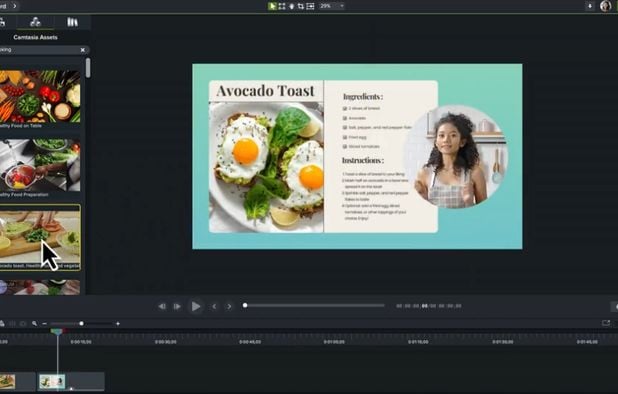
    This all-in-one solution offers screen and webcam recording, video editing, and chroma key features, producing stunning HD-quality content easily shareable on platforms like YouTube and Screencast.com. Designed for training, presentations, and more, it supports H.264 format and compact file sizes.

    268 Camtasia alternatives

    Cost / License

    • Freemium (Subscription)
    • Proprietary

    Platforms

    • Mac
    • Windows
    • Online
     
    • Camtasia is the most popular Web-based & Mac alternative to ScreenToaster.

    • Camtasia is Freemium and ProprietaryScreenToaster is Free and Proprietary
  4. CamStudio icon
     177 likes
    Copy a direct link to this comment to your clipboard

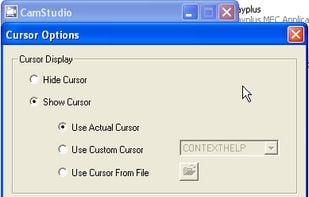
    Record your computer screen with audio input from Mic or Speakers. Also shows mouse clicks in addition to the regular cursor. Simple interface with ability to record in AVI or export as swf.

    161 CamStudio alternatives

    Cost / License

    • Free
    • Open Source

    Alerts

    • Warning

    Platforms

    • Windows
    • PortableApps.com
     
    • CamStudio is the most popular Open Source alternative to ScreenToaster.

    • CamStudio is Free and Open SourceScreenToaster is Free and Proprietary
  5. ActivePresenter icon
     61 likes
    Copy a direct link to this comment to your clipboard

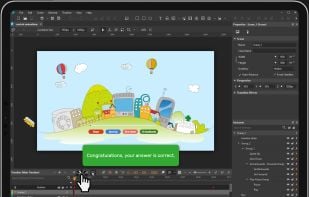
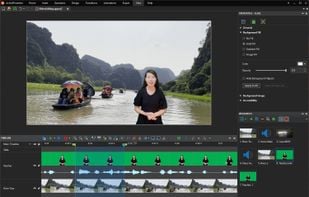
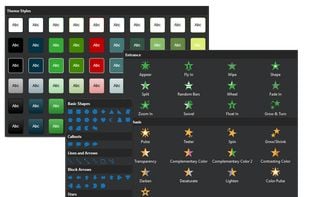
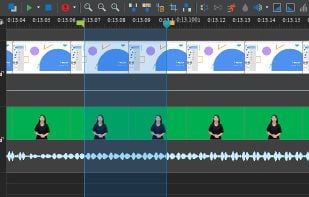
    Authoring solution enabling interactive eLearning course creation, flexible project layouts, advanced screen recording, video editing tools with annotation, timeline-based adjustments, and export to video, image, HTML5, SCORM, xAPI, office, or PDF formats.

    115 ActivePresenter alternatives

    Cost / License

    • Free Personal
    • Proprietary

    Platforms

    • Mac
    • Windows
     
  6. ScreenFlow icon
     70 likes
    Copy a direct link to this comment to your clipboard

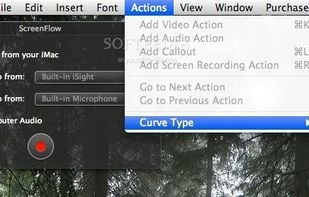
    Capture the contents of your entire desktop at the same time as your video camera, microphone and computer's audio. Sophisticated editing tools allow you to create incredible screencasts in no time.

    140 ScreenFlow alternatives

    Cost / License

    • Pay once
    • Proprietary

    Platforms

    • Mac
     
    • ScreenFlow is the most popular commercial alternative to ScreenToaster.

    • ScreenFlow is Paid and ProprietaryScreenToaster is Free and Proprietary
    • ScreenFlow is LightweightScreenToaster is not according to our users
  7. Wink icon
     58 likes
    Copy a direct link to this comment to your clipboard

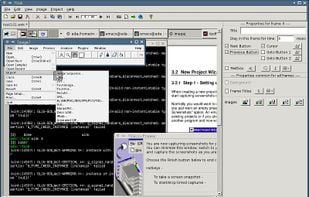
    Wink is a Tutorial and Presentation creation software, primarily aimed at creating tutorials on how to use software (like a tutor for MS-Word/Excel etc). Using Wink you can capture screenshots, add explanations boxes, buttons, titles etc and generate a highly effective tutorial...

    Cost / License

    • Free
    • Proprietary

    Application type

    Platforms

    • Windows
     
  8. Kazam icon
     63 likes
    Copy a direct link to this comment to your clipboard

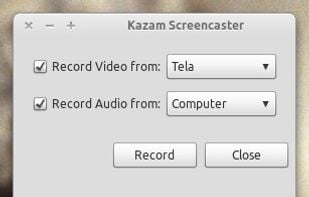
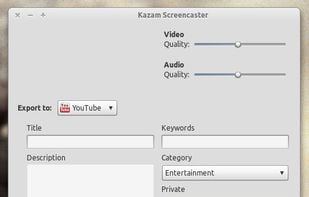
    Kazam is a simple screen recording program that will capture the content of your screen and record a video file that can be played by any video player that supports VP8/WebM video format.

    112 Kazam alternatives

    Cost / License

    • Free
    • Open Source

    Alerts

    • Discontinued

    Platforms

    • Linux
     
    • Kazam is the most popular Linux alternative to ScreenToaster.

    • Kazam is Free and Open SourceScreenToaster is Free and Proprietary
  9. recordMyDesktop icon
     72 likes
    Copy a direct link to this comment to your clipboard

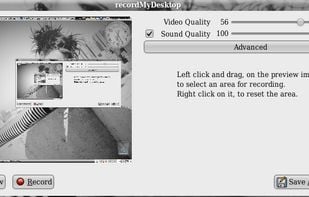
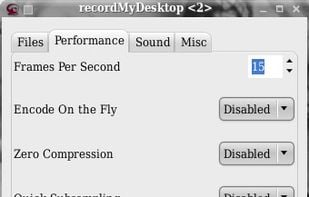
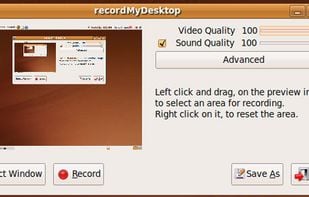
    recordMyDesktop is a desktop session recorder for GNU / Linux that attemps to be easy to use, yet also effective at it's primary task. As such, the program is separated in two parts; a simple command line tool that performs the basic tasks of capturing and encoding and an...

    Cost / License

    • Free
    • Open Source

    Alerts

    • Discontinued

    Platforms

    • Linux
    • BSD
     
  10. FlashBack icon
     37 likes
    Copy a direct link to this comment to your clipboard

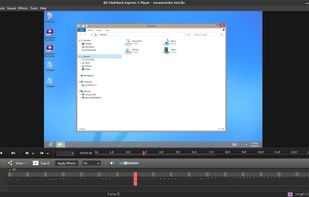
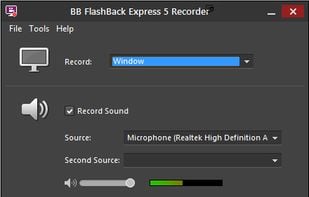
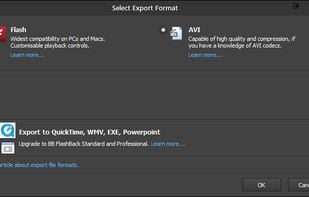
    Free software which lets you record your screen, add a PIP webcam and select multiple options to export your video to. It will first store a lossless proprietary file which you can review frame by frame and then easily experiment with the output options to select best suited.

    Cost / License

    • Freemium
    • Proprietary

    Alerts

    • Discontinued

    Platforms

    • Windows
     
12 of 47 ScreenToaster alternatives