Cost / License
- Paid
- Proprietary
Application type
Platforms
- Windows





+1


S


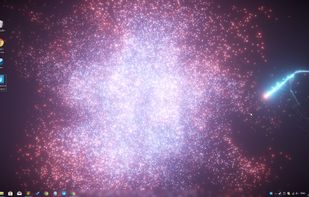
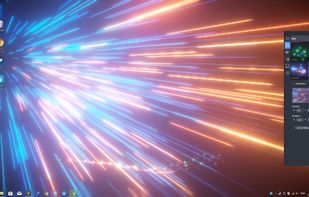
Apps similar to ScreenPlay include Lively Wallpaper, which is free and open source. Other options are Wallpaper Engine, Solace, Wallper and Sucrose Wallpaper Engine. There's no shortage of Wallpapers Hubs like ScreenPlay, with more than 50 alternatives for Windows, Mac, Linux, Android and iPhone.

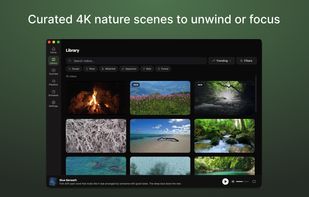
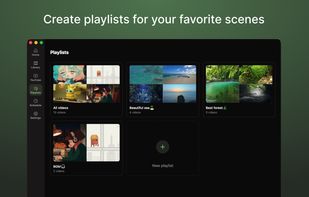
Live wallpaper app for desktop brings immersive 4K nature scenes, ambient sounds, YouTube and playlist support, customizable schedules, AI-driven scene switching, and motion backgrounds, promoting a calm workspace for better focus and short work breaks.
 Japan
Japan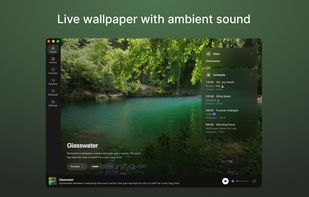
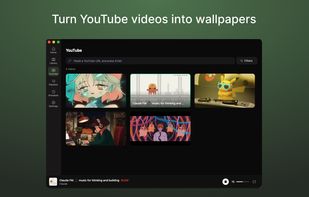


Desktopr is simple way to extend your desktop with any content you can even imagine. Using Desktopr you can set any website, social network, movie or other content as your desktop background.
 Czechia
 EU
EU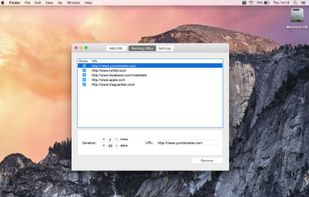
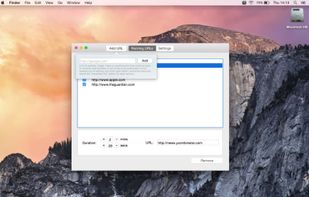
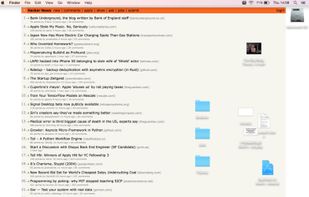
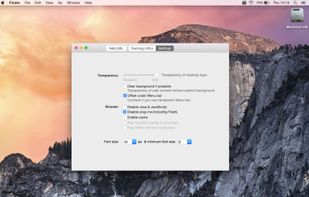


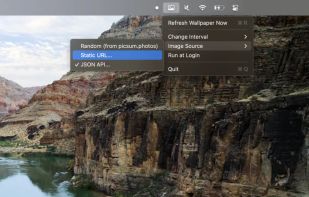
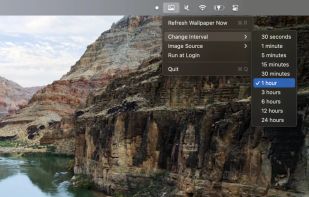
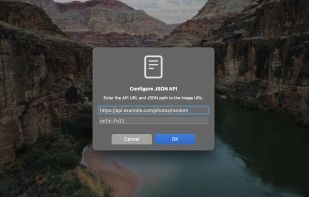
A small, simple macOS menubar application that allows you to update your wallpaper from a static URL or API response.


AwesomeWallpaper plays videos, shows images and system information on your desktop wallpaper. It supports next modes:
 United States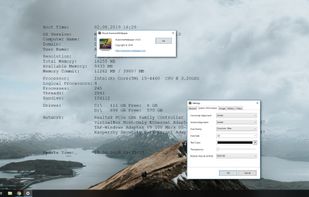
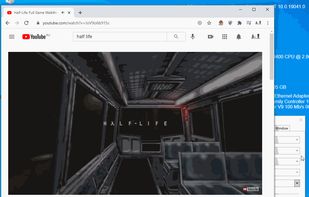


Create video wallpaper for your desktop - Impress your customers and friends with a video wallpaper - Make desktop exciting with video wallpaper.
 GreeceEU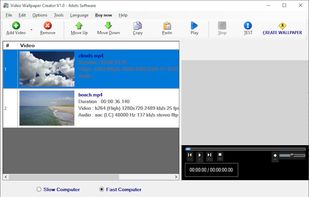


Walyro is a live wallpaper app for Mac that runs on your own videos. Drop in an MP4 or MOV clip and it plays as your desktop background, up to 4K, with a different one on each display. Build playlists that rotate on their own and control everything from the menu bar or the Now...
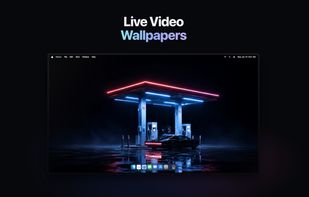
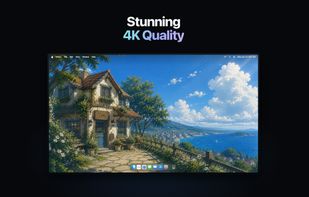
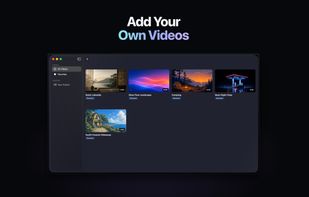
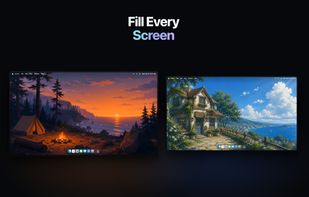


Turn videos, gifs and webs into windows live wallpapers. The most simple and useful Weebp implementation in autoit.


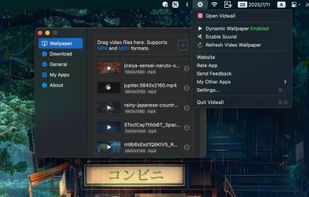
Set stunning 4K videos as your dynamic desktop wallpaper — supports MP4 and MOV formats. Simply drag and drop a video into the app and apply it with a single click.
 China
China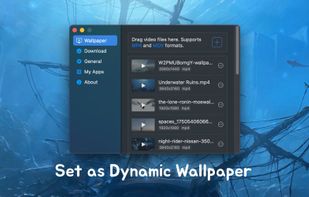


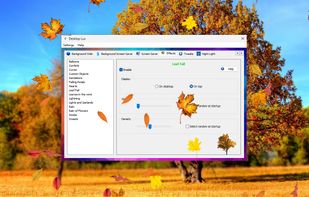
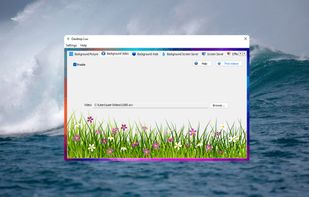
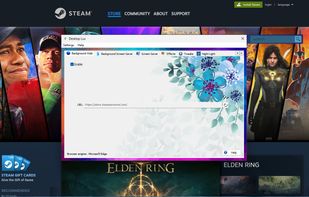
Desktop Lux is a program for decoration and advanced customization of the appearance of the Windows operating system. Thanks to its unique capabilities, it will raise not only your mood, but also those around you, and emphasize your individuality.



Ultimate Live Wallpaper is an amazing lightweight AAA live wallpaper engine with stunning 3D animation effects and mouse interaction.