Cost / License
- Paid
- Proprietary
Application typeApplication types
Platforms
- Windows
 Germany
 EU
EU




+1


One of the most popular alternatives to ScreenFlow is OBS Studio, which is free and open source. Other popular alternatives are OpenScreen, Recordly, SimpleScreenRecorder and ScreenArc. Screen Recorders like ScreenFlow are a crowded field, with more than 100 alternatives for Windows, Mac, the web, Linux and iPhone.
GermanyEU


 South Korea


HyperCam v2 is a video capture software that records AVI movies (screencam) directly from your monitor, for software presentations, software training, demos, tutorials, and fun! HyperCam supports text annotations, sound, and screen notes (great for creating automated software...
 United States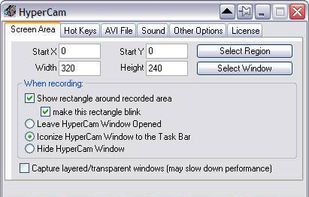


SumTotal ToolBook empowers subject matter experts and learning professionals to rapidly create interactive content, quizzes, assessments, and software simulations. Built on the industry’s most complete talent platform, SumTotal ToolBook enables you to:
United States


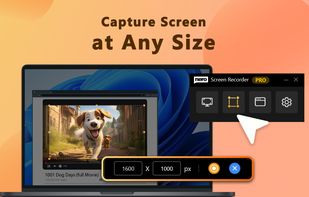
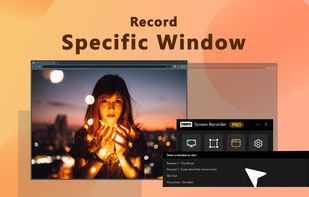
Screencast Capture Lite is a tool to continuously capture the desktop screen, storing this information in video files. The application supports recording from the primary screen, from a chosen window or from a fixed region.
 Brazil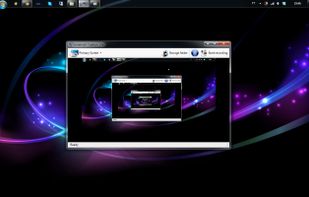


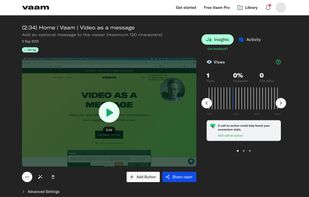
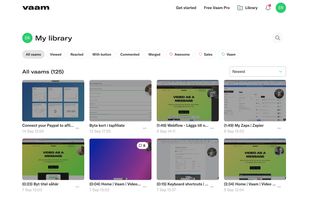
Vaam, video as a message, lets users create and access a shareable video in seconds, with the click of a button. It's a fun and beautiful experience where every company can have their own branding.




 United States


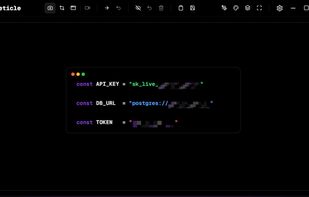
Free screenshot and screen recording tool featuring instant capture, advanced editor with annotation, blur, pixelation, history for re-editing, hotkeys, dark mode, multiple capture types, OCR, GIF/video export, multi-monitor support, and offline use.
 Russia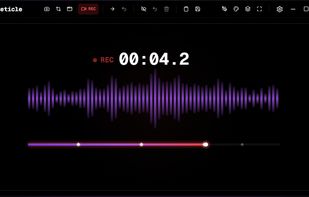


Quick and easy screen recording software for demonstrations and tutorials. Audio and video desktop screen recording as Flash movies.


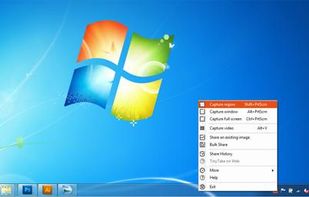
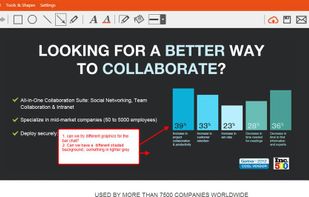
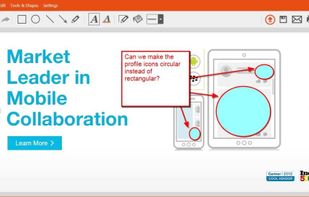
TinyTake is a free screen capture software for Microsoft Windows. With TinyTake, you can capture images and videos of your computer screen, add comments and share them with others in minutes. TinyTake is built by MangoApps and is available for free.
United States