Gecata by Movavi is a lightweight game recording software for PCs that lets you capture gameplay or a Windows desktop with one click and no lags.
Cost / License
- Paid
- Proprietary
Application type
Platforms
- Windows
- Steam
 Cyprus
 EU
EU
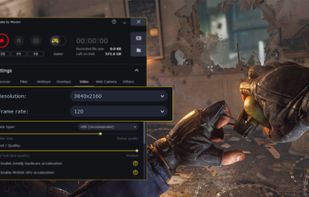

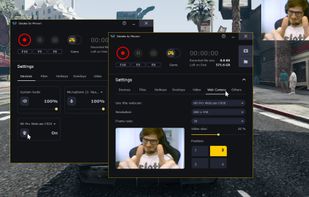

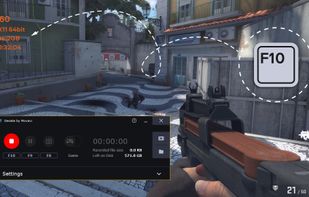


Screenbits is described as 'Fast, flexible, and easy-to-use screen recorder for gameplay, tutorials, product demos, and more. Record your screen, system audio, microphone, and camera in high-quality HD or 4K with smooth performance' and is a Screen Recorder in the video & movies category. There are more than 100 alternatives to Screenbits for a variety of platforms, including Windows, Mac, Linux, Web-based and Android apps. The best Screenbits alternative is OBS Studio, which is both free and Open Source. Other great apps like Screenbits are GPU Screen Recorder, SimpleScreenRecorder, Bandicam and Camtasia.
Gecata by Movavi is a lightweight game recording software for PCs that lets you capture gameplay or a Windows desktop with one click and no lags.
CyprusEU
SCREEN2EXE is a free utility designed in order to create instant screen demos with the highest compression ratio in the world!
 China
China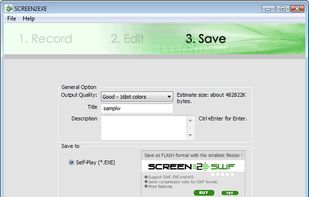


Using UVScreenCamera you can easily create animated demo or tutorials by recording your computer's desktop activity, including all mouse movements, window graphics, mouse clicks and everything else you see on screen.
 Russia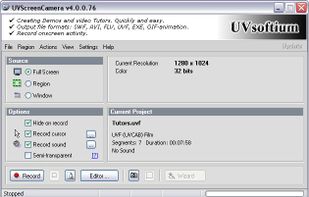

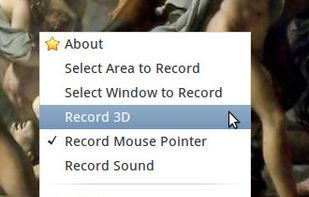

Ink2Go is an extremely simple yet powerful screen annotation and recording software. You can easily write on top of any other application that is currently active on the desktop, even on a running video.
 India
India


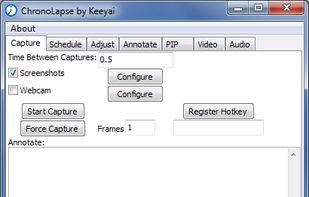
Chronolapse is a tool for creating time lapses and stop motions. It can take screenshots or webcam captures (or both simultaneously) at user defined intervals then help you process them into a video file.


A light application for instant recording of events happening on the monitor and saving that to an AVI file at high quality.
Russia
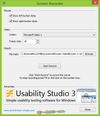


oRipa Screen Recorder is a handy tool to record your Windows desktop activities in real time and save it as a video file. oRipa Screen Recorder also captures anything you can hear on your PC, such as, music and talking through the PCs microphone.
 United States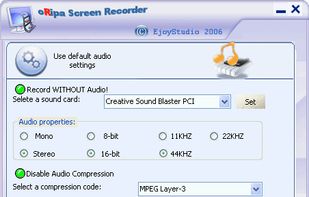


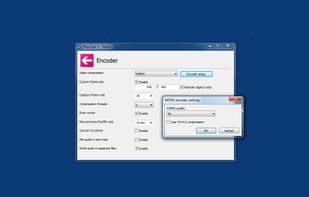
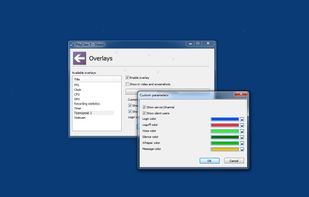
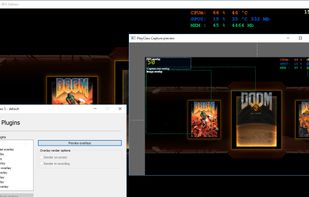
PlayClaw is game video recording and streaming tool with various overlays.
Russia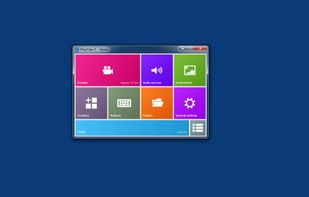


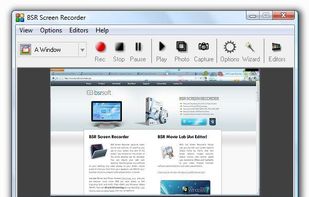
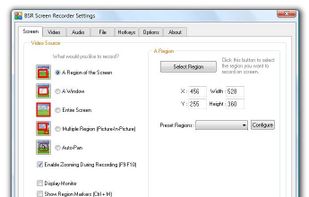
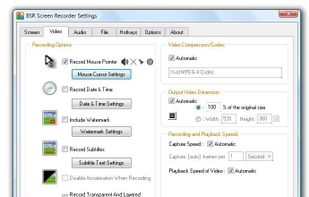
BSR Screen Recorder captures video, sound, and pictures of anything you see on your screen and records to AVI (Standard Video Format), SWF (Flash File), WMV (Windows Media Video), and EXE (Executable File). Any portion of the screen can be selected for recording.


Record what you see on your PC screen exactly as it appears. GOM Cam also records all audio outputs from your PC, allowing you to make more dynamic videos. Record your computer screen, webcam video or games, and share with others on YouTube, Google Drive or Facebook.



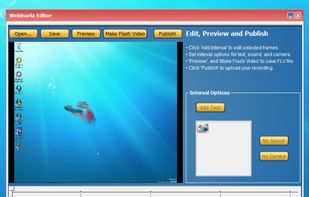
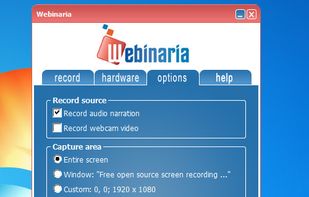
Webinaria is an easy to use screen recording and screen-casting tool. It allows you to record your screen or just a specific window. The integrated editor allows you to annotate your screen-cast before publishing it as a flash video.