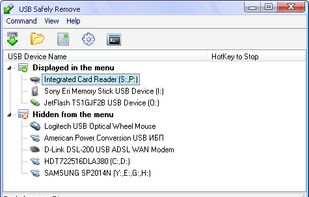
USB Safely Remove is a USB device manager. It saves time and extends user abilities on active work with flash-drives, portable drives, card readers and other gadgets.
Cost / License
- Paid
- Proprietary
Application type
Platforms
- Windows
 Russia



Apps similar to Safe Drive Ejector include USB Safely Remove. It's paid, but USB Disk Ejector and EjectUSB are free. Other options are Ejectify, Jettison, Remount and Mountain. You can choose from more than 10 Disk Managers like Safe Drive Ejector for Mac and Windows.
USB Safely Remove is a USB device manager. It saves time and extends user abilities on active work with flash-drives, portable drives, card readers and other gadgets.
Russia
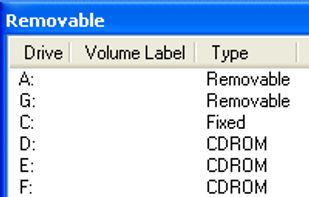
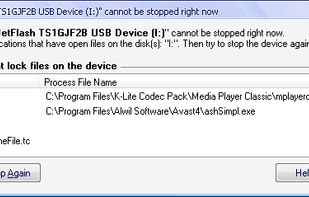
A program that allows you to quickly remove USB devices in Windows. It was originally designed to remove only USB pen drives but will now eject any USB device. It can be run as a non-visual command line program or a normal gui program.
 United Kingdom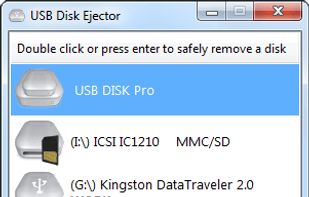


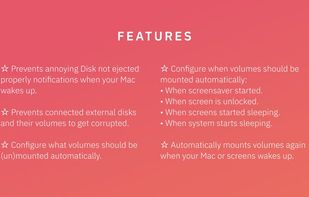
Ejectify automatically unmounts external volumes when your Mac starts sleeping, and mounts them again after it wakes up.
 Netherlands
 EU
EU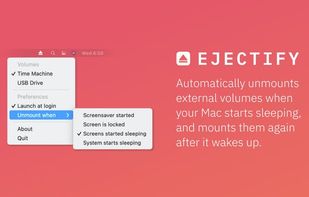


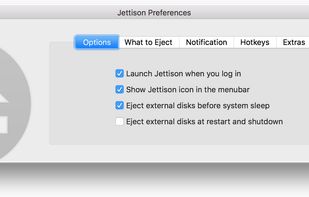
Jettison eliminates the hassle of manually ejecting external drives before you put your MacBook to sleep.
 United States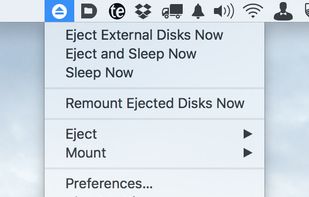


EjectUSB was designed to be a simple utility to close all programs running from a specified drive or folder and then attempt ejection if a drive was specified. Extended functionality includes flushing the file cache, closing Explorer windows and removing registry entries and...


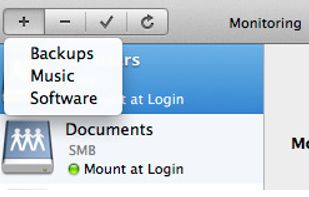
Automatically connect to a network drive on Mac Os X start up and login.
Remount remembers your network drives and mount them at login. Remount recognizes different network services and differents between WiFi-Networks.
Multiple Services Remount recognizes your network shares.




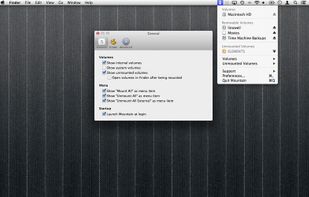
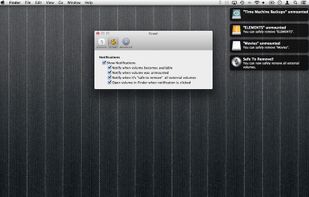
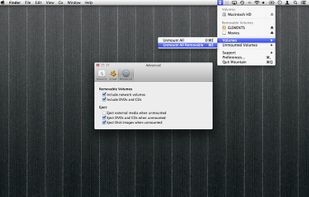


Ejector adds an Eject icon to the Mac OS X menu bar. From it you can eject any disks, e.g. an iPod, a CD, a DVD, an USB Key and even a .dmg or a hard disk (including external one). You can then safely disconnect them from your mac.


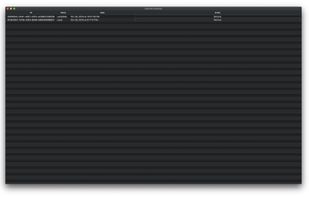
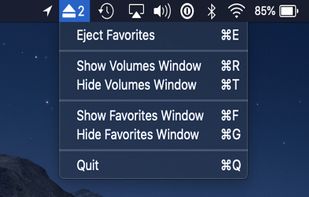
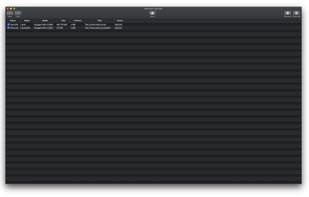
A tiny, lightweight macOS menubar application to eject multiple mounted volumes in one click. Favorite a mounted volume to save it for quick unmounting later.