


Cost / License
- Free
- Proprietary
Application type
Platforms
- Online
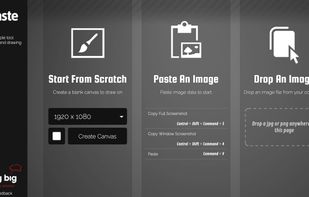


Sites and apps similar to Relephant include ShareX, which is free and open source. Other options are Greenshot, Flameshot, PicPick and FastStone Capture. You're spoiled for choice with Screenshot Capture Tools like Relephant: we list more than 50 alternatives for Windows, Mac, Linux, Android and Chrome OS.

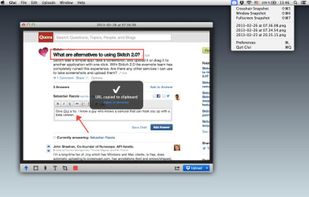
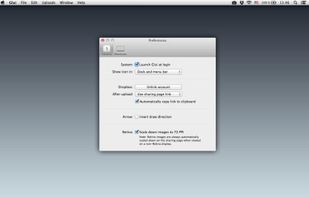
Glui is the simplest way to capture, annotate and share screenshots.
Key features: • Capture crosshair, window or fullscreen screenshots, or drag and drop existing images. • Annotate with arrow, rectangle, pen and text tool. • Instantly upload to .



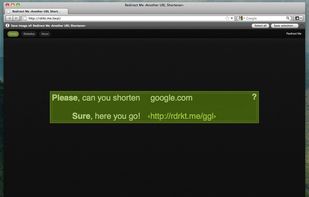
Right click on any web page, frame or iframe, click "Save Page As Image..." and then resize the selection around the piece you want to save.

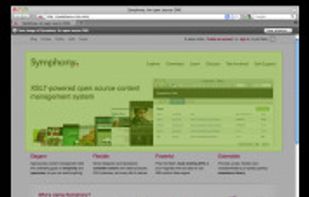


The smallest free tool for taking screenshots of different size. Just open SnapaShot, resize it's window to fit the area you want to save, and press "save it" button.
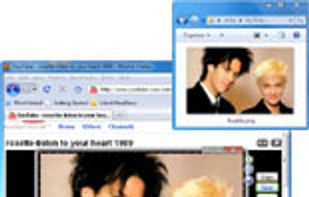
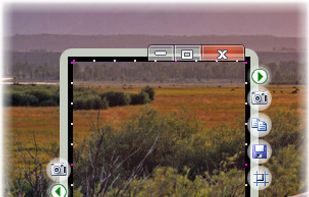


Take screenshots in one click. Select region and screenshot is ready! Download Floomby for Free.


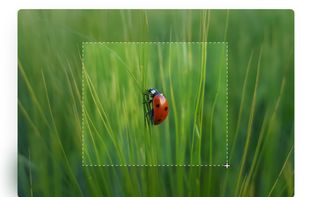


TeenyGrab is a free alternative to TinyGrab. TinyGrab is a popular application for quickly uploading screenshots, and sharing them. The only problem is, the full version (with features such as uploading to a custom FTP server) costs $$$.
 United States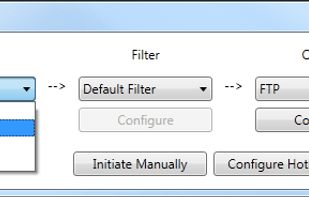


Ybex Clipboard is an easy to use tool and a free web service to capture, annotate and share your screen, texts and images.
 Russia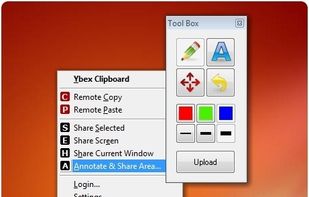


With Free Snipping Tool, not just you create snips, you can save your snips on major backup services like Imgur, Google Drive and Dropbox. Not just this you can also upload them via FTP or simple WebRequest.
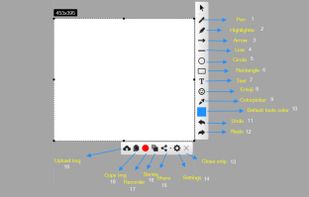
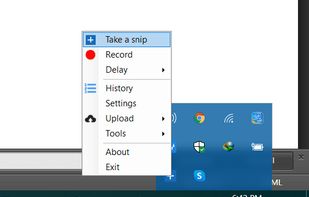
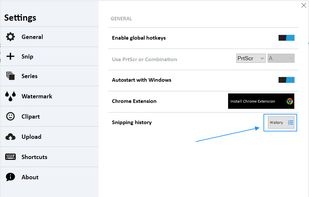
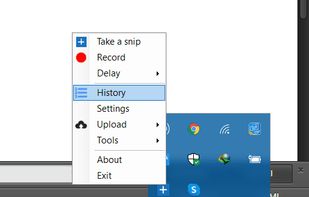


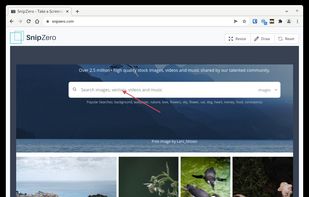
SnipZero is a convenient zero-install screenshot app that lets you take screenshots right from your web browser. No installation required. You can select any application window or browser tab as source.
 Germany
 EU
EU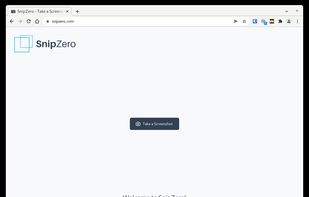


WebShot allows you to take screenshots of web pages and save them as full sized images or thumbnails. Screenshots images can be output in the JPG, GIF, PNG, or BMP formats.
United States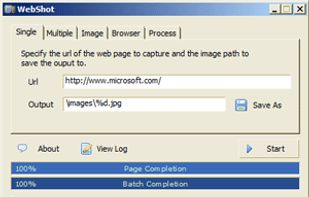


SiteShoter is a small utility that allows you to save a screenshot of any Web page into a file.


Capture is a quick-and-easy screen capture utility for Windows (and NT), which allows you to capture the entire screen, at any color depth and resolution, and save it into a Bitmap file for editing. If you are interested in only capturing one window, you can select to capture...


 Israel


