


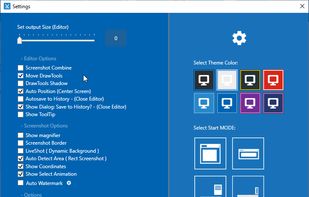
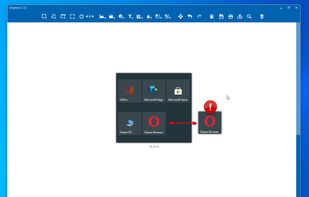
Snip tool is a screen capture tool that lets you capture one or more selected areas on your desktop and save it with optional annotations.
Cost / License
- Free
- Proprietary
Application typeApplication types
Platforms
- Windows
 Germany
 EU
EU




+6


Sites and apps similar to Relephant include ShareX, which is free and open source. Other options are Greenshot, Flameshot, PicPick and FastStone Capture. You're spoiled for choice with Screenshot Capture Tools like Relephant: we list more than 50 alternatives for Windows, Mac, Linux, Android and Chrome OS.
Snip tool is a screen capture tool that lets you capture one or more selected areas on your desktop and save it with optional annotations.
GermanyEU
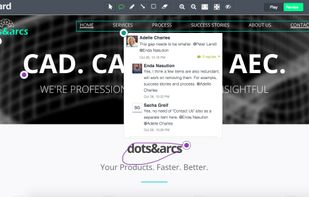
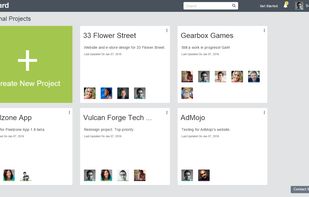
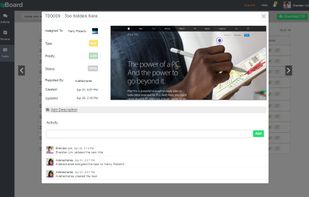
Enhance web development and e-learning projects by annotating and assigning bugs with zipBoard. It combines real-time visual feedback, task management, and collaboration tools to improve productivity. Suitable for QA teams, managers, developers, and designers with a focus on client integration.
 India
India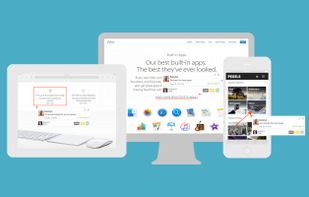


 United Kingdom

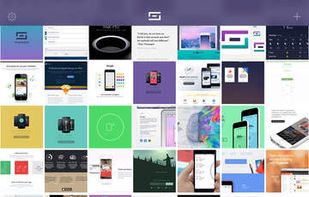


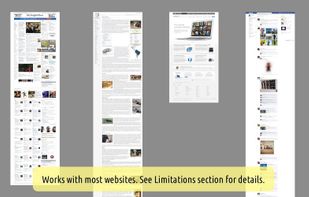
WebKut is an AIR application that allows you to capture web pages, or parts of them in a very simple way. It provides you 3 capture options: the entire page, the current view, or only a selection.


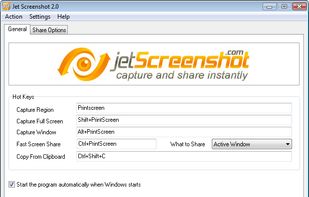
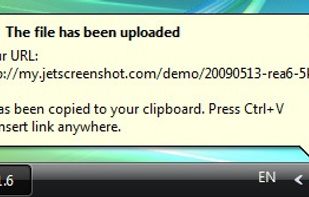
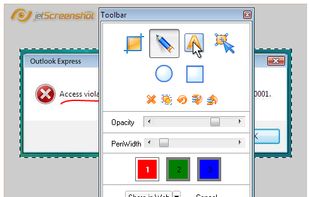
Jet Screenshot is a freeware utility enabling you to share screenshot via the internet in seconds. It allows you to take a screen snap, edit it and send it to the Web, so that you can immediately provide anyone with a link to the image.
 Ukraine


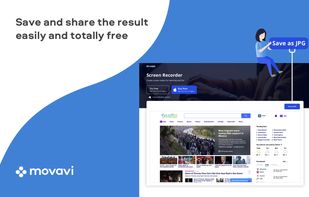
Movavi ScreenShot is a screenshot extension for Chrome and Firefox that lets you grab full and partial screen captures as well as save screenshots in multiple formats.
 CyprusEU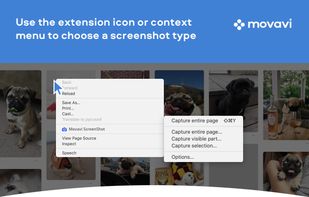



A macOS app for capturing, annotating and sharing screenshots. Quickly add comments, highlight what matters or blur any sensitive content. Upload screenshots to Google Drive or Dropbox. Copy screenshots to the clipboard and paste them directly into Slack, Skype, Jira, Trello and...


InstantShot! offers classical screenshot functionality for capturing the whole screen, a portion of it or a window and also the option to make timed screenshots or to make delayed captures over time. It offers a wide range of preferences and options to fit everyone's needs.


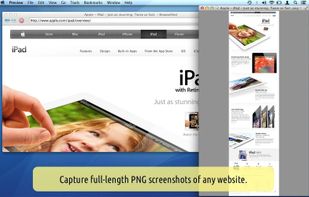
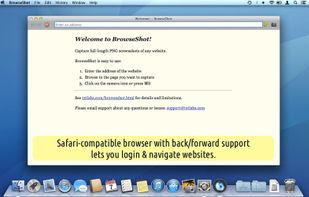




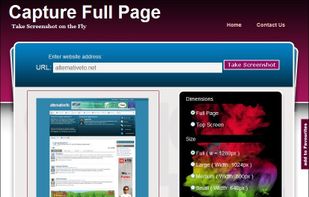
Capture Full Page Screenshot of any website Online.
Features: Take screenshots of public webpages easily. Captures the full webpage. Preview the screenshot. Set the image’s dimensions, size, and format. Download your screenshot in a zip file. View recent screenshots created in.


 Russia


