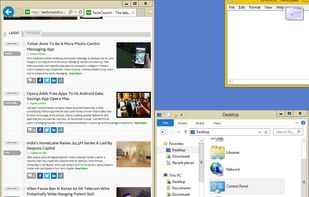
Optimize your desktop environment with this management tool offering window docking, snapping, multi-monitor support, and keyboard shortcuts for enhanced productivity.
Platforms
- Windows
- PortableApps.com
 France
 EU
EU



+9
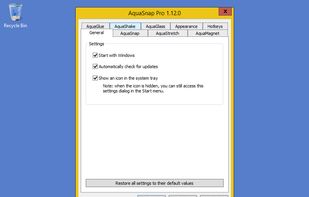


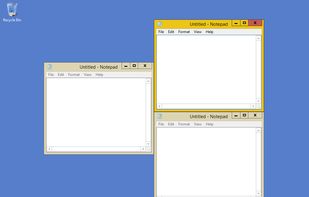
The best alternative to Rectangle is BetterTouchTool. It's not free, so if you're looking for a free alternative, you could try AquaSnap or altdrag. If that doesn't suit you, our users have ranked more than 100 alternatives to Rectangle and many of them are so hopefully you can find a suitable replacement. Other interesting alternatives to Rectangle are SnapZones, Moom, BetterSnapTool and Shiftit.
Optimize your desktop environment with this management tool offering window docking, snapping, multi-monitor support, and keyboard shortcuts for enhanced productivity.
FranceEU
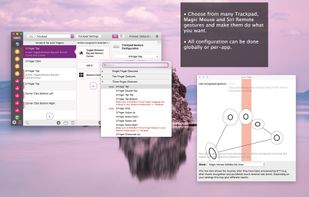
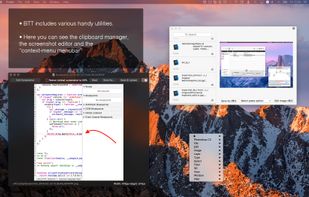
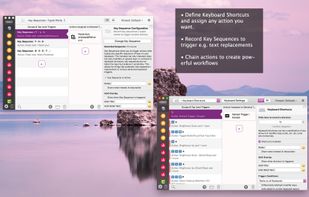
Customizes input devices on macOS by enabling gesture and button mapping, keyboard shortcut assignment, window snapping, automation, scripting, multi-device integration, and iOS app control. Features include touch bar, Apple Remote, and per-app profiles.
 GermanyEU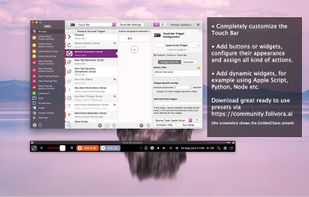


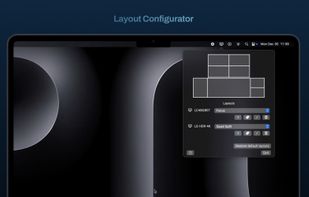
Organize windows with ease using SnapZones. Enjoy magnetic snapping, predefined and custom layouts, multiple display configuration, and seamless transitioning between workspaces. SnapZones auto-starts at login, ensuring streamlined productivity for macOS users in any environment.
 AustriaEU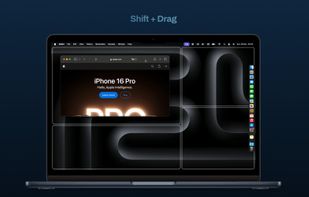


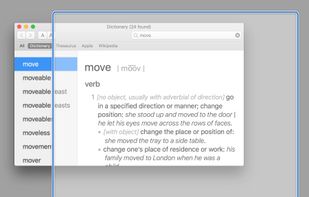
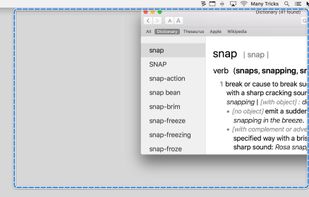
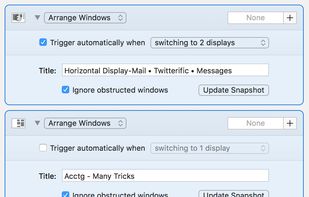
Moom makes window management as easy as clicking a mouse button—or using a keyboard shortcut, if you're one of those types of people.
AustriaEU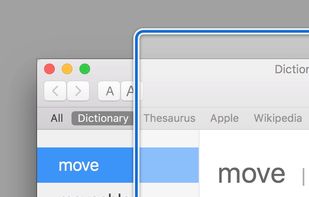


AltDrag allows you to move and resize windows much easier. When you have it running you can simply hold down the Alt key and then use your mouse to drag any window, and it doesn't matter where in the window you click.
 SwedenEU


BetterSnapTool is a utility that mimics Windows 7 Aero snap, allowing you to easily manage your window positions and sizes by either dragging them to one of your screens corners or to the top, left or right side of your screen.
GermanyEU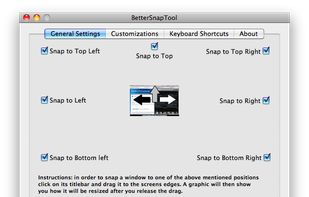
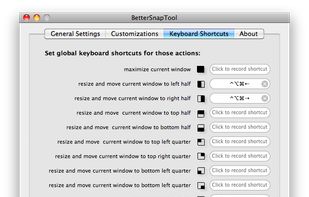


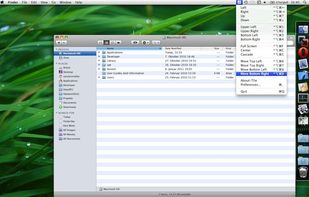
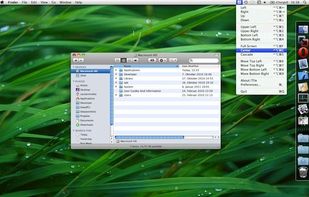
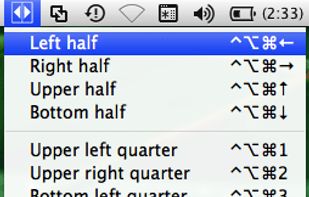
ShiftIt is an application for OSX that allows you to quickly manipulate window position and size using keyboard shortcuts. It intends to become a full featured window organizer for OSX. It is a complete rewrite of the original ShiftIt by Aravindkumar Rajendiran which is not...
 CzechiaEU
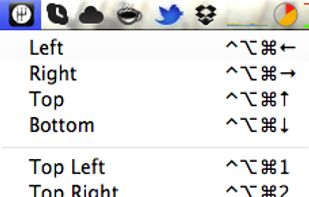


Access all native macOS window tiling commands in one place — the Tiling Panel. Customize keyboard shortcuts and use them on any keyboard, even third-party ones.
 PolandEU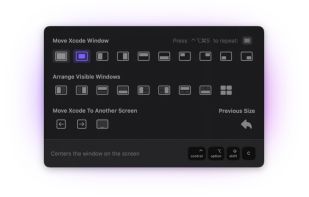


Split screen and organize windows on Mac with keyboard shortcuts, drag-and-drop zones, and professional layouts. Better than native Split View. Multi-monitor support.
PolandEU
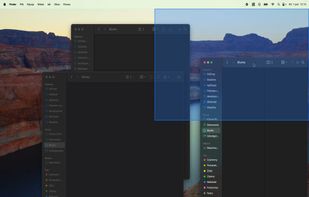
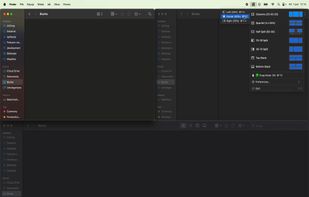


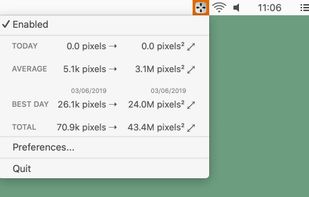
Hummingbird is a macOS utility that allows easy moving and resizing of windows by holding modifier keys and dragging your mouse to move and resize windows.
GermanyEU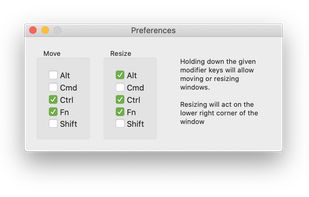

 GermanyEU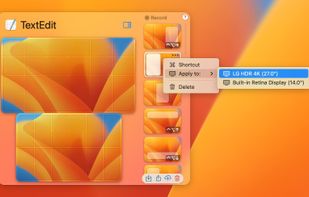


 BulgariaEU
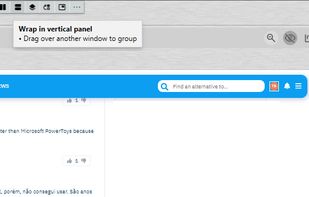


TileWindows helps you to easily organize your desktop: Move and resize your application windows, so you can view them side by side, by using keyboard shortcuts.
GermanyEU