Tag everything on your desktop like files, images, movies or music by simply using tags. 3 languages: english, german, espanol.
Cost / License
- Free
- Proprietary
Alerts
- Discontinued
Platforms
- Windows
 Austria
 EU
EU




Apps similar to Filezo include Everything, which is free. Other options are CopyQ, Vicinae, Ditto and Flow Launcher. There's no shortage of Clipboard Managers like Filezo, with more than 100 alternatives for Windows, Mac, Linux, Android and iPhone.
Tag everything on your desktop like files, images, movies or music by simply using tags. 3 languages: english, german, espanol.
AustriaEU
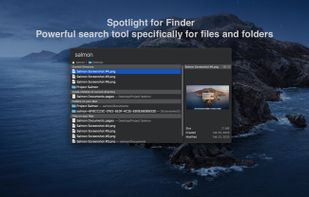
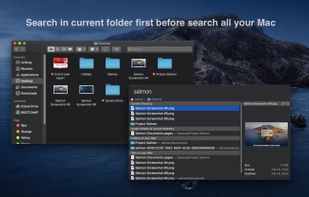
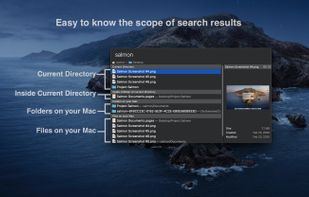
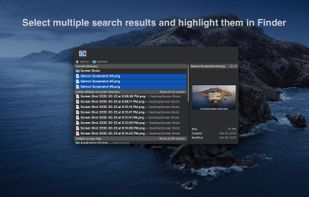
Salmon - Spotlight for Finder. Powerful search tool for files and folders with support for multiple selection. Powerful @modifiers to filter and sort.

Cliphist is an efficient Linux-based Wayland clipboard manager supporting both text and images, conserving content byte-for-byte. It archives clipboard changes to a history file, integrates with tools like dmenu or rofi for recall, and remains lightweight, open-source, and ad-free.
 IrelandEU

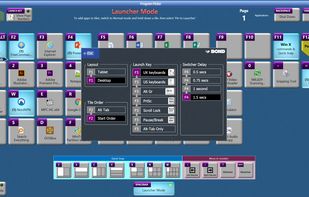
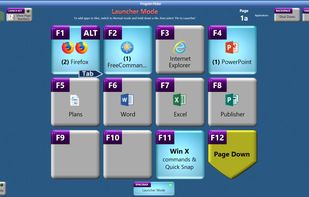
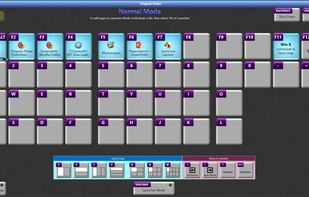
Pipy is a free Windows utility designed to gradually improve one’s productivity during typical desktop tasks. It does so by combining a launcher and a desktop search tool within a single application.
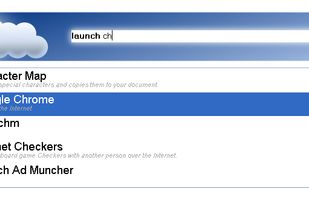
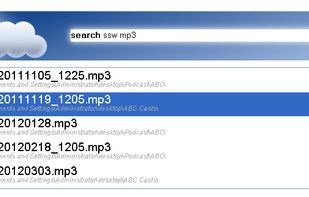


Fast and easy program launching and task switching, using just two consecutive keys to launch and switch to up to 40 different programs and/or files.
 United Kingdom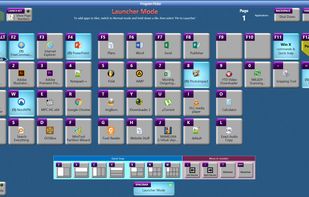


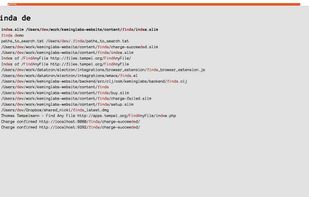
Finda finds things — windows, browser tabs, code editor buffers, browser history, apps, files, etc. — in under 16 milliseconds.
 United States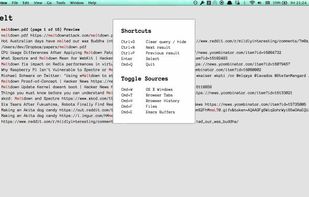


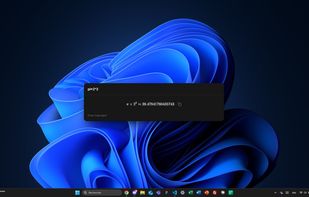
Mage, originally a Raycast clone, is a lightweight and fast app launcher for Windows, built with Electron, Vite, and Vue 3. It features custom applications, live activities, a modern UI and a batteries-included SDK for developers.

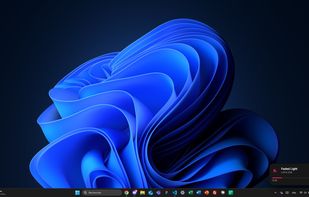


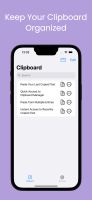
iCliper is the ultimate tool for managing your clipboard. With iCliper, you can access and organize clipboard history across different apps. No more copying and pasting the same text repeatedly.




 Norway
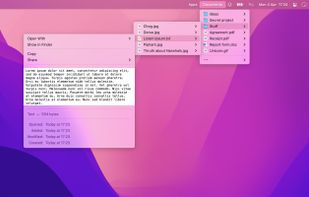


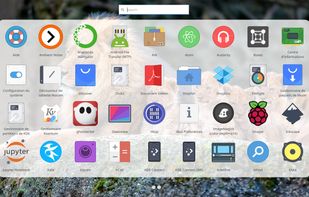
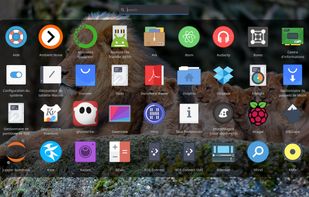
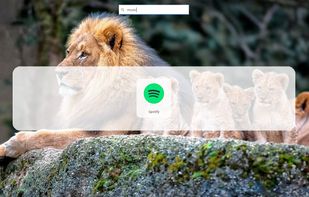
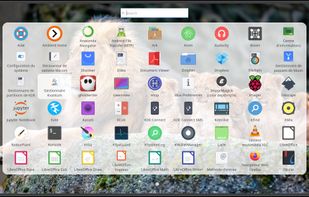
Rocket is an application launcher for KDE Plasma. It sorts all of your applications in a horizontal grid alphabetically, so you will always find what you are looking for at first glance. No more menu navigation, only scrolling.


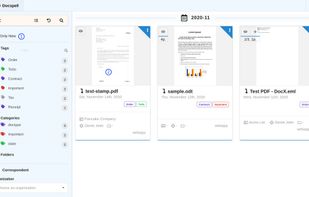
Docspell is a personal document organizer. You'll need a scanner to convert your papers into files. Docspell can then assist in organizing the resulting mess 😉.


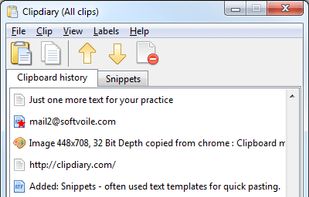
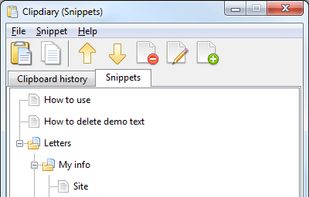
Clipdiary clipboard manager saves the complete clipboard history. With this windows clipboard manager you can reuse everything you were once copying - text, pictures, html links and even files!
 Ukraine