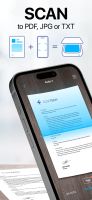


Turn your paper documents into digital files. Auto-detect edges, correct perspective, enhance images, extract text with OCR, and export as PDF or images.
- Global
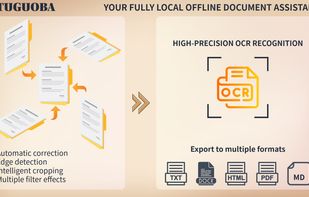

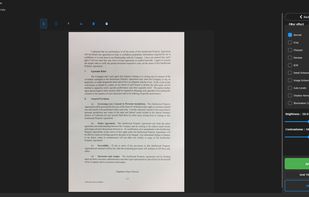

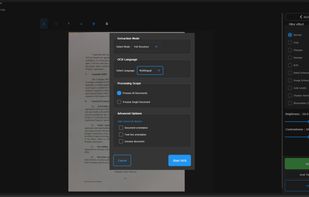

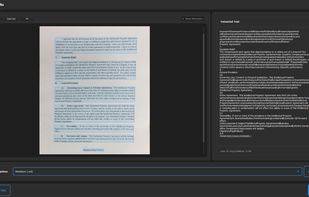


Apps similar to Readiris include NAPS2, which is free and open source. Other options are OSS Document Scanner, MakeACopy, Adobe Acrobat DC and ABBYY FineReader PDF. You're spoiled for choice with Document Scanners like Readiris: we list more than 50 alternatives for Windows, iPhone, Mac, Android and iPad.
Turn your paper documents into digital files. Auto-detect edges, correct perspective, enhance images, extract text with OCR, and export as PDF or images.

Business Card Scanner app for organizing and digitizing paper card data. Also, its online source offers full-fledged image to text converter to grab text from images.


Our tool simplifies your data management process by extracting data from invoices and converting them into CSV files.


ImageToText app allows you to extract editable ASCII text from images, and share the results by EMAIL or EVERNOTE.
 United States
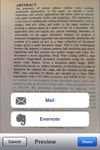


48h sale! Just take a photo of a text with phone number, e-mail address or URL and immediately call, write e-mail or open URL in Safari. Or just scan and OCR any text.
 Germany
 EU




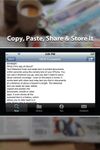
Text Detective finds and reads text in printed documents within seconds using your iPhone’s camera. The detected text can easily be read, edited, copied and pasted into documents, emails or other apps. It even stores all the scanned text in a history, which allows you to refer...
United States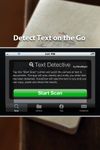


OCRKit uses OCR (Optical Character Recognition) technology to recognize the text in the graphic, which is particular useful for PDFs received via e-mail, created by DTP, office applications, with a scanner or copier.
GermanyEU


PDF to DOC is used to convert PDF files to Word (.doc) or WordPad (.rtf) documents in batch mode. It works without Adobe Acrobat or Adobe Reader, and has friendly interface, small size, accurate and fast conversion ability.
United States

Pull the data out of your PDF without sending it anywhere. PDFTrail extracts tables and text on-device — no upload, no account — into Excel, Word, Markdown, or JSON, with structure kept intact.
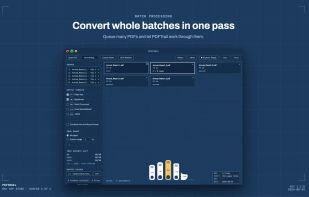
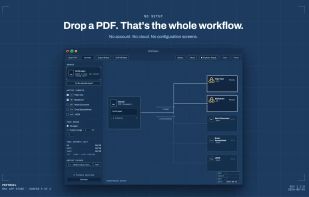
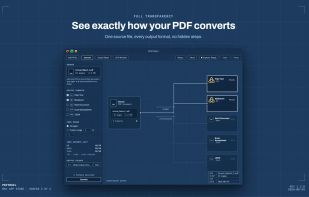



Extract PDF data to JSON format with our automated tool. No manual intervention is required.


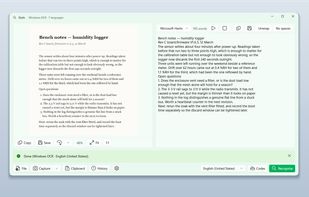
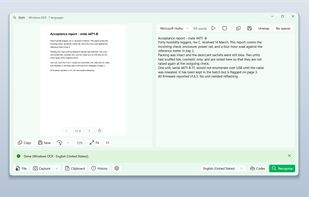
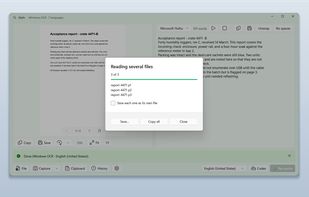
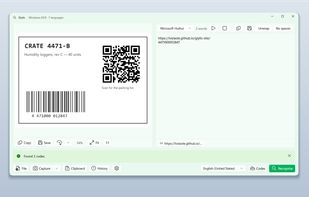
Glyfo turns pictures of words back into words. Drag a box around part of the screen with Alt+Z, open an image or a PDF with Ctrl+O, paste from the clipboard, or send a file over from Explorer, Photos or Snipping Tool.

 United States