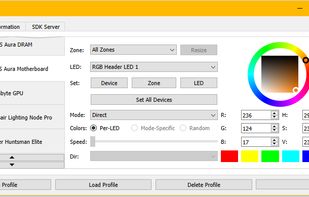
Open source RGB lighting control that doesn't depend on manufacturer software. For Windows, Linux, MacOS.
Cost / License
- Free
- Open Source
Application type
Platforms
- Mac
- Windows
- Linux
 United States


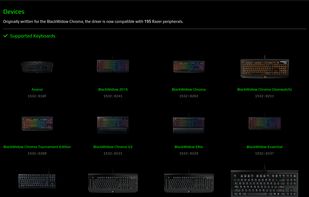
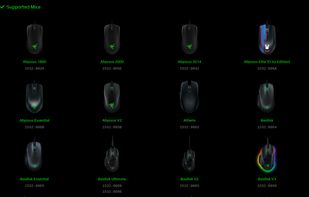
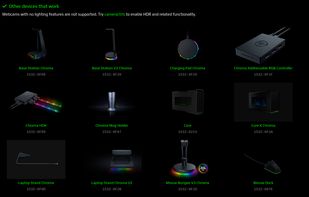
The best free alternative to Razer Synapse is OpenRGB, which is also Open Source. If that doesn't suit you, our users have ranked more than 25 alternatives to Razer Synapse and many of them is free so hopefully you can find a suitable replacement. Other interesting free alternatives to Razer Synapse are X-Mouse Button Control, OpenRazer, LinearMouse and Artemis RGB.
Open source RGB lighting control that doesn't depend on manufacturer software. For Windows, Linux, MacOS.
United States
X-Mouse Button Control is a Windows application to remap your mouse buttons and expand the capabilities of your mouse!
 United Kingdom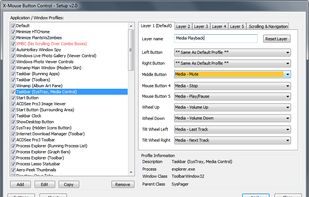


An entirely open source driver and user-space daemon that allows you to manage your Razer peripherals on GNU/Linux.


LinearMouse is a free and open-source utility for macOS which aims to improve the experience and functionality of third-party mice.
 China
China
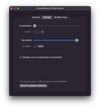
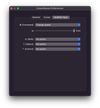


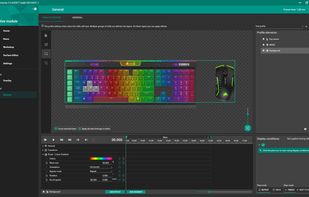
Artemis 2 adds highly configurable support for several games to a range of RGB keyboards, mice and headsets.



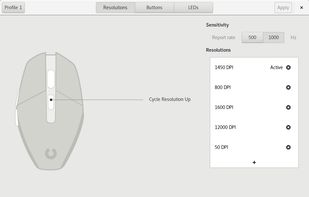
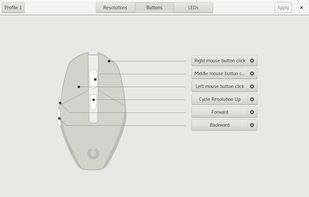
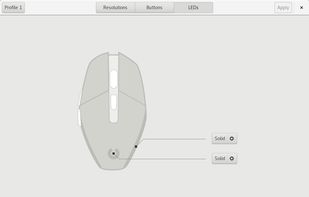
Piper is a graphical user interface to configure gaming mice. Configuration options include changing the resolution (DPI) of the mouse, adding and removing profiles, setting LED colors and changing button behaviors.


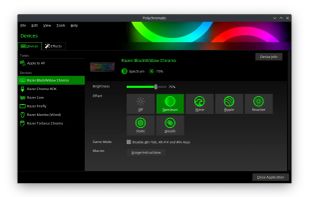
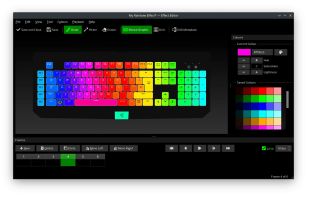
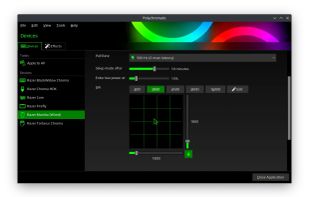
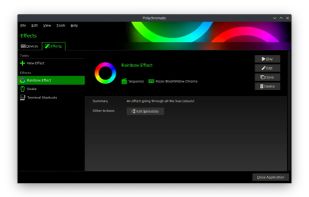


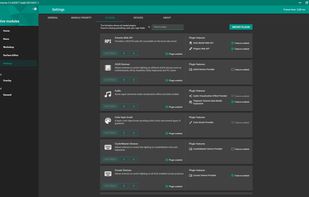
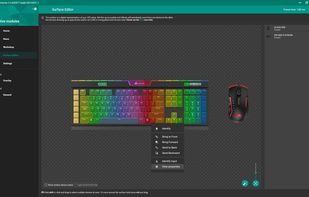
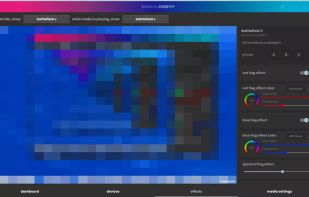
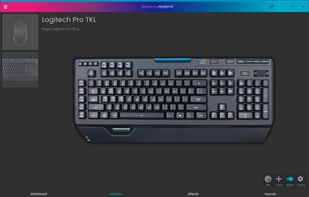
SignalRGB is a free program which allows you to control all of your RGB devices in one application. Experience synchronized lighting effects across your devices from all major brands.
United States



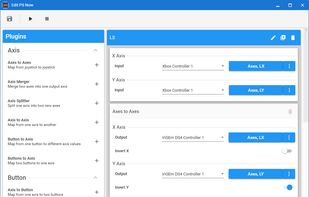
Universal Control Remapper is a Windows application which allows the end-user to remap any inputs from devices, such as keyboards, mice, joysticks, racing wheels, eye trackers, etc. to virtual output devices.


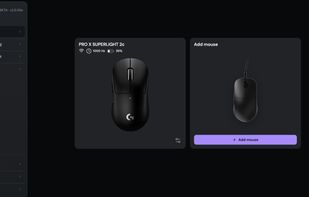
Browser-based control panel for supported gaming mice — change DPI, polling rate, and sensor settings without installing a driver.


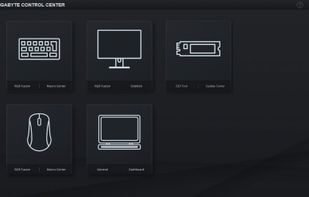
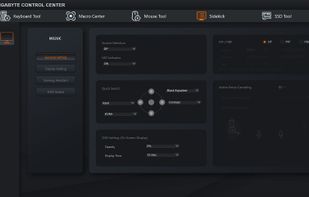
GIGABYTE Control Center (GCC) is a unified software platform across a variety of GIGABYTE products. Every available utility preferred is optimized and integrated with intuition into this one-stop center.
 Taiwan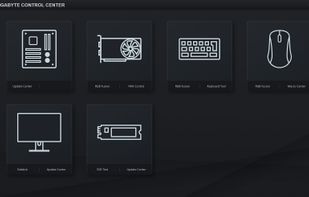



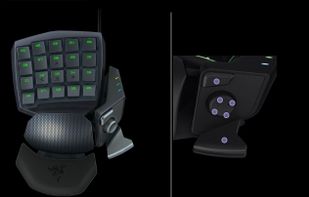
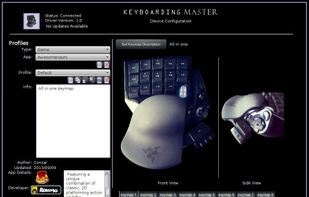
Keyboarding Master is a gaming and application tool that provides its users with the ability to custom configure their input devices for specific applications within a unified configuration environment. Keyboarding Master supports Linux.