


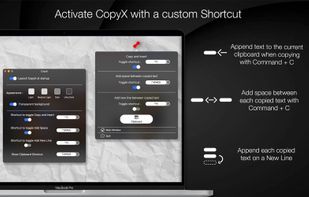
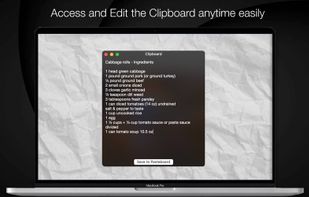
Copy text with Command + C and append it to the last copied text instead of replacing it! Activate inserting with a custom shortcut.





Apps similar to Rainclip include CopyQ, which is free and open source. Other options are Ditto, Rememory, Planck and CopyCat Clipboard. You're spoiled for choice with Clipboard Managers like Rainclip: we list more than 100 alternatives for Mac, Windows, Linux, iPhone and iPad.
Copy text with Command + C and append it to the last copied text instead of replacing it! Activate inserting with a custom shortcut.

ClipCapsule is a minimalist clipboard manager for Linux. It supercharges your productivity by allowing you to manage and switch clipboard entries using only keyboard shortcuts—no mouse or GUI required.

 Australia



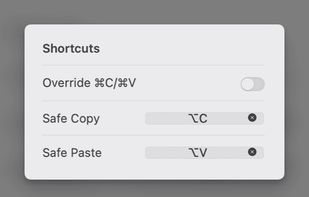
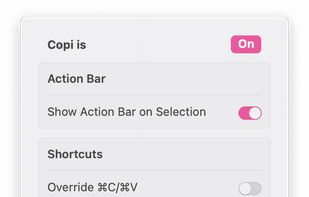
Copi is an open-source, lightweight, and secure clipboard alternative for macOS. It offers the same copy and paste functionality as the system clipboard, but its contents cannot be accessed by any third-party applications, effectively protecting your privacy data.
 China
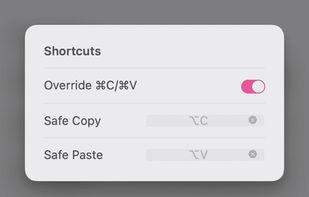
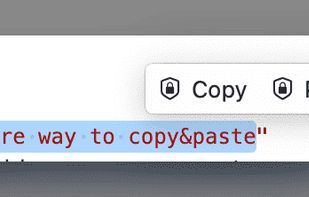

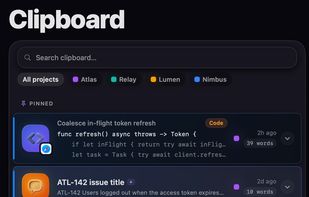
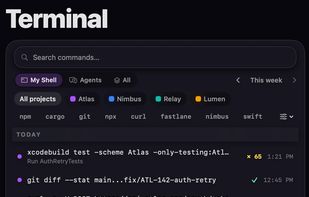
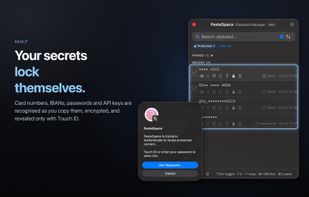
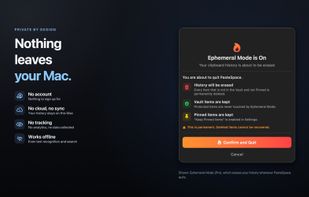
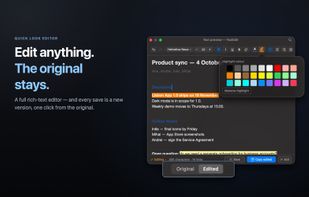
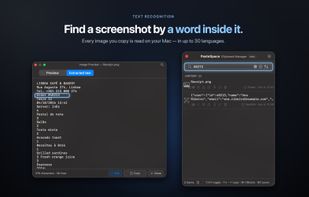
Records copied text, links, images and files in a local Mac history, searchable by content, source app or file name. It recognizes text inside images, encrypts passwords, card numbers and API keys in a Touch ID vault, and adds pinning, editing and 57 transformations.


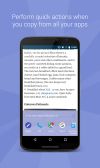
Easy Copy allows you to reduce the number of taps required to perform the copy and paste actions.




 United States


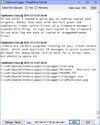
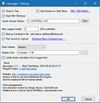
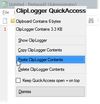
clipLogger logs text copied to the clipboard, putting everything in one textbox for easy access. Clipboard captures can be separated & labeled with a timestamp, or just appended by themselves. It can also log the paths of copied or dragged&dropped files.


Kana Clip is a Windows program which monitors text copied into clipboard. The copied text is saved into memory so it can be accessed later through popup menu. The popup menu is activated by using user defined hotkey.
 Indonesia



Auto-copies any text the moment you select it — no Ctrl+C needed. Provides deep click paste and a searchable local clipboard history. Works on Mac and Windows.


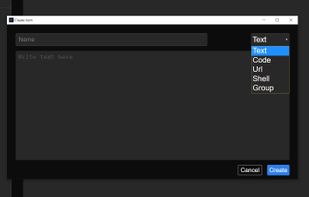
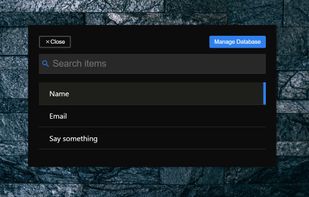
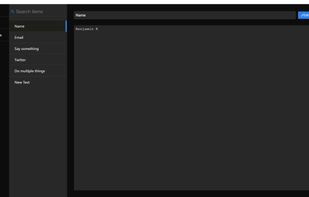
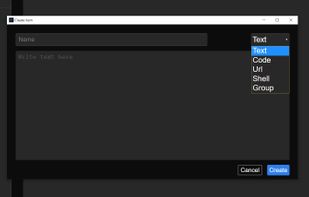


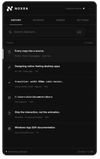
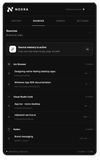
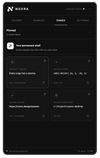
Noxra turns your screen border into an instant clipboard & file-transfer hub. No hotkeys, no modal popups - just hover to expand, drag anything out, and keep working. Free & open-source for Windows.
 Germany
 EU


 Nigeria


