


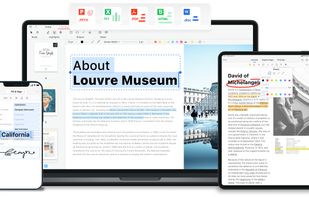
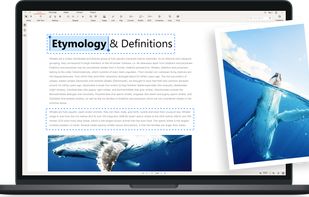
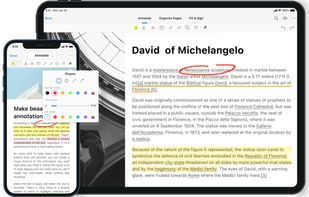
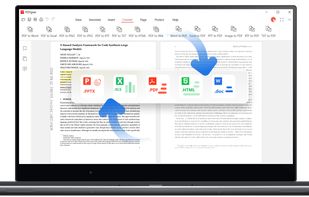
Read, edit, convert, merge, and sign PDF files across devices, for completely free and without signing up.
Cost / License
- Free
- Proprietary
Application typeApplication types
Platforms
- Mac
- Windows
- Online
- Android
- iPhone
- Android Tablet
- iPad
 Singapore



+2


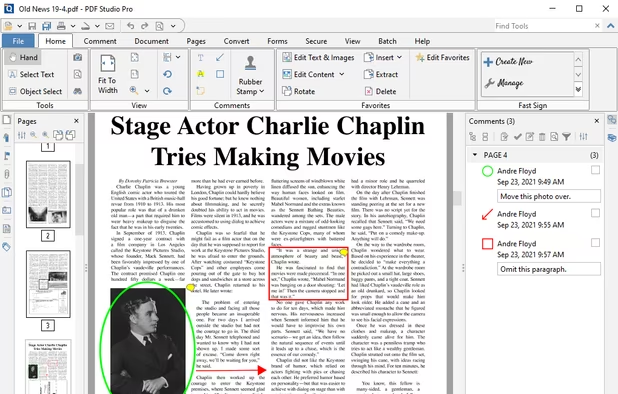
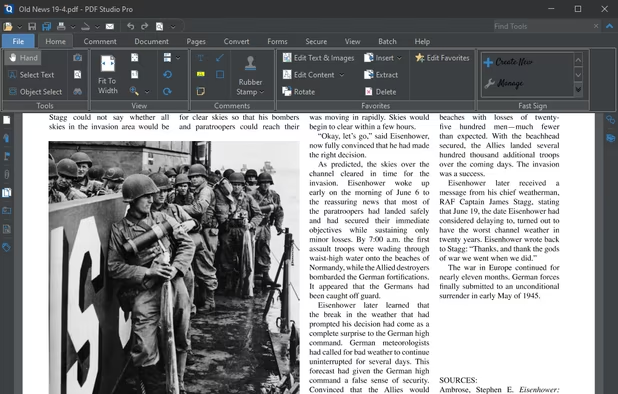
Apps similar to Quire PDF include PDFgear, which is free. Other options are Firefox PDF Viewer (PDF.js), Sejda, Xodo and Qoppa PDF Studio. You can choose from more than 10 PDF Readers like Quire PDF for the web, Windows, Mac, Linux and Android.
Read, edit, convert, merge, and sign PDF files across devices, for completely free and without signing up.
Singapore
PDF Viewer (aka pdf.js) is a new revolutionary extension using web standard technologies that allows you to display within Mozilla Firefox almost all PDF files found on the web without a plugin.
 United States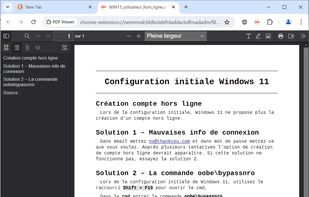
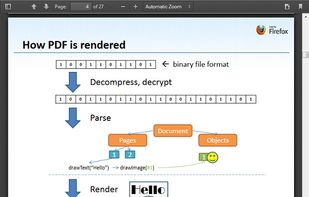


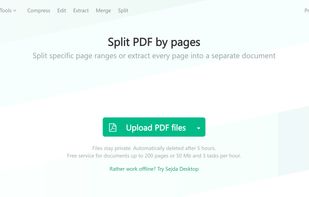
Sejda helps with your PDF tasks: edit existing text, split, merge, extract, compress, export to other formats and more.
 Netherlands
 EU
EU


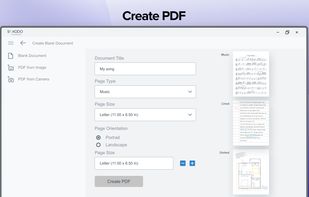
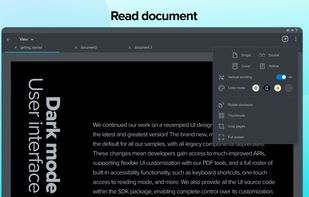
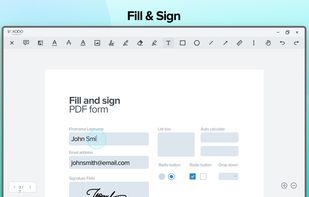
Xodo is the ultimate cross-platform PDF viewer and annotator. Powerful, fast, and optimized for all phones and tablets, Xodo makes it easy to access, edit, share, sync, manage, sign, and more.
 Canada

 United States


In version 8, Google Chrome introduced a free PDF viewer, installed by default. While this plug-in lacks many features of the Adobe Acrobat Plug-in, it is much faster and lighter, and updates with the browser rather than an external utility.
United States


Cloud-based PDF viewer and annotation tool for your browser. Perfect for Chromebook 1:1 schools. View, export, print and share your PDF files straight from your browser. Kami works on all browsers and works best with Google Chrome.


Do more than just view your PDF files online. With the Acrobat extension, you can mark up proposals, leave sticky note comments, and use your favorite PDF tools without leaving your browser.


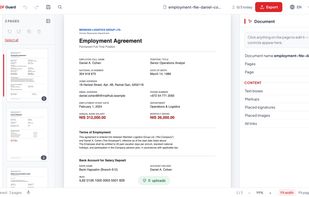
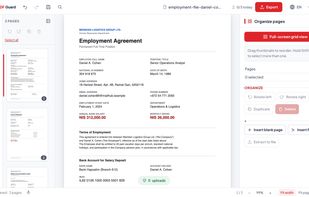
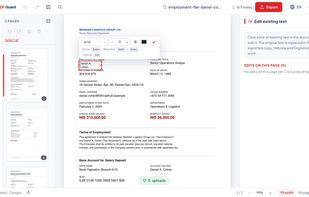
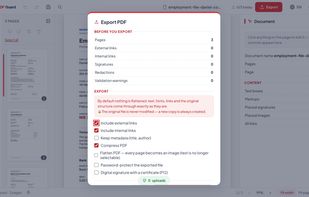
PDF Guard is a PDF editor that runs inside the browser tab and processes documents on your own device instead of uploading them. Files are read from disk into the tab's memory, handled by engines that run locally - pdf.

Professional PDF reader for Chrome — keyboard shortcuts, annotations, dark mode, text-to-speech, presentation mode. Free.
United States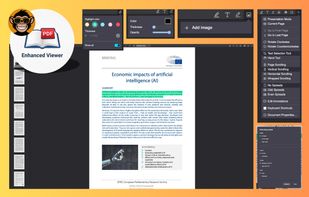




 New Zealand


