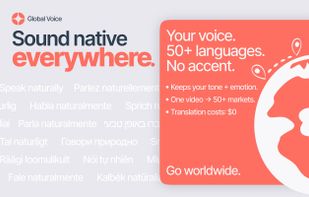
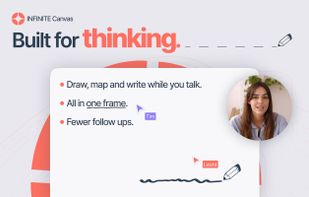
Boom is an AI screen recorder and video editor for async updates, demos and walkthroughs you share by link. It removes filler words and bad takes automatically, adds captions and dubs into 50+ languages.
 Portugal
 EU




+2


Apps similar to Quibbly include OBS Studio, which is free and open source. Other options are ShareX, SimpleScreenRecorder, Screenity and Bandicam. You're spoiled for choice with Screen Recorders like Quibbly: we list more than 25 alternatives for Windows, Mac, the web, Linux and iPhone.
Boom is an AI screen recorder and video editor for async updates, demos and walkthroughs you share by link. It removes filler words and bad takes automatically, adds captions and dubs into 50+ languages.
PortugalEU
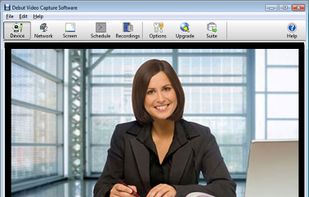
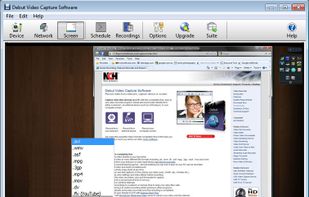
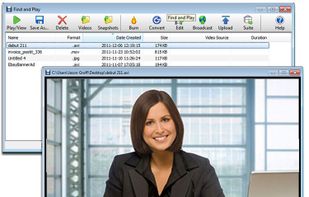
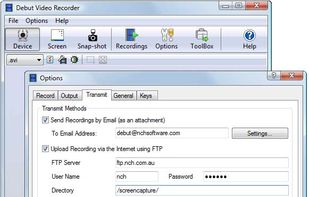
Debut is a screen capture and video recording software that records videos from your screen, webcam or other video devices.
 Australia


Enables screen and webcam capture, detailed video and screenshot editing, organized meeting notes, AI-powered transcription, and cloud-based instant sharing of annotated visual content via direct links or drag-and-drop integration with communication apps on Windows and Mac.
 United States
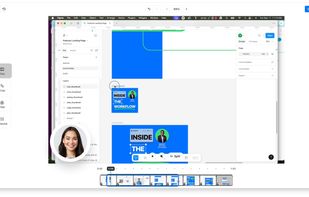
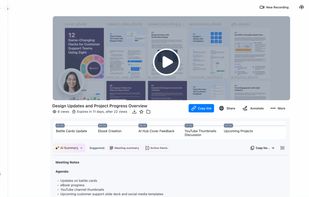
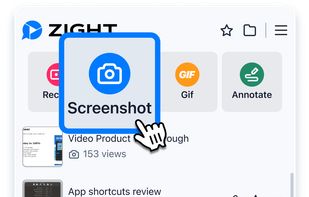
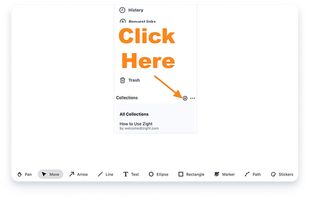

Browser-based screen recorder for async team video: record your screen and camera, share a link in seconds, and get AI summaries, transcripts, and timestamped comments. Viewers are always free.


Fast, flexible, and easy-to-use screen recorder for gameplay, tutorials, product demos, and more. Record your screen, system audio, microphone, and camera in high-quality HD or 4K with smooth performance.
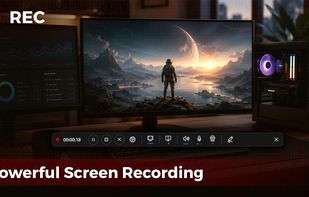
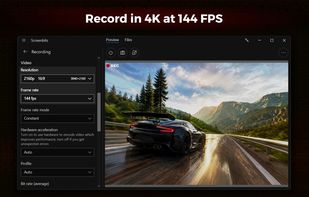


Free Cam is free screen recording software for Windows that lets you easily capture all or part of your screen, record your voice & mouse clicks, then edit your video and save it to your computer or share it instantly on YouTube.
United States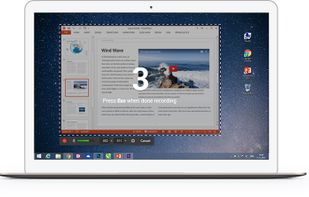

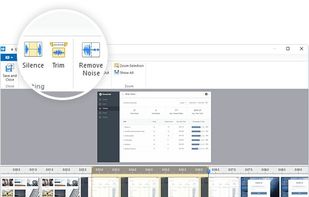


Feature-rich platform with a customizable video player, advanced analytics, lead generation tools, webinar support, SEO optimization, user-friendly recording and editing, seamless collaboration, marketing integrations, library management, and privacy controls.
United States


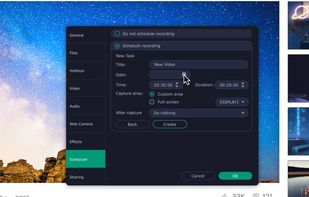
Enables screen video, audio, and webcam capture with support for system sounds, microphone input, annotation tools, zoom, custom watermarks, automated scheduling, screenshot upload, adjustable quality, region selection, and support for over 45 languages.
 CyprusEU
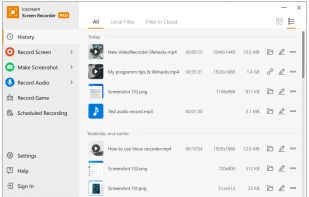
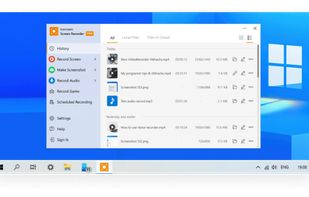


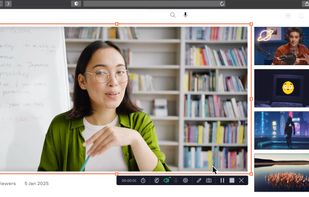
Record full screen or customized areas with webcam options. Annotate in real time, highlight cursor actions, and record both system and voiceover audio. Ideal for creating instructional videos, webinars, and presentations. Free for personal use, compatible with PCs.
CyprusEU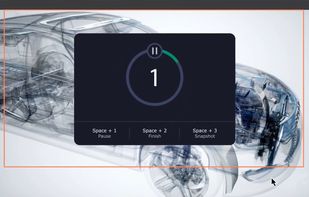


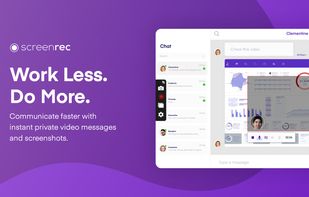
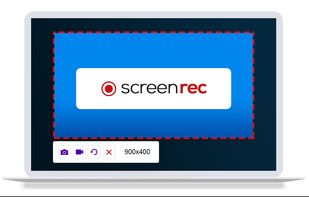
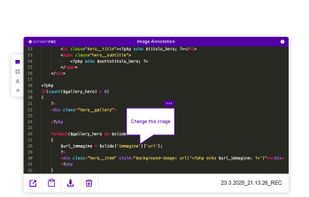
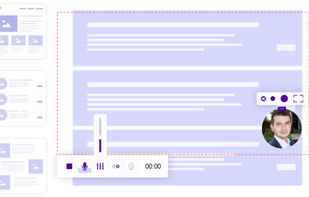
ScreenRec is a free screen recorder for Windows, Linux, and Mac with webcam, microphone, and system audio capture. Record without a watermark or time limit, store videos in free cloud storage, and share instantly with private links.
 BulgariaEU


Free Online Screen Recorder - Record your screen and webcam. No download required. Protected by end-to-end encryption. Free to use on Windows, Mac, Linux, iOS, Android.
 GermanyEU

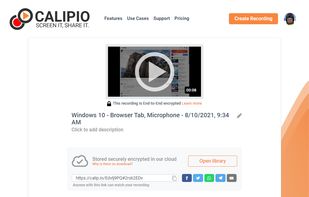
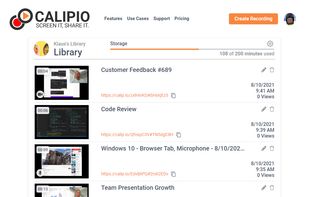
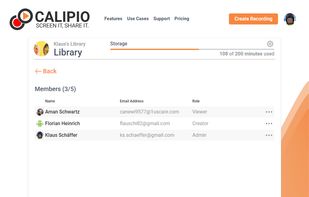


Record and share screen, webcam and mobile videos in Gmail, Outlook, Apple Mail, Linkedin, Instagram, Twitter, SMS and more.