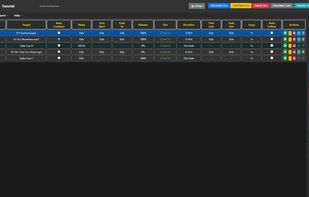
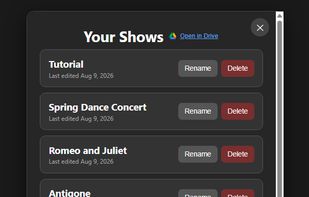
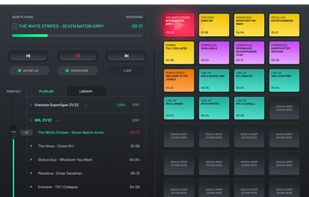
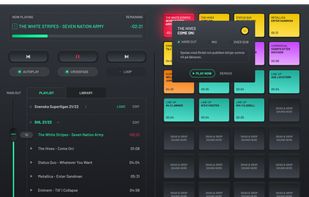
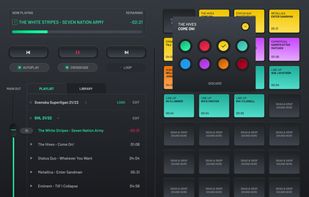
Audio library, Unlimited Playlists, Hotkeys in 4 banks. OnCue lets you easy plan and play out any sound on a given event.
Cost / License
- Freemium (Pay once or Subscription)
- Proprietary
Application type
Since
- Since 2023
 Sweden
 EU




The best Theater Show Control alternative to QLab is Linux Show Player, which is both free and Open Source. If that doesn't suit you, our users have ranked more than 25 alternatives to QLab and many of them are Theater Show Control Apps so hopefully you can find a suitable replacement. Other interesting Theater Show Control App alternatives to QLab are Go Button, Show Cue System, Millumin and Watchout.
Audio library, Unlimited Playlists, Hotkeys in 4 banks. OnCue lets you easy plan and play out any sound on a given event.
SwedenEU
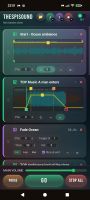
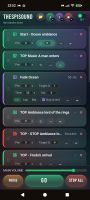
ThespiSound is a sound control tool designed for live performance, including theater, dance, and events.
 FranceEU


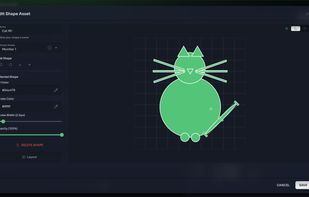
Simpli Show is cue-based live-performance control for macOS. Build your show as an ordered list of cues and trigger images, video, audio, text and shapes across as many screens as you need.
 GermanyEU
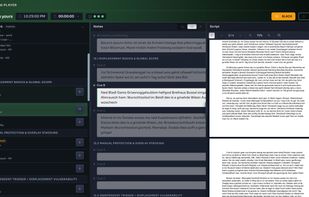
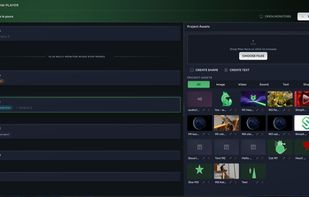
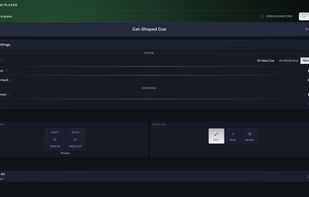

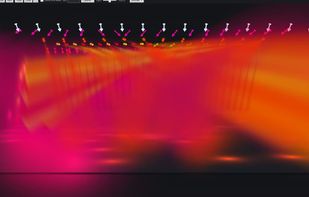
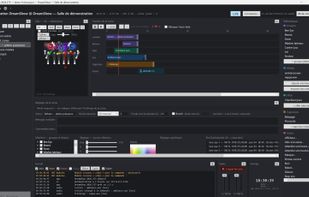
Free show control software for lighting, sound and video: DMX, audio and video cues on one timeline, played on GO, with a 2D/3D preview.
FranceEU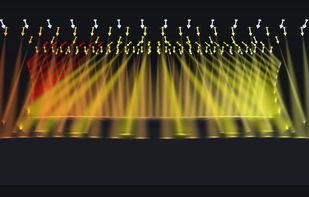

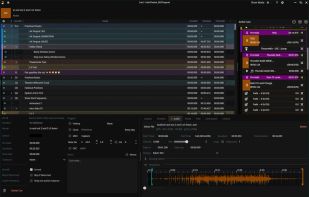
Cue2 is a desktop app for running media playback in a live show. It supports a wide variety of audio and video formats, supports text display, osc and MIDI controls. It also offers an extensive toolkit affording great control of how and when your media plays.
 New Zealand


Free multimedia show control software: audio, video, MIDI, OSC and network cues for live performances.
FranceEU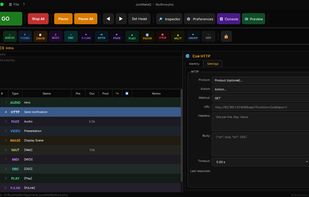

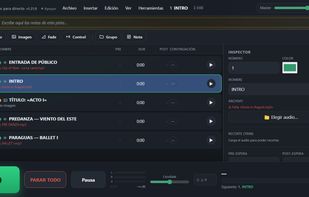
Free cue player for live shows. Fire audio cues with fades and effects, plus images and titles on a second screen — all from the spacebar.
 SpainEU

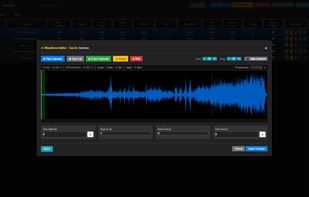
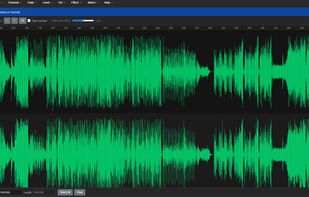
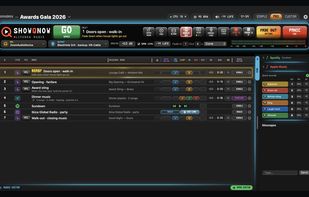
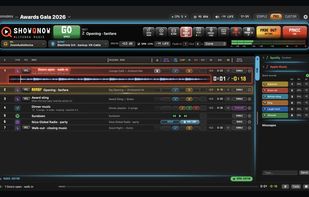
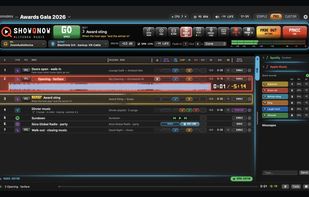
Cue player for conferences, galas and theatre, with audio and video playback, playlists, radio, Spotify and Apple Music. It adds GO, FADE OUT and PANIC controls, cue fades, loops, EQ, waveform editing, loudness normalization, remote control, MIDI, voice, OSC and backup outputs.
SpainEU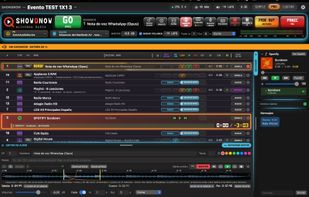

Free cue playback for school theatre and classroom instruction on show control software — runs in Chrome, works on a locked-down Chromebook, no install required.
 United States