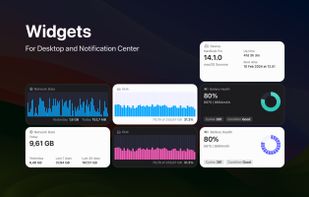
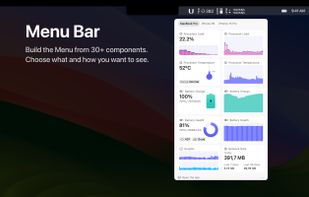
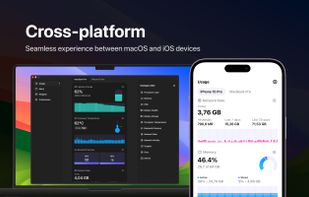
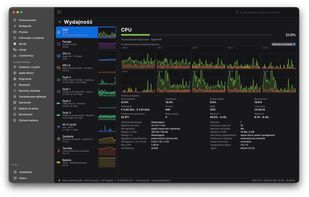
System Activity Monitor for Mac, iPhone, and iPad. Customizable, precise, and lightweight apps to keep an eye on the activity and performance of your devices.
Cost / License
- Freemium
- Proprietary
Application type
Platforms
- Mac
- iPhone
- iPad



+6


Apps similar to Process Explorer include htop, which is free and open source. Other options are System Informer, btop++, witr and Mission Center. Process Management Tools like Process Explorer are a crowded field, with more than 50 alternatives for Windows, Linux, Mac, Android and iPhone.
System Activity Monitor for Mac, iPhone, and iPad. Customizable, precise, and lightweight apps to keep an eye on the activity and performance of your devices.

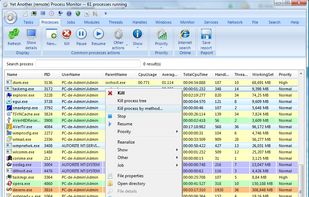
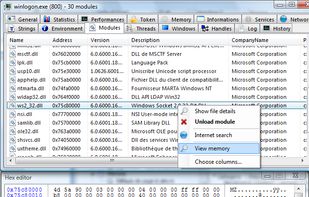
Yet Another (remote) Process Monitor (YAPM) is a powerful application that allows to view and manage your running tasks, processes, threads, modules...etc. and your services on a local or on a remote machine.



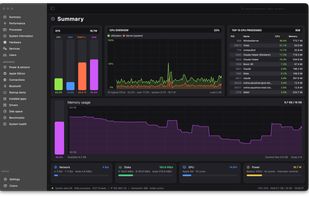
Native Apple Silicon monitoring for macOS with CPU, GPU, Neural Engine, memory, SMC sensors, processes, disks, SMART data and network views. It adds menu bar modules, floating panels, health alerts, disk treemaps, CSV exports and CPU, memory, disk and Metal benchmarks.


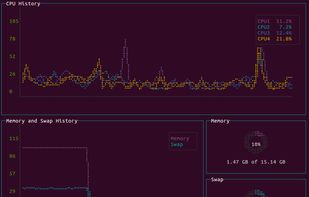
vtop is a graphical command-line tool that uses unicode braille to chart CPU and memory usage. It can be easily extended.
 United Kingdom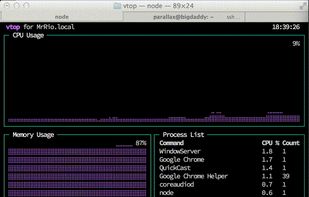


ESET SysInspector is a free, state of the art diagnostic tool for Windows systems. It is also an integral part of ESET Smart Security 4 and ESET NOD32 Antivirus 4. It peers into your operating system and captures details such as running processes, registry content, startup items...
 Slovakia
 EU
EU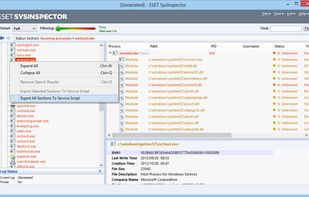


Security Task Manager shows comprehensible information about programs and processes running on the computer. For each Windows process, it improves on Windows Task Manager, providing:
 GermanyEU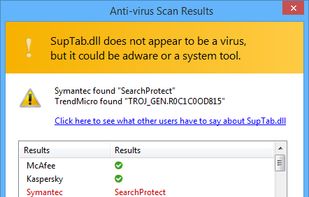


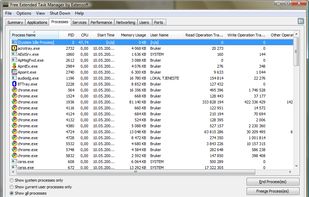
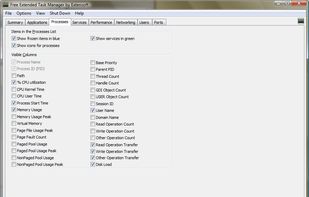
The Extended Task Manager provides additional Windows process management features and information about disk activity and network port usage.
 United States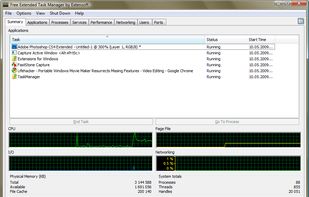


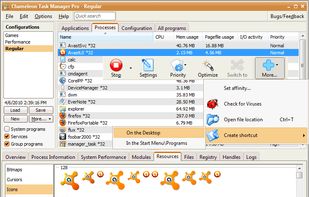
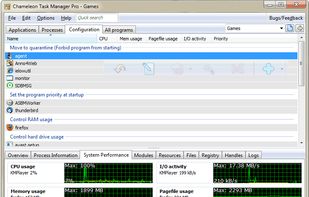
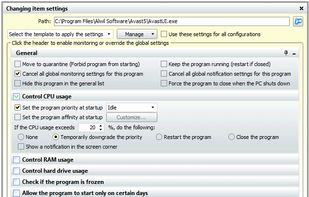
Chameleon Task Manager is Windows task manager that enables the complete control of processes running on a computer optimizing the performance of Windows. It also provides more detailed information about programs.
 Russia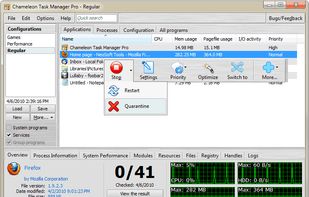


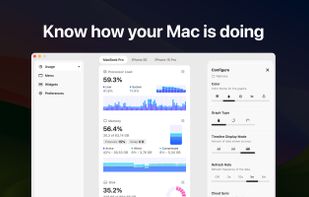
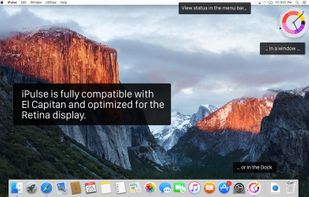
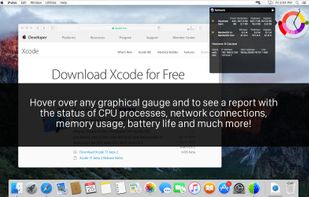
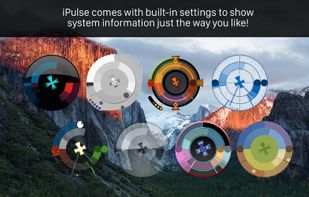
Visualizes live CPU, memory, network, disk, battery, and wireless usage on macOS using a compact, customizable interface, blending data graphically and textually on desktop, menu bar, or Dock, with Retina support, hotkeys, and minimal system impact.
United States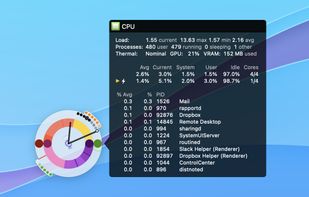


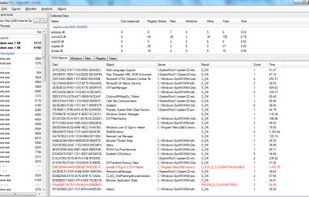
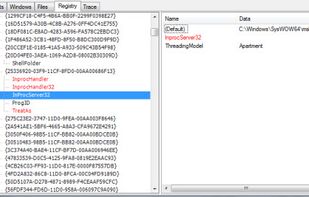
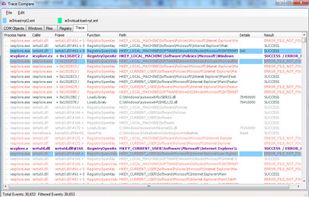
SpyStudio is the best product to trace user-mode API calls on Windows. SpyStudio is an Application tracer which shows and interprets calls, displaying the results in a structured way which is easy for any IT professional to understand.
 Argentina