


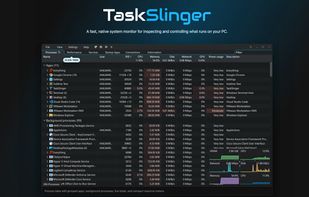
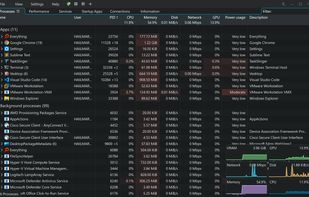
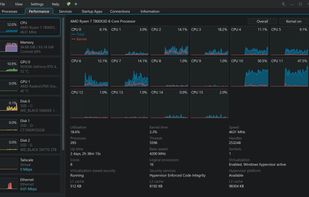
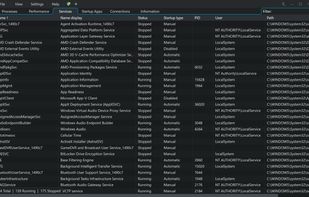
A fast, native Windows task manager replacement for developers, system tuners, and support engineers.
Cost / License
- Freemium
- Proprietary
Platforms
- Windows



+1




Apps similar to Process Explorer include htop, which is free and open source. Other options are System Informer, btop++, witr and Mission Center. Process Management Tools like Process Explorer are a crowded field, with more than 50 alternatives for Windows, Linux, Mac, Android and iPhone.
A fast, native Windows task manager replacement for developers, system tuners, and support engineers.

The best Windows Task Manager, macOS Activity Monitor, and Linux System Monitor alternative. A modern, cross-platform process manager to monitor CPU, memory, GPU, and more in real-time.
 United Kingdom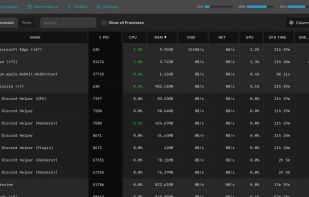
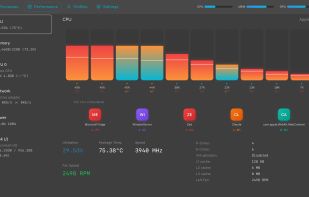
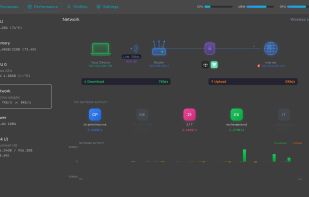
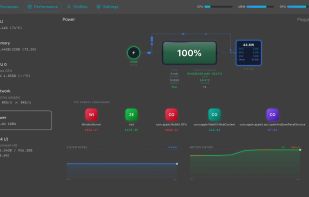

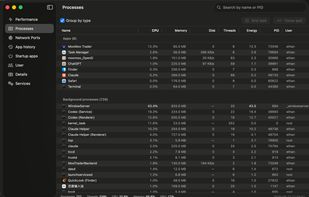
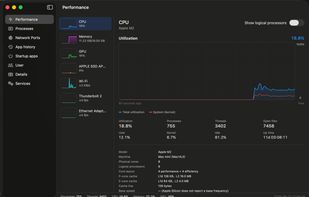
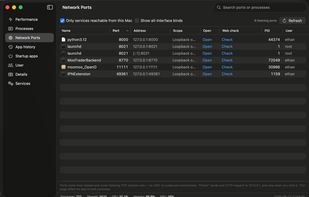
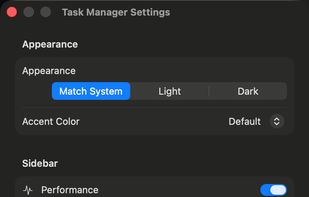
A Windows 11 Task Manager–style system monitor for macOS — processes, CPU/memory/GPU/disk/network, listening ports, startup items and services, with no password and no permission prompts.

OpenedFilesView displays the list of all opened files on your system. For each opened file, additional information is displayed: handle value, read/write/delete access, file position, the process that opened the file, and more...
 Israel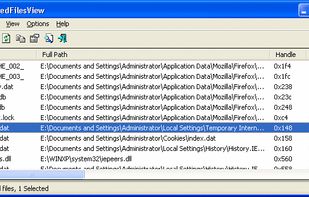


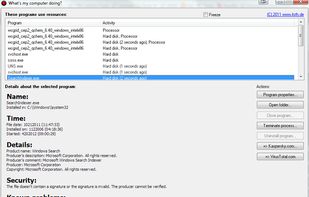
This program will tell you which programs are accessing your hard disk or using your CPU at any given moment. You will be able to determine why your hard drive is in use or what program is sucking up processor time.


 China
China


